


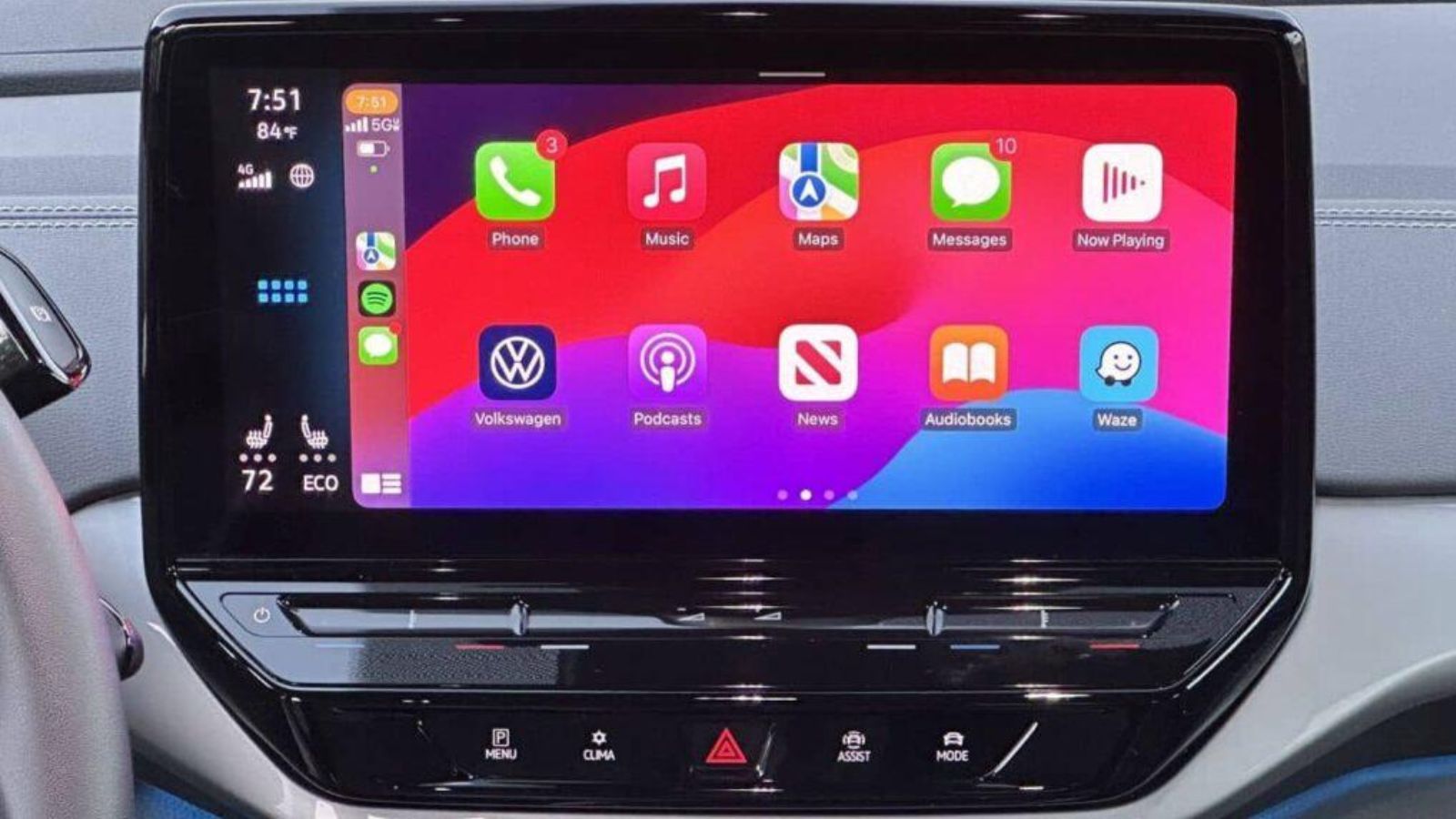

Google has taken Gemini to Apple CarPlay with its own integration that allows you to use Gemini Live directly from the car screen. The novelty comes through an update to the iPhone application and allows hold conversations with Google’s artificial intelligence while drivingwithout depending on Google Maps.
Until now, Gemini It only had a presence in CarPlay through Google Maps, where it helps resolve questions about the route since the end of October. The standalone chat app, which allows you to open Gemini Live To talk about anything, it was not yet compatible with Apple’s in-car system. With this update, Gemini joins other artificial intelligence assistants such as ChatGPT, Perplexity, Claude, Copilot, Meta AI and Grokwhich already had a presence in CarPlay. There is also Siri, which since iOS 27 has an independent application compatible with the system.
The arrival of Gemini Live It is another step for those who want to use artificial intelligence while traveling. Google has started its global deployment in all languages supported by the assistant, although before trying it in the car it is necessary to perform a small configuration on the iPhone.
Gemini Live on Apple CarPlay: requirements to activate it
To use Gemini Live in Apple CarPlay you have to comply three prerequisites from the iPhone. These are simple steps, but necessary for the application to work correctly when you connect the phone to the vehicle.
- Have installed the latest version of Gemini from the App Store.
- having granted microphone access permission to the application.
- having used Gemini Live at least once directly from the iPhone before connecting it to the car.
Once these steps are completed, the procedure is simple: connect the iPhone to CarPlay, search for the Gemini icon on the vehicle screen and tap it. From there you can start a new conversation or resume one you have previously had.
The deployment began on November 11, 2026 and is aimed at all users of Gemini on iOS, in supported languages Gemini Live. As this is a progressive rollout, the feature may take a while to appear on some devices, even if the app is updated.
The main difference compared to Siri is in the way of starting the conversation. While Siri can be activated directly by voice, Gemini requires first tapping its icon on the CarPlay screen. The interaction then works through Gemini Liveso you can speak naturally, ask chained questions, interrupt an answer or change the subject.
This integration allows you to take advantage of the journeys to consult information, prepare a meeting, organize ideas or resolve doubts about practically any matter. Furthermore, the conversations sync with iPhone appso you can return to them when you’re done driving.
The difference is explained in the operation of CarPlay. Apple keeps Siri as the main assistant for voice activation of the system, while Gemini It works as a third-party application, just like other conversational tools supported by the platform.
Google Maps with Gemini versus the new CarPlay application
The integration of Gemini on Google Maps came to CarPlay on October 21, 2026. This function is focused on navigation and allows you to ask chained questions about the route, search for a gas station, find parking or modify the destination while driving.
For example, you can ask for an interesting place nearby and then ask Google Maps to take you there, avoiding toll roads. It is also possible to communicate traffic incidents by voice. Its operation is linked to the route you have open in the browser.
The new application of Gemini Liveinstead, It is not limited to driving directions. It allows you to chat about other topics, ask for help to prepare tasks, consult information from linked Google services or use artificial intelligence as a conversational companion during the journey.
Both integrations coexist in Apple CarPlay and fulfill different functions. If you already used Gemini on Google Maps to find a gas station or check traffic, you can continue doing so. The new application does not replace that tool, but rather expands the possibilities of using the assistant from the vehicle screen.
With this update, Gemini completes its arrival on Apple CarPlay and joins the range of conversational assistants available in the car. The function is distributed through the App Storewithout having to download an additional application specific to CarPlay. Just keep updated Gemini on the iPhone and complete the initial setup to start using it.


