



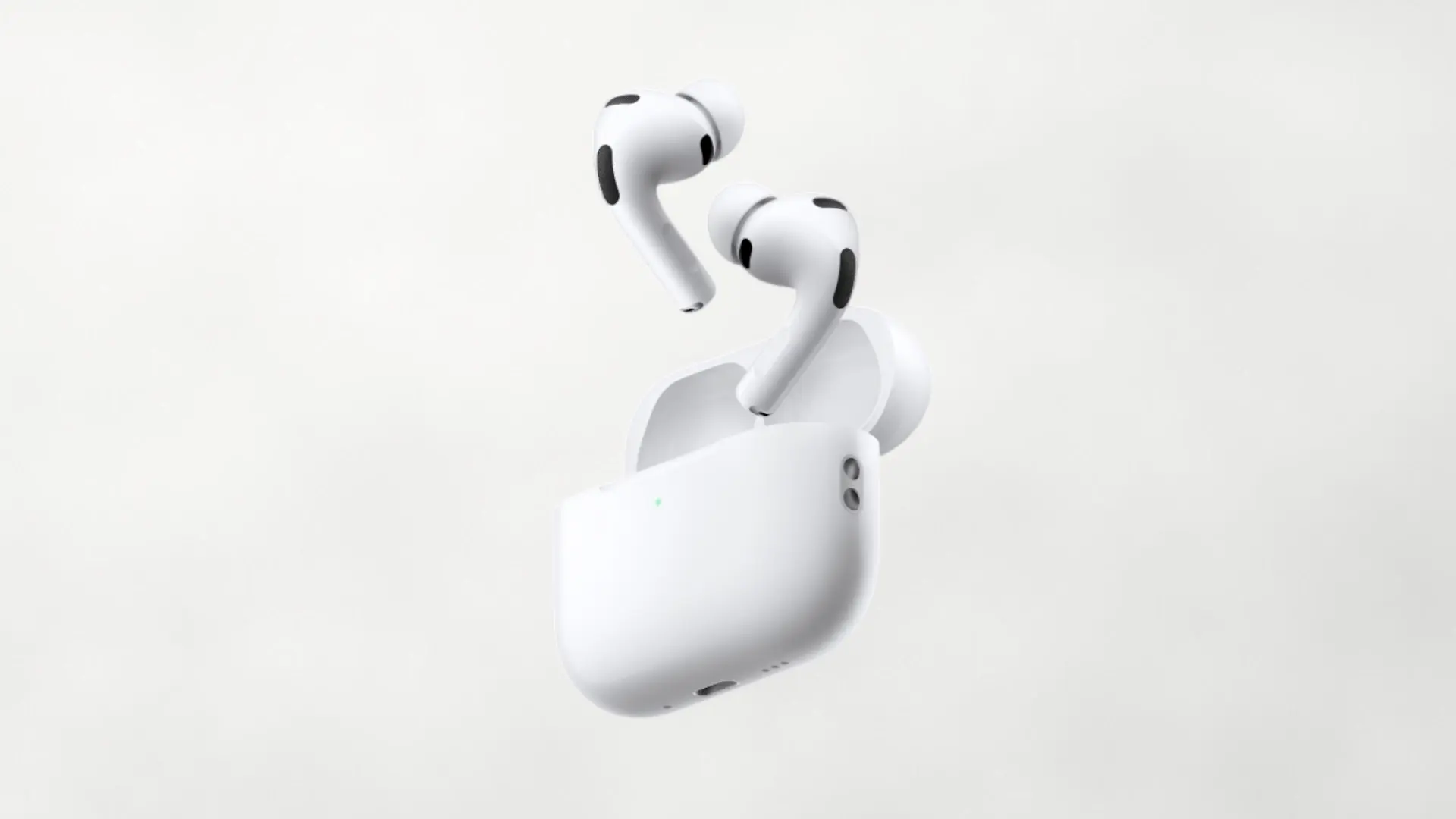

The AirPods Pro 3 presented along with the iPhone 17 models has arrived with improvements in autonomy, sensors and a active noise cancellation more ambitious, but in recent days a part of buyers are reporting annoying behavior: a hiss or static noise that appears when there is no music playing and ANC, Adaptive Audio or Transparency modes are activated. The sound is described as a continuous “murmur”, similar to the sound of the sea or light rain, and in some cases continues, albeit slightly, even when playing audio.
The first experiences published by users in forums and networks date back to the end of September and have intensified throughout October. Not all AirPods Pro 3 seem affected – there are testimonies of units that do not have this problem – but the number of complaints has already been enough to set off alarms. For now, Apple has not communicated an official solution; Some customers have received replacements that, in some cases, do not correct the problem, pointing to a firmware failure or hardware variations in certain units.
What exactly is that “noise” and when does it appear?
The most repeated pattern describes an obvious static hiss in quiet environments when he ANC is on and content does not play. There are also those who perceive it in Transparency or in Adaptive Audio. When walking or moving the head, some describe squeaks or clicks punctually, as if the microphone or sealing system were continually adjusting its operation. On units without the fault, the background noise should be almost non-existent in those same scenarios.
Several users claim that the “ssshhh” disappear to the disable ANC or Transparencywhich reinforces the idea that the microphone management and the algorithms involved in the cancellation are at the origin of the symptom. Also mentioned are improvements to change padsrepeat the sealing test either reset insertion into the ear, although these steps do not work in all cases.
What can you try right now if it affects you?

While a firmware update arrives (or not), there are several actions that yes they depend on you and that have helped some of those affected:
- Update iOS/iPadOS/macOS and the firmware of the AirPods Pro 3.
- Run the Fit test (sealed) and test other pad sizes; Poor sealing can cause artifacts with ANC.
- Clean grilles and microphones (without liquids), and avoid cover external microphones with fingers, hats or masks.
- Reset them and re-pair them with the iPhone.
- Temporarily deactivate ANC or Transparency modes if the hissing is unbearable for you.
- If nothing changes, contact support: in the return or warranty period, request a replacement It's reasonable.
Does it affect everyone? Wait for a patch or return them?
Today, the problem it is not universal: There are many units without incidents and, in fact, there are many opinions that highlight better ANC performance and more solid bass compared to the previous generation. If you already have them and you win the noise “lottery”, our recommendation is to record a video in a quiet environment that allows you to perceive the noise, try the steps above and open a case with Apple. If you are thinking of buying them, the most prudent option is to wait to an update clarify the real scope of the failure or, alternatively, evaluate options in Android with good ANC (the Galaxy Buds or the Sony WF) if you need to change headphones.
A necessary closure: looks good, but experience rules
The AirPods Pro 3 look great on paper and, in many reviews, also in practice. But a background noise with ANC is just what No It should exist in headphones of this level. Have you noticed this problem in your unit or that of someone close to you? We read you in the comments.
