
The opening of WWDC25 was a huge event, with innovations that will define the future of Apple’s operating systems taking center stage. Since last year, expectations have grown for the evolution of Apple’s artificial intelligence, which is known as Apple Intelligence. As expected, updates are no stranger to this new technology, and iOS 26, as one of the most widely used operating systems, will optimize several functions thanks to AI.
According to Craig Federighi, Apple’s senior vice president of Software Engineering, ” The models that power Apple Intelligence are increasingly capable and efficient, and we’re integrating features into even more places across each of our operating systems.”
What’s New in Apple Intelligence in iOS 26
As demonstrated at the event, you’ll now be able to leverage Apple Intelligence capabilities and language models directly on your device, ensuring privacy while working offline.
Genmoji and Image Playground Updates
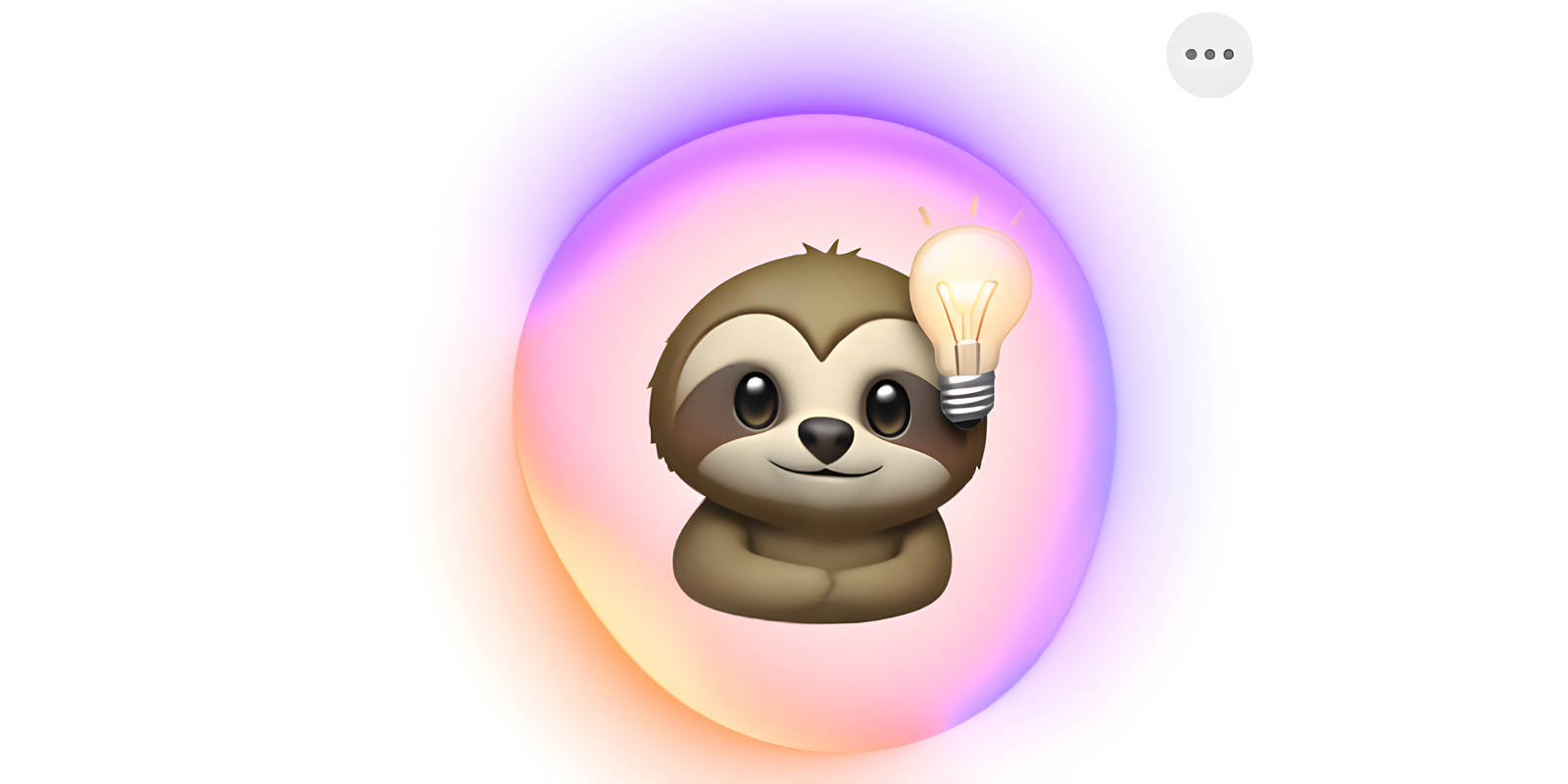
In terms of creativity, Genmoji will offer much more customization, allowing you to combine two emojis into one for endless new possibilities. Like emojis, they can be added directly to messages or shared as a sticker or reaction on a Tapback.
For its part, Image Playground will be enhanced by integrating the option to create images with ChatGPT, in addition to Apple’s own templates. For example, if they have a specific idea, they can select “Any Style” and describe it. Image Playground sends the user’s description or photo to ChatGPT and creates a unique image. Users are always in control, and nothing is shared with ChatGPT without their permission.
Real-time translation
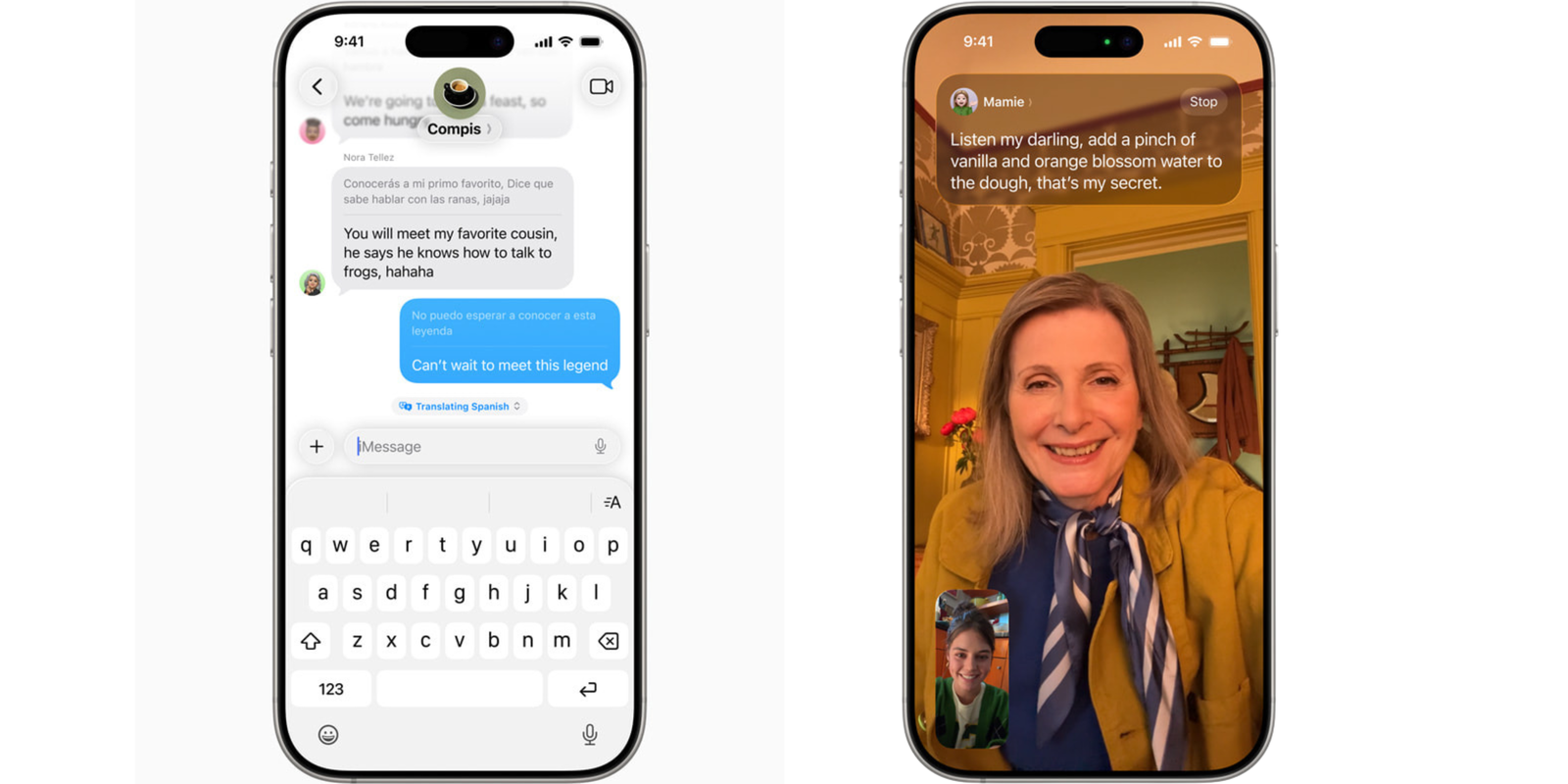
Apple Intelligence’s functionality will also extend to communication, automatically translating your messages as you send them. Additionally, this tool will be able to translate in real time during regular or FaceTime calls, displaying the translation on screen and playing it back as audio.
Visual Intelligence
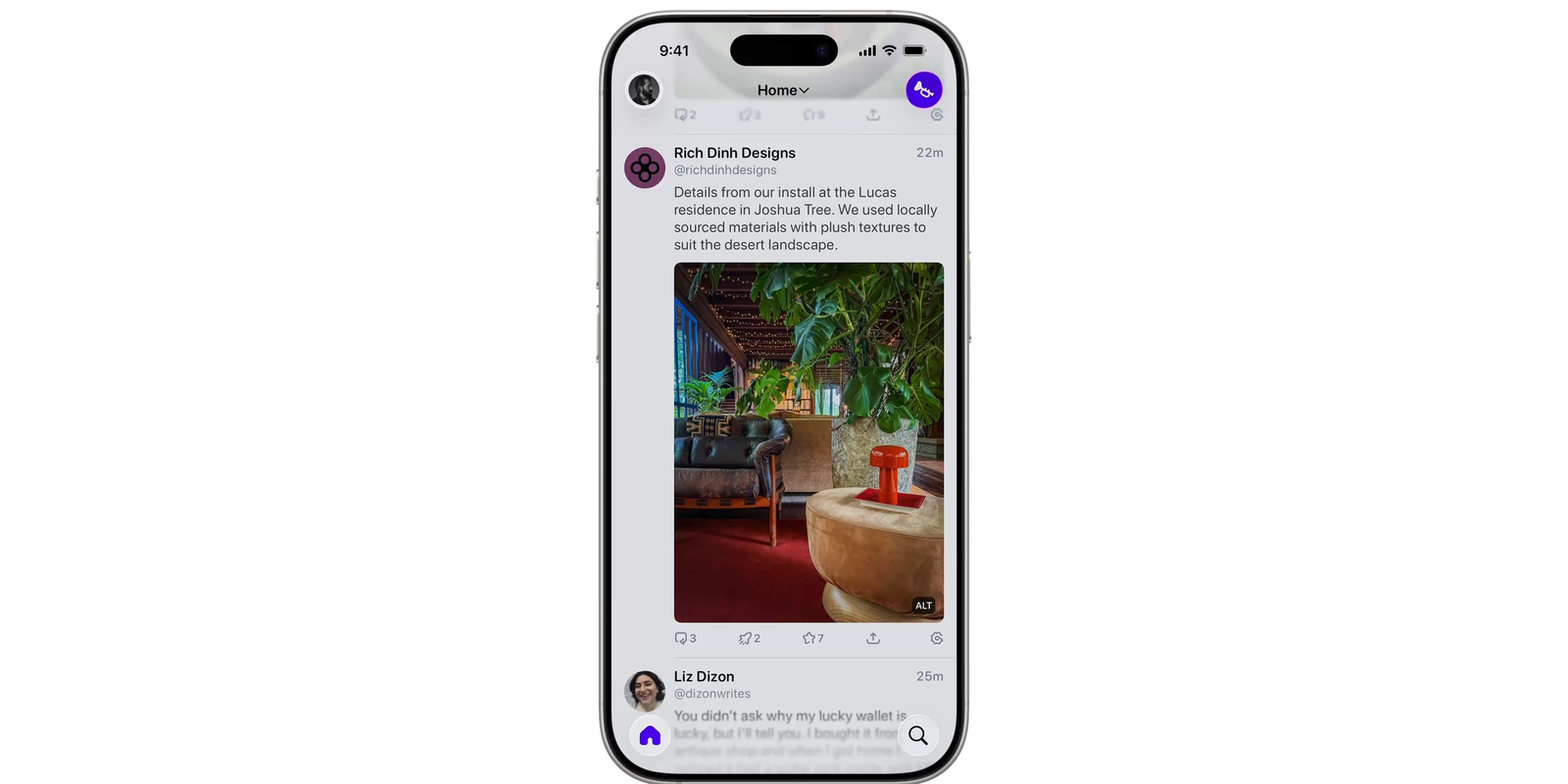
Apple Intelligence has refined its Visual Intelligence capabilities, now allowing us to analyze screenshots. This means we can gain contextual insight into what’s onscreen, such as adding phone numbers or appointments directly to the calendar if you’re viewing event information. Additionally, this feature integrates with ChatGPT, making it easier to ask questions about visual content.
You can also search directly for images in other compatible apps to find similar images and products. If there’s an item you’re particularly interested in, such as a lamp, you can highlight it to search for it or similar items online.
Users can access the visual intelligence of what appears on their screen by simply pressing the same buttons used to take a screenshot. They can save or share their screenshot, or explore further with visual intelligence.
Shortcuts
On the other hand, the Shortcuts app in iOS 26 is now more robust and intuitive. It introduces Smart Actions, a new set of shortcuts that leverage Apple Intelligence capabilities, and offers dedicated access to features like Writing Tools and Image Playground, providing greater versatility and efficiency.
For example, a student can create a shortcut that uses the Apple Intelligence model to compare a lecture’s audio transcript with their notes and add any missed key points. Users can also access ChatGPT to generate responses that integrate into their shortcuts.
Other functions:
Apple Intelligence is even more deeply integrated into the apps and experiences users use every day:
- Reminders: Automatically identify and categorize key actions across your emails, websites, notes, and other content.
- Apple Wallet: Automatically centralizes and summarizes your order tracking details, pulling them from retail and courier emails to give you all the information and notifications in one place.
- Polls in Messages: Users can create a poll on any topic in Messages, and Apple Intelligence detects when a poll might be helpful and suggests one. Additionally, the Messages app’s Backgrounds feature lets you customize chats with conversation-friendly designs using Image Playground.
- Describe Your Change: Users can describe a specific change they want to make to their text, such as making a dinner invitation read like a poem.
- Clean Up in Photos allows users to remove distracting elements while remaining true to the moment as they intended.
- Smart Reply offers users suggestions for quick responses in Mail and Messages.
- Notifications: Notification summaries give users a way to scan long or accumulated notifications and provide key details right on the lock screen.
- Reduce interruptions: Show only notifications that might need immediate attention.
It was also announced that Apple Intelligence features will be available in eight more languages by the end of the year: Danish, Dutch, Norwegian, Portuguese (Portugal), Swedish, Turkish, Chinese (Traditional), and Vietnamese.
With iOS 26 as its flagship, improvements to Genmoji, Image Playground, real-time translation, and Visual Intelligence promise more intuitive, creative, and connected interactions. By integrating AI directly into the device to protect privacy and power everyday tools like Shortcuts, Reminders, and Apple Wallet, Apple is redefining the user experience.