In this guide I will explain to you How chatgpt works on WhatsApphow to use it and what things can this do for you. I also tell you about certain WhatsApp tricks that, together with the potential of Openai chatbot, will allow you to get your chats more. Don't miss it!
Chatgpt in whatsapp: how to use it
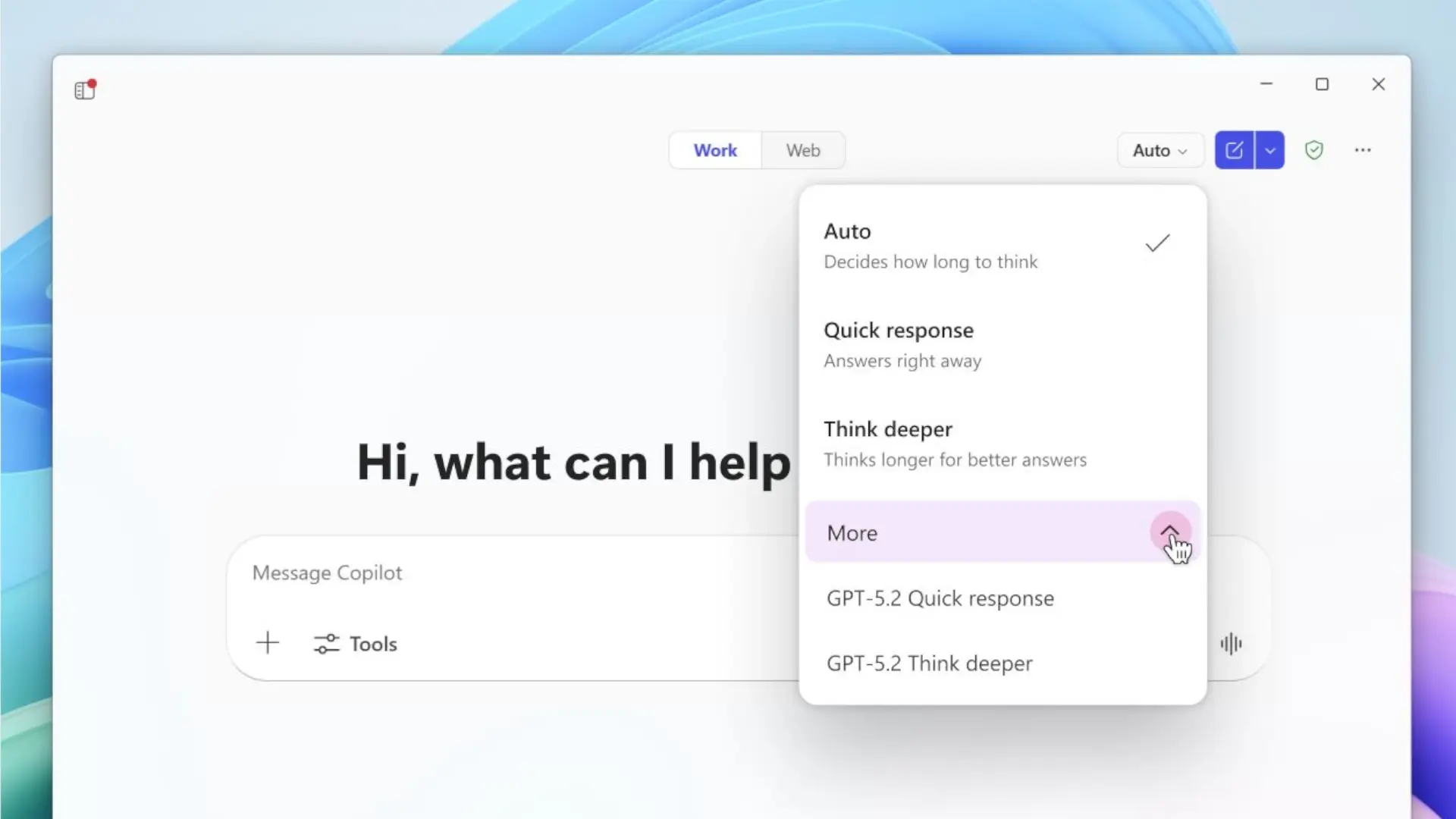
Chatgpt in WhatsApp It works in the same way as Microsoft Copilot on WhatsApp. Basically, what Openai has done is to take advantage of the API for finishing businesses to create an application that is integrated into your chats. The method to access AI from WhatsApp is exactly the same as you would continue to talk to Any other contact you have on your device. You just have to open the chat you have with Chatgpt and start writing.
The answers offered by chatgpt in WhatsApp are very similar to those you are going to obtain since its application. Although it is not clear what language model uses, it is very likely GPT-4o Minidesigned to be efficient and fast when generating text. This is not official, it is only an assumption based on my knowledge about the subject.
In any case, if you want to have access to chatgpt, all you should do is scan this QR code:
It is the QR code officially provided by OpenAI to access chatgpt in WhatsApp. The truth is that it takes you to This pagewhich looks like:

From there you will be able to open a new chat with chatgpt pressing on the green button that you see below. Actually, your device is quite likely I ask you if you want to open WhatsApp. Say yes and voila. The first thing you will see is that there is a default message written in the lower text field. You can send it to start the conversation. Sending will help you for Chatgpt to appear on the list of conversations.

As the message is in English, Chatgpt will answer you in this language. Can ask at any time that Spanish changes.
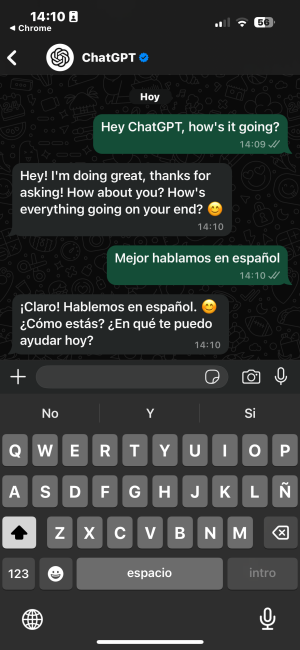
Chatgpt in WhatsApp has two main functions. On the one hand, it is able to generate text. This is the most basic and common characteristic of this service. You will not be able to ask for other things, such as analyzing files, that you create a graph or paint an image. All of that are tasks that are only available in native applications and on the Chatgpt website. According to Openai, this is due to certain WhatsApp limitations, but after trying co -pilot on WhatsApp, the truth is that some are allowed by the service API. For example, Copilot can generate images and chatgpt no.

By the way, when an answer is very long, Chatgpt will divide it into several messages. It may seem that this is due to a WhatsApp limit, but the truth is that this application admits messages from almost 10,000 words. Most likely, the reason is that with the division the reading of the answer is facilitated.

The second chatgpt function in WhatsApp is that of Call the AI to answer by voice. Unfortunately, it seems that it is not available in our country. It is a function reserved for US users. Even if you try to mark the chatgpt number on WhatsApp manually, you will receive an error telling you that the service is not available.
Taking this into account, it is evident that adding this AI to your chats does not have too many advantages. In fact, their characteristics are very limited, especially if we compare them with those that come in the app for Android and iOS, as well as on the web www.chatgpt.com. Now, with some WhatsApp tricks it is possible to get more out of Chatgpt.
Ways to take advantage of chatgpt in WhatsApp
I've been testing Chatgpt in WhatsApp For some time before preparing this guide. In the end, I have concluded that this integration is useful if some functions of the application are used. Here are some suggestions to get more out of it:
- Set the conversation at the top. This will facilitate access to chatgpt from WhatsApp. It will be very comfortable if you want to use it to solve fast doubts.
- Rehearse messages from your contacts. If you receive a message that you do not understand very well, either because it is in another language, because it includes concepts unknown to you or, simply, because the level of writing of the interlocutor is low, you can forward it to chatgpt in WhatsApp To help you understand it.
- Add chatgpt to your contacts. Thus, even if you eliminate conversation, you can start a new chat quickly.
- Share content of other apps on WhatsApp. Whenever it is a text, you will be able to send a fragment from a website or an app for Chatgpt interprets it.
- Ask him to respond to someone. If you don't know very well what to tell a person, forward the message and ask Chatgpt to help you respond in the most accurate way.
Remember that the use of chatgpt in WhatsApp is totally individual, so Forget about adding it to groups as if they were one more participant. On the other hand, an advantage of using it here is that you will not have to log in, although, on the contrary, OpenAI will get quite important data, such as the phone number.
And you, what do you think of chatgpt on WhatsApp? Leave me your opinion below. We read!