



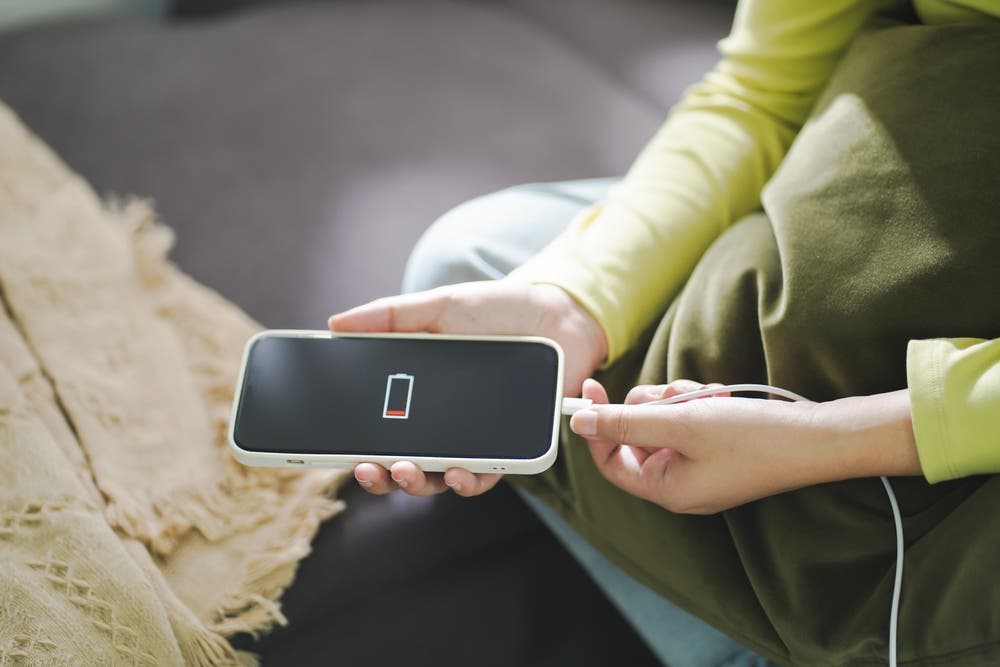

In the world of technology, unforeseen events are more common than we think. One of them is that your mobile device is not loaded after connecting it to the outlet. Although it may seem alarming, It does not always mean that it is a serious breakdown. Before going to a technical service, it is convenient to make a series of checks to identify the reason.
A frequent case is to let the battery reach 0% and that the device goes out completely. Doing it regularly can shorten the life of the battery and even cause the device to stop igniting in the future. If you have this habit, it is time to reconsider it to avoid irreversible damage.
Keep calm and test the basics
The most common reaction when the mobile does not turn on is Press the ignition button repeatedlysometimes with some despair. However, the first thing you should do is keep calm and leave the device connected to the charger for a long time to see if it reacts.
There are some usual causes that you can review on your own:
- The load cable: With use, cables can be damaged or losing efficiency.
- Dirt in the USB port: Dust or particles can prevent proper contact and block the load. Careful cleaning can solve it.
- The outlet: Although it is less common, the problem may be in the electricity, so it is worth trying in another plug.
The battery, possible guilty
If after all these checks the mobile is still not charged, The battery could be the main cause. Before replacing it, it is recommended that a specialized technician verify the state of the USB port, since a failure in that piece can also prevent the current from reaching the battery.
In any case, knowing these possible causes and solutions can help you better understand the problem and, hopefully, solve it without spending more. If this information has been useful, share it so that more people know how to act in this uncomfortable problem.


