



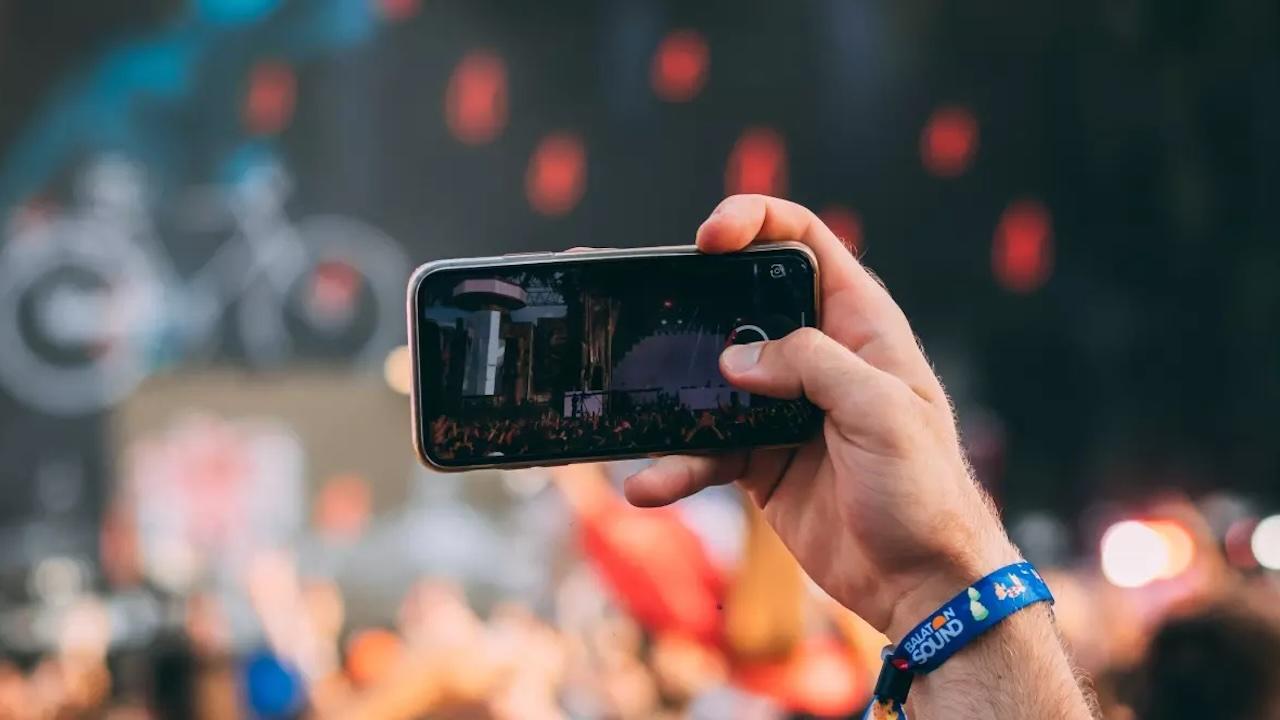

If you have a iPhone with little capacityor you are one of those who always carries the storage to the fullest, one of the things that surely are occupying in it, are the videos, since they weigh a lot, and we do not talk about those who send us by WhatsApp, which also, but of those we recorded.
If you are one of those who record anything, and do not erase anything, we accept it, however, if you are going to do this, unless those videos do not occupy so much, thus being able to have more in the same space, and getting the iPhone to go better and do not have to erase any due to lack of it.
Set Videos Quality on iPhone
Most of the Videos that we record They are to see on our iPhone or get on social networks. I would like to know how many times you have exported a video of your iPhone to a computer, television, or you have created something interesting with them on a larger screen and better resolution. Surely few or once.
This means that, it is likely that You do not need to record at maximum resolutionespecially at the moments that you know are not going to be to watch on television, but to move on to a friend through WhatsApp, or get on Instagram. The quality of these can be lower, and yet they will look practically the same, due to the compression made by these apps, so you will be occupying the double or triple space to have the same video that your friend has made with half storage.
To configure this, we must go to the Settings> Chamber> Record video, And here we will get the quality configured natively, if we have not changed it, as well as the weight of the average recording, depending on the iPhone you have.
Depending on the model, as we said, a resolution or another will appear, although we can see the space of every minute of approximate recording. In my case, with an iPhone 13 Pro, I can select From 440 MB the minute, to only 45 MBbeing 10 times less between the maximum resolution and the minimum, with an almost improper difference if we upload it to Instagram, for example, and yet I would have 10 times less space, that is, on a 1 TB iPhone I would enter less videos than one of 128 GB if we take it with this reference.
Now it is your decision quality to selectand above all see in which format you had, to check if it is in the right one, or it is too large. You can do tests, and I guarantee that you will not notice much difference, what will notice is your storage, filling much faster in each other.
And you, did you know this? I guess you knew that quality could be changed, but that there was so much difference between one and the other at the storage level no. And if you record a couple of minutes nothing happens, but if you are one of those who use the camera all day, the thing changes. Now you will know how to optimize it.


