
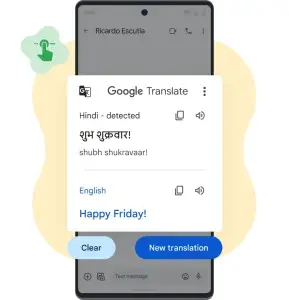
Google is driving one of the biggest recent improvements of Google Translate on Android and iOS. The app adds new controls designed to make the translation more clear, educational and reliable on a daily basis. The most notable is “Understand”a button that explains why a phrase has been translated that way, with details on grammar, word meanings, expressions, and cultural nuances. At his side appears “Ask”which allows you to ask for alternatives, clarifications and reformulations to get the tone or register right.
These developments arrive in parallel with the advances of real time conversation already a practice mode with AI that is already being deployed in phases. Google Translate seeks not only to be a quick solution, but also a tool to learn and converse more naturally when traveling or working in other languages. The goal is for us to understand the reason for each translation and to be able to adapt it to the context.
The button “Understand” opens a view with explanations about the chosen translation. There we find breakdowns of the grammatical structure, notes on idiomatic expressions and double meaning, and indications of courtesy, gender or formality depending on the language. It is especially useful when a literal translation doesn't fit and we need to understand the logic behind the phrase. For its part, “Ask” enables a query field to request synonyms, regional variants, or a more natural rephrasing depending on the context (for example, a formal email versus a colloquial message). The idea is to offer more than one option to adjust the translation and make it sound natural in the target language.
Beyond text, these tools integrate with existing features such as pronunciation and the assessment of results to improve quality over time. The change comes accompanied by interface adjustments that make it easier to read long sentences and focus on what's important, with a cleaner design and a mode of full screen for extensive translations.
More natural conversations and an AI practice mode
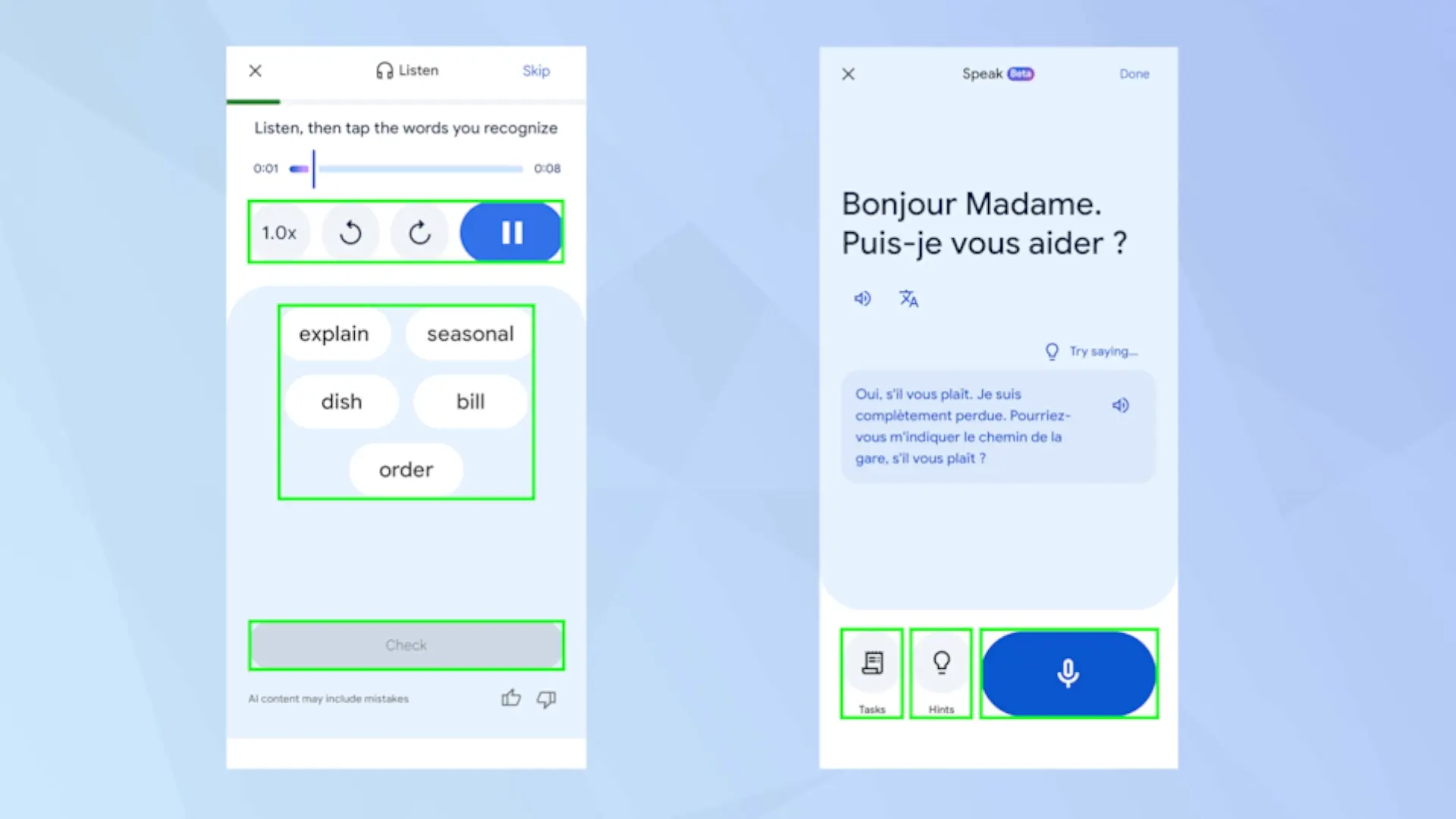
The app reinforces the way Conversation with bilingual translation in more than 70 languagesaudio and transcription in real time so that two people speak more fluently, each in their own language. Additionally, Google Translate launches a practice mode with personalized lessons driven by Gemini models: listening and pronunciation exercises, guided responses and objectives (for example, preparing for a trip or improving in a professional field). All of this will gradually expand to more languages and regions in the coming weeks.
Availability on Android and iOS
Features are arriving staggered to the app Google Translate on Android and iOS. It is advisable to keep the application updated from Google Play either the App Store to receive new buttons and improvements as soon as they are available in your account. In some countries or profiles it could take a little longer to appear, as it is a phased deployment.
A more useful Google Translate for traveling and learning
With “Understand” and “Ask”Google turns Google Translate into a more didactic and flexible tool. It is no longer just about obtaining a translated phrase, but about understanding it and adapting it to the context: from ordering a dish in a restaurant, to writing a professional email or practicing before a trip.
I think that since the integration of the voice transcription function in another language in real time, such a significant improvement had not been seen in this application, to the point of transforming the user experience.
What do you think of these changes? Do you use Google Translate to learn or just to translate on the fly? We read you in the comments.