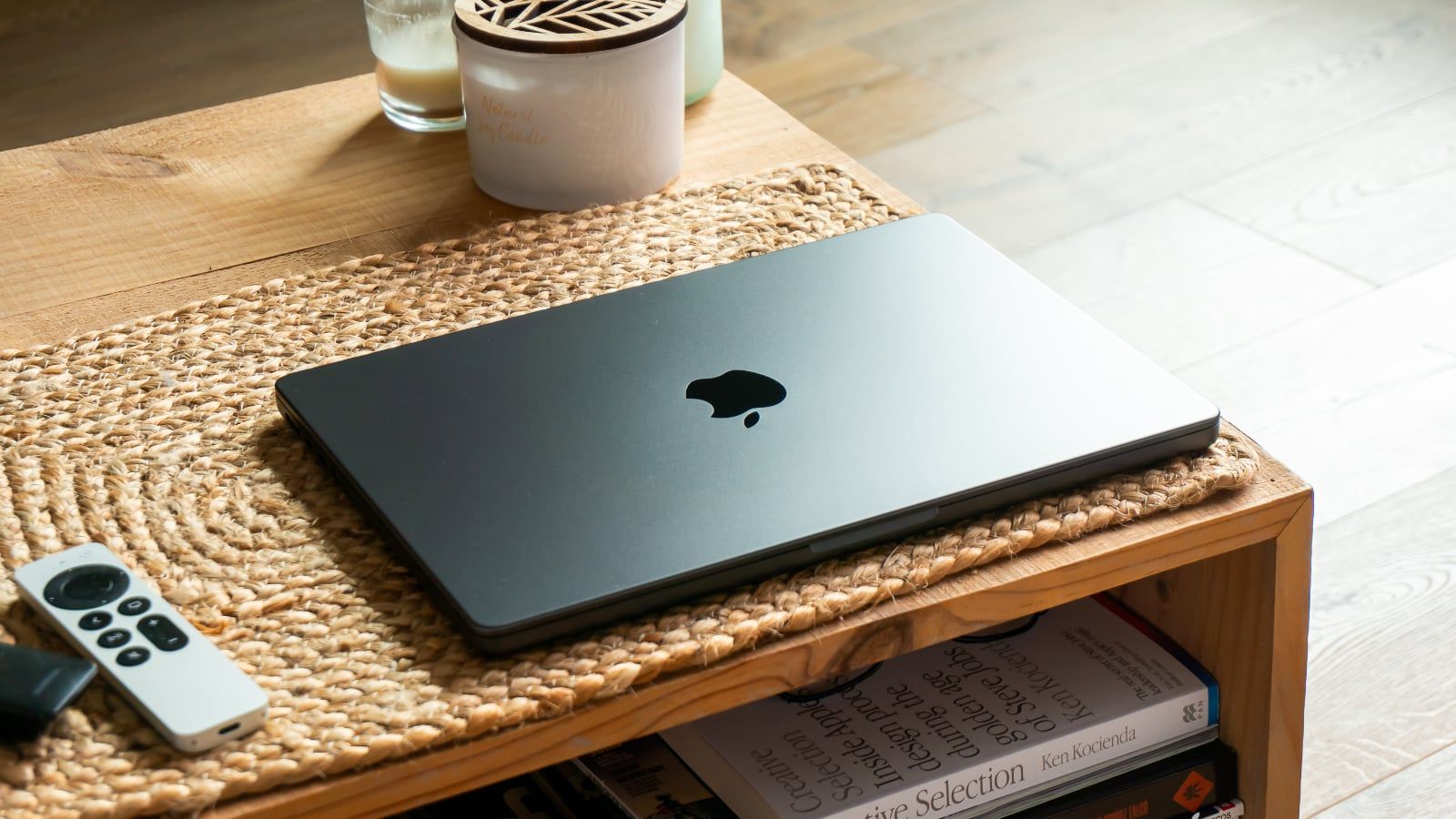

The American press draws up an expected observation of the MacBook Pro M4. He is powerful, handsome and tireless. Its main new features are validated with the nano-textured glass, the 16 GB of entry-level RAM, Thunderbolt 5 and its improved webcam.
The MacBook Pro M4 does not disappoint
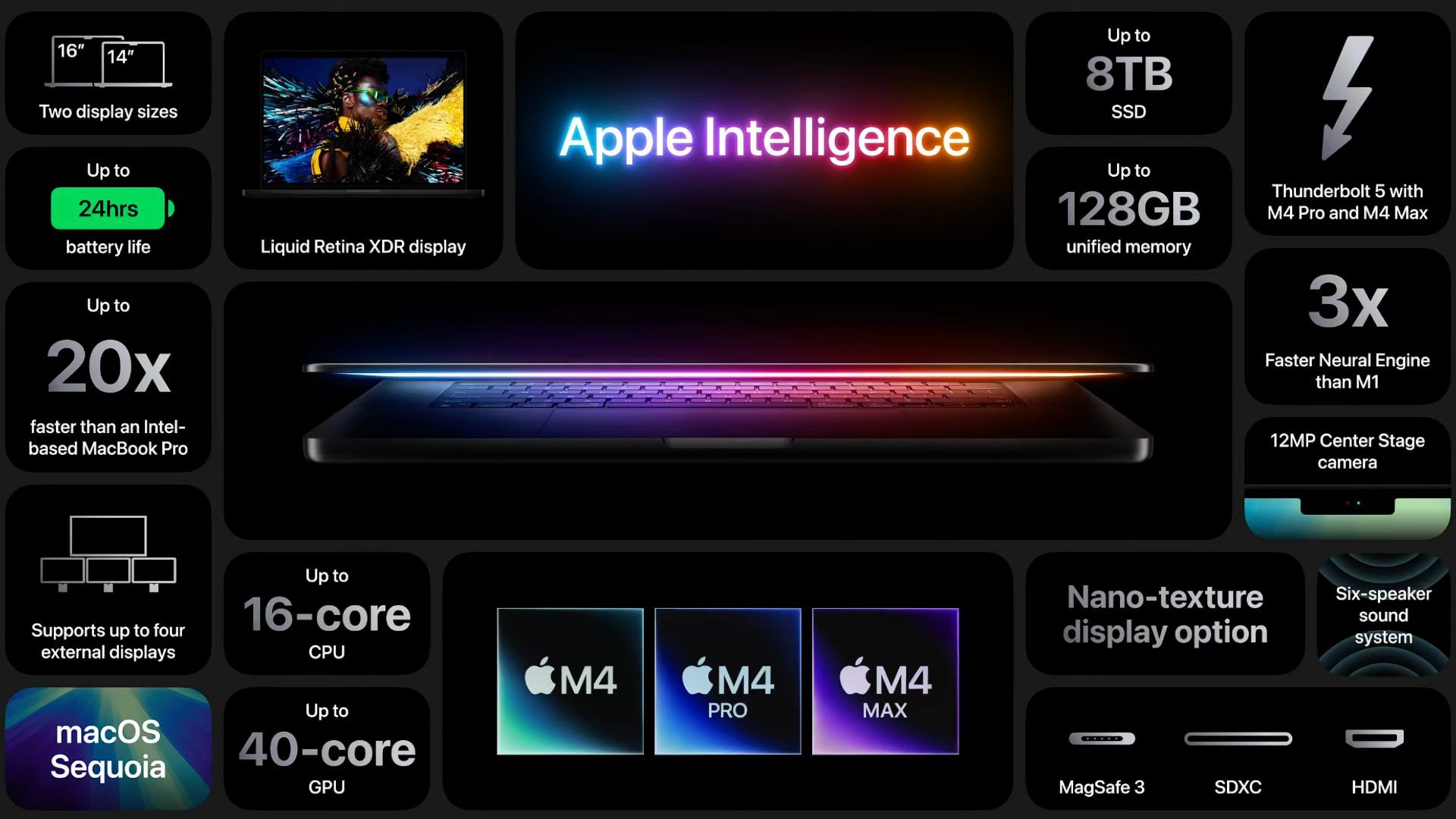
Apple is preparing to launch three new Macs this Friday, November 8, 2024, including a MacBook Pro M4. Announced last week, the MacBook Pro M4 comes in two sizes of 14 and 16 inches and also has three different versions with the new M4 range, M4 Pro and M4 Max. 120 Hz screen, anti-glare nano-textured option, Thunderbolt 5, 128 GB of RAM, 12 MP Center Stage camera, Wi-Fi 6E, Bluetooth 5.3, HDMI 8K, 24 hours of battery…
Once again, the American press received the beast in advance and gave us its verdict 24 hours before the official launch and as expected, the quality is there. Let’s discover together the first returns of the MacBook Pro M4.
Press reviews
The opinion of CNET (Desk View, anti-glare, performance)
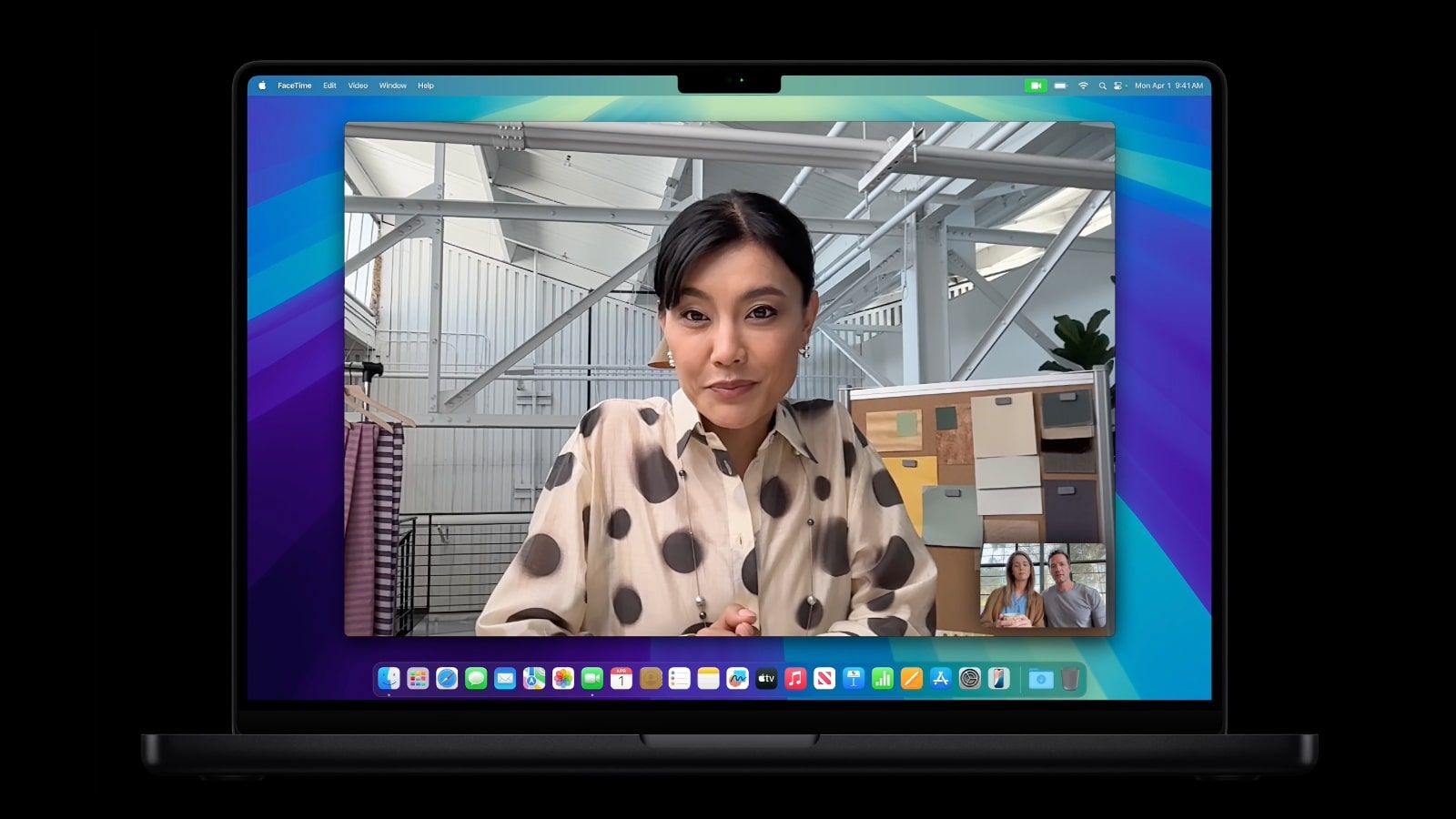
The webcam is certainly better than the FaceTime HD camera, even if you ignore all of Apple’s computing wizardry. With higher resolution, you can zoom in or out to include other people with less degradation; Exposure and color balance are the same as all Apple cameras. MacOS 15’s new feature for Center Stage webcams, Desk View, is unimpressive and clunky; If you really want to show off a view of your desk or hands without jumping through hoops, get a webcam that can tilt or sit on a tripod.
I tested the MacBook 14’s screen to see if the nano-textured coating affected its accuracy, white dot(s), or brightness compared to last year’s and the answer is “barely”; for example, SDR brightness peaked at 597 nits rather than over 600 nits. The screen controller can now push the brightness to 1000 in SDR, but it only adjusts in auto mode; there’s no way to control it, and it will only peak at that level in direct sunlight, making it difficult to test. And the accuracy of the different reference profiles has not changed.
In general, as before, performance drops significantly across the board when you switch to low power mode to (presumably) extend battery life. It will have to wait for my testing to see if it increases battery life enough to be worth it.
The latest MacBook Pros are still good at what they’ve always been good at, but the latest generation is still available and if you can find them for less, you might be happier saving money than paying for performance you don’t necessarily need – especially since rumors say there may be a design overhaul in 2026.
The opinion ofEngadget (M4, gaming, battery)
I wasn’t really expecting much from the new MacBook Pros, especially since the previous M3 models were already very impressive. But, once again, Apple managed to surprise me with its mobile hardware. The M4 chip, which was in our 14-inch review unit, was solid. But our 16-inch MacBook Pro’s M4 Pro was a stunning step forward from its predecessor, and it’s also faster than every other computer we’ve tested this year (except for the new Mac mini, which had also an M4 Pro chip).
Cinebench’s GPU benchmark puts the M4 Pro’s graphics performance in line with NVIDIA’s RTX 4070 in Dell’s XPS 16, while the M4 chip is in line with the Radeon 7700S in Framework Laptop 16. That’s about which is what I expected after testing the Mac mini with an M4 Pro chip, and it’s simply astonishing to see this level of performance from a mobile-focused GPU.
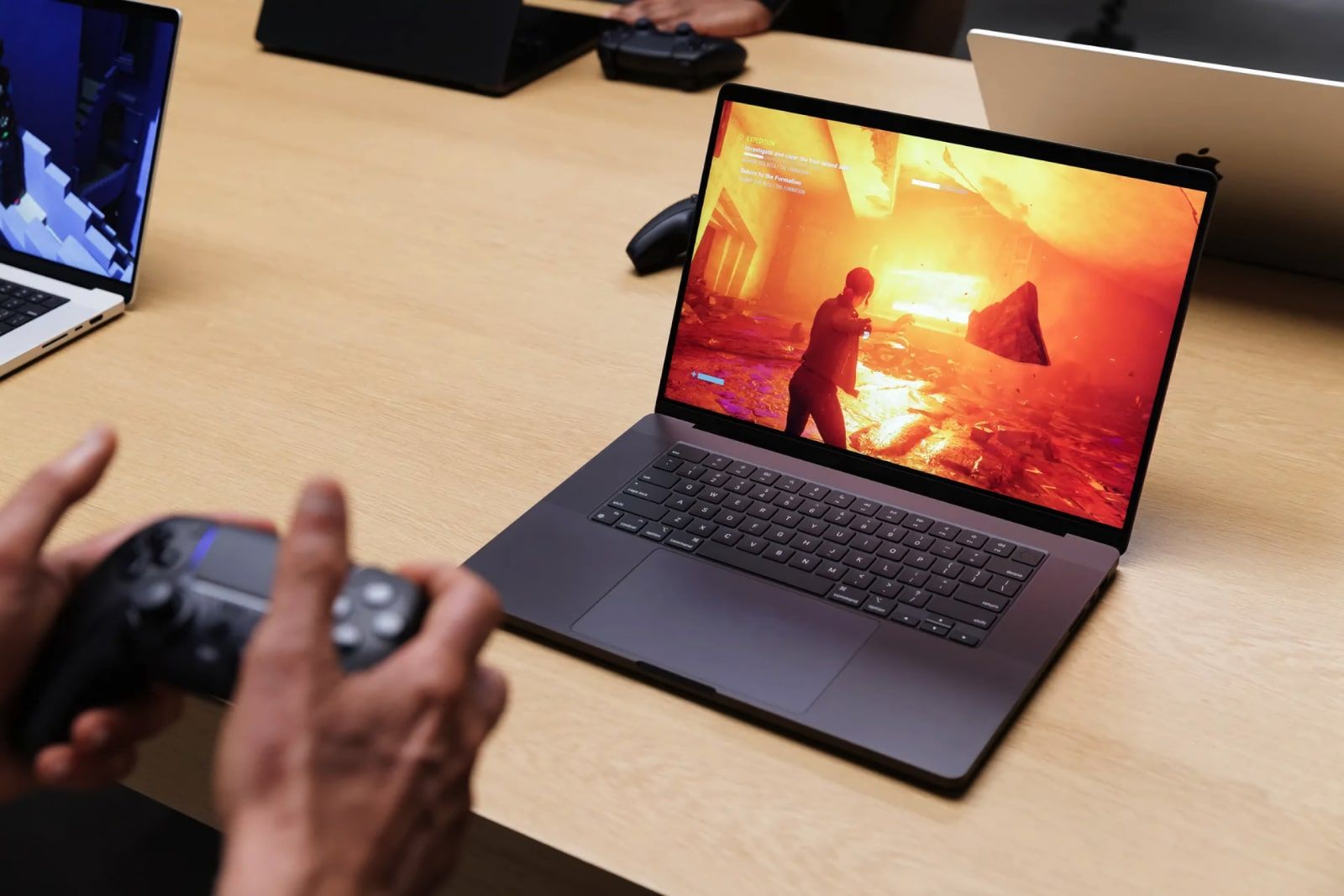
When it comes to gaming, the 16-inch MacBook Pro M4 Pro was able to maintain 60 frames per second in Lies of P, Resident Evil 4 and Myst while playing at 1440p with graphics settings at maximum. 4K was possible, but generally slowed things down to around 30 frames per second, which isn’t very playable on a computer. The 14-inch MacBook Pro M4, meanwhile, managed these same games in 1080p at 60 frames per second.
Both MacBook Pros also continue to offer excellent battery life. The 14-inch lasted 34 hours and 15 minutes looping on HD video, while the 16-inch lasted 30 hours and 16 minutes. This is the first time we’ve seen our video teardown test exceed 30 hours. In real-world usage, I could typically use both machines for general productivity work for two days without needing a recharge.
The opinion of TechCrunch (nano-textured)
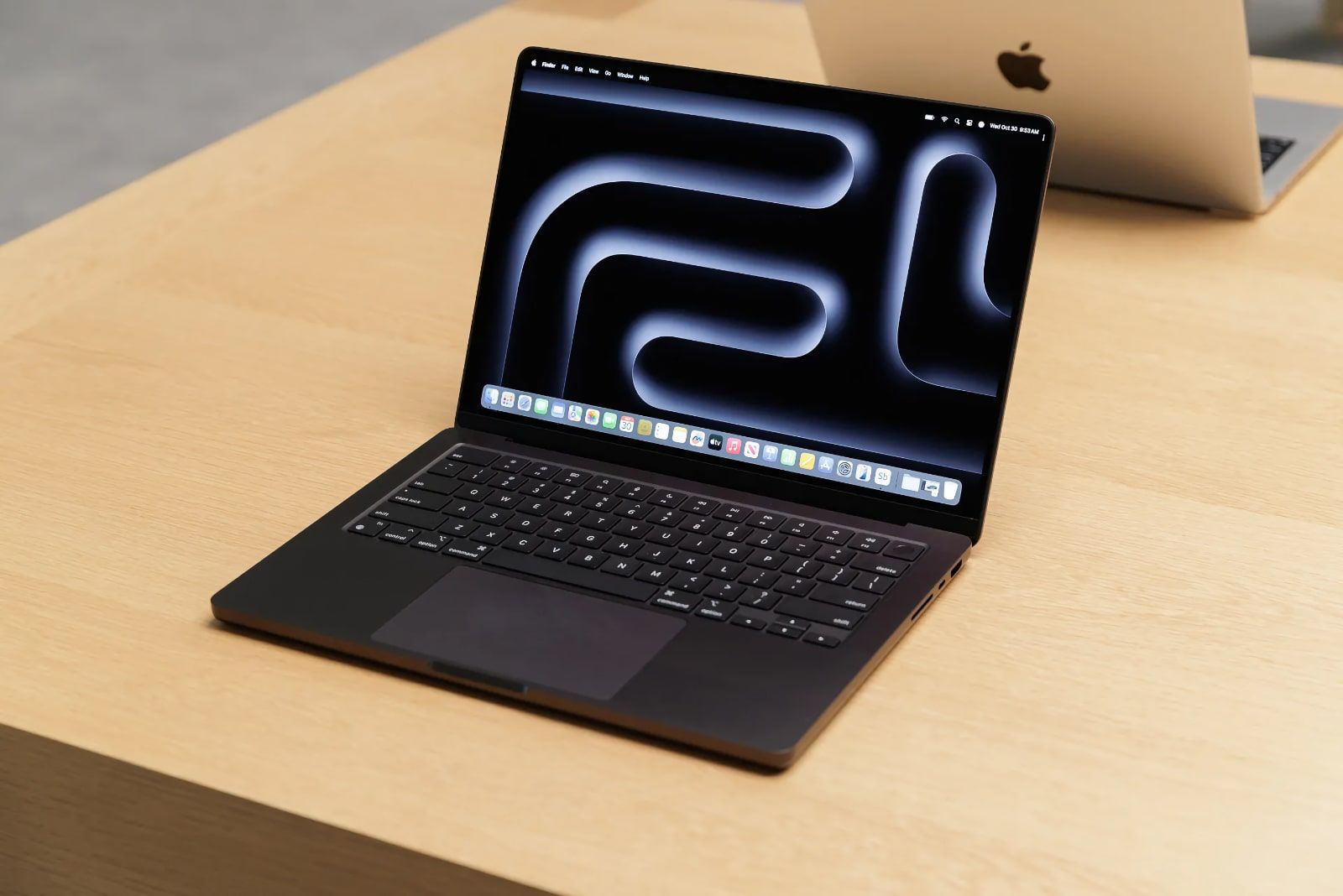
Simply put: if you’re buying a new Pro, get the nano-textured option. I currently have two studio monitors on my desk. One is nano-textured, the other is not. It makes a huge difference, even indoors. In fact, at one point I rearranged both screens in a way that minimized the glare from the room’s window.
Glossy screens on Macs are one of those things we complained about years ago, but at some point many of us became worn down by Apple’s refusal to offer an alternative to the over the years. I gave up on the idea years ago. Now that it’s available, I plan to get it for any MacBook I get, in the future.
These devices are so powerful that most of you will never be able to fully use the entire system at its maximum performance.
Maybe you’re skipping a generation and thinking about moving from the M2 to the M4? My hunch is that if you thought you could hold out for the M4, well, you can probably hold out for the M5.
Apple now offers all of its new Macs with at least 16 GB of RAM. This pays dividends in AI (Apple Intelligence is on board) and graphically intense operations like ray tracing, which helps make games like Lies of P look amazing on the MacBook Pro 14.
In benchmark tests, I found the numbers in line with the M4 performance I saw on the 13-inch iPad Pro. The Geekbench 6.3 numbers measurably exceed those of my MacBook Air’s M3.
When I played Shadow of the Tomb Radar, Steam’s internal frames per second counter showed that I got between 42 frames per second and 62 frames per second. To my eye there were no tears or fallen frames.
The opinion of The Verge (power, anti-glare and Center Stage)
The standard M4 has some marked improvements over the M3. The M4 performed about 64% better than the M3 in Cinebench’s standard multi-core test, and it maintained a delta of about 41% when running a longer, sustained 30-minute loop of the same benchmark.
It has two more cores than the M3 we tested, so it makes sense that the M4 would excel here, but its single-core scores in Cinebench and Geekbench were also over 20% better. The machine was up to 25% faster in GPU benchmarks with the same number of GPU cores as well.
As for my changes to the nano-texture screen, I know that glossy screens have slightly deeper contrast, but I like not to worry about glare. I don’t exclusively edit in a dark room with a hooded reference monitor, and I like the flexibility of working in places with less than ideal lighting conditions. It’s a nice upgrade for visual professionals.
Apple has a history of offering disappointing webcams, even on its $1,599 Studio Display that costs as much as the M4 MacBook Pro and the just-released iPad Mini. But the MacBook Pro’s new 12MP camera has good contrast even when I’m backlit from a window, and its Center Stage software that keeps you in frame works quite well without being too aggressive on cropping.
The general opinion
No surprise, the MacBook Pro M4 is powerful enough for 99% of users. The new anti-glare option seems appreciated, the same goes for the new 12 MP Center Stage camera and the battery. It’s more contrasting regarding the Desk View function which allows you to film your keyboard and your hands. Conclusion, if you already have a MacBook Pro M2, it is better to wait until the MacBook Pro M5, or even the M6 with OLED screen.
Buy the MacBook Pro M4
It’s up to you to make your choice. If you’re interested in the world’s most powerful MacBook, head to the Apple Store and reseller sites to order it.
Unboxing the MacBook Pro M4
Note: iPhoneSoft uses affiliate links whenever possible. When you click on a link and make a purchase, we may receive a small commission, which helps us maintain this site and at no extra cost to you.