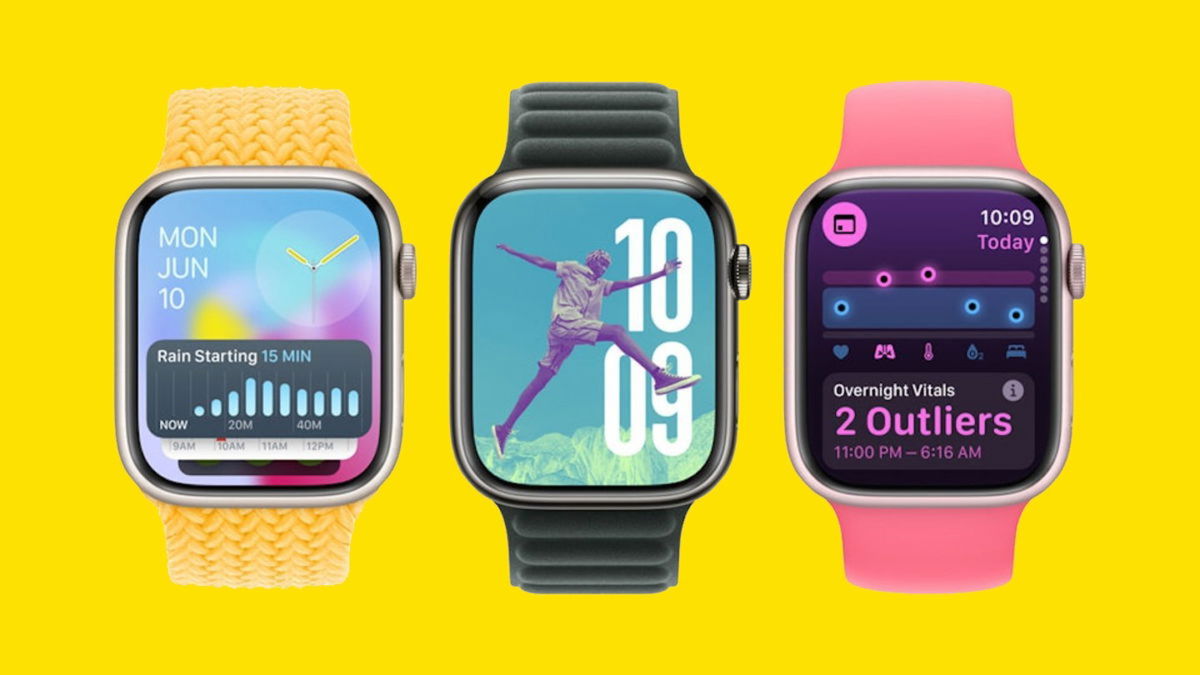

Apple recently released the iOS 18.5 beta 2 software update for iPhone with stability improvements, bug fixes, and security patches. Additionally, the new version of iOS 18.5 includes a new way to remove the controversial Mail app redesign categories and other minor improvements.
This software update has arrived 12 days after the official arrival of iOS 18.4 with Apple Intelligence in Spanish and the first beta version of iOS 18.5, since both updates were released on the same day.
And alongside the iOS 18.5 beta, Apple has also released the second beta versions of iPadOS 18.5, tvOS 18.5, visionOS 2.5, macOS 15.5, visionOS, and watchOS 11.5. These updates are intended for developers and will be available in the public release soon.
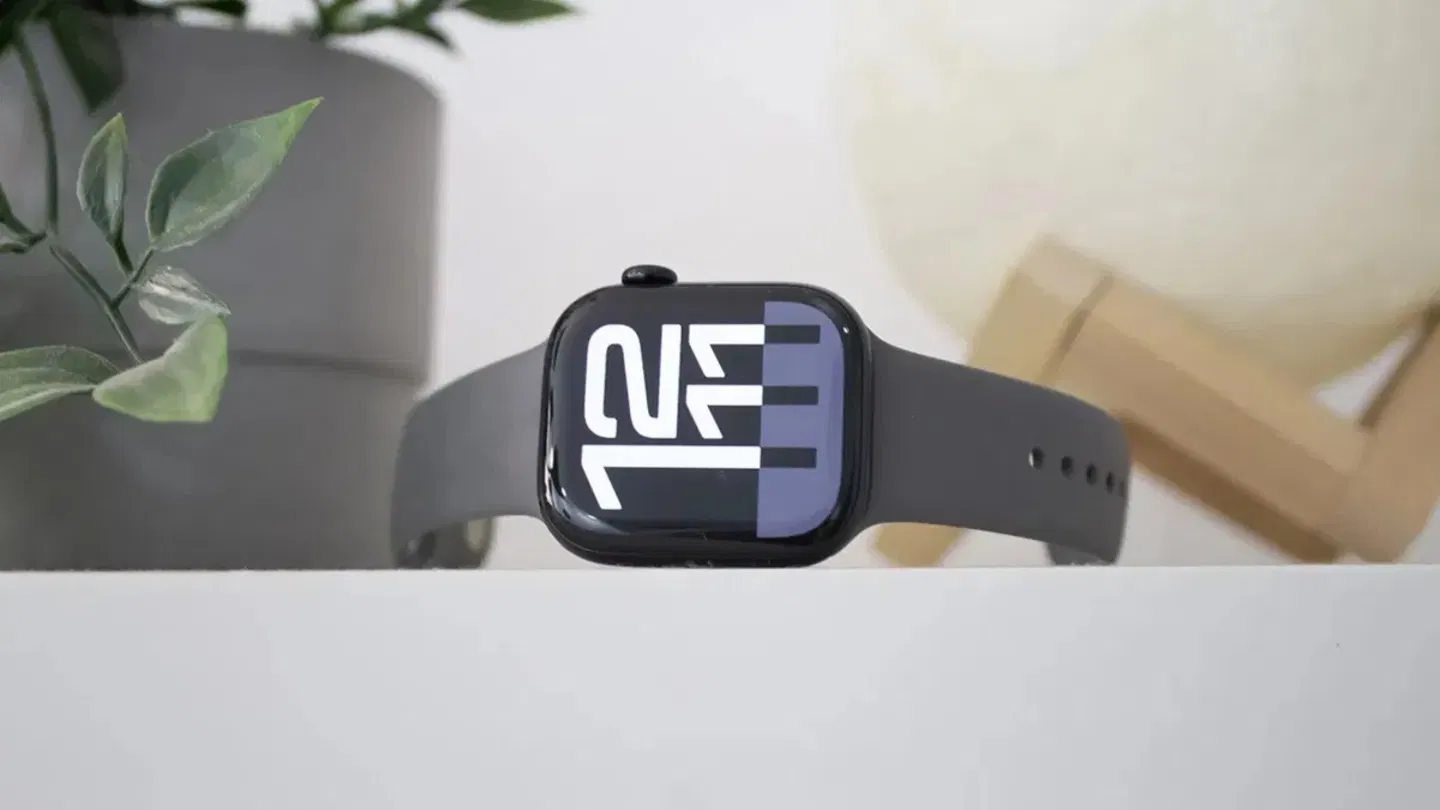
What’s new in watchOS 11.5 beta 2
Typically, when Apple releases these types of updates, it follows a similar pattern: first, it releases a beta software update for developers, and then the next day, it includes the public beta version.
A beta version of an update, with a few exceptions, typically lasts about a month. Apple then releases the final software update. For example, the iOS 18.4 software update remained in beta from February 21st to April 3rd.
The watchOS 11.5 beta 2 release is compatible with all Apple Watch models with watchOS 11 support and brings a few noteworthy new features.
To install watchOS 11.5, follow these steps:
- Open the Watch app on your iPhone.
- Go to General > Software Update.
- Go to the Beta Updates section.
- Select watchOS 11 Public Beta.
- Return to the previous section.
- Download and install the watchOS 11.5 beta.
The official watchOS 11.5 beta 2 release document details that watchOS 11.5 comes with an SDK with Xcode 16.4 and resolves some system bugs. These types of updates (11.5) typically come with LGBT pride wallpapers, but there’s no proof of this yet.
We’ll continue to monitor the new watchOS 11.5 beta software release to find out what else is new. The previous watchOS 11.4 update included support for Matter on vacuum cleaners and robot vacuums, improvements to silent mode alarms, and bug fixes.
Remember that to update the Apple Watch operating system, your watch must have at least 50% battery or be plugged into a power outlet to begin the download and installation process.