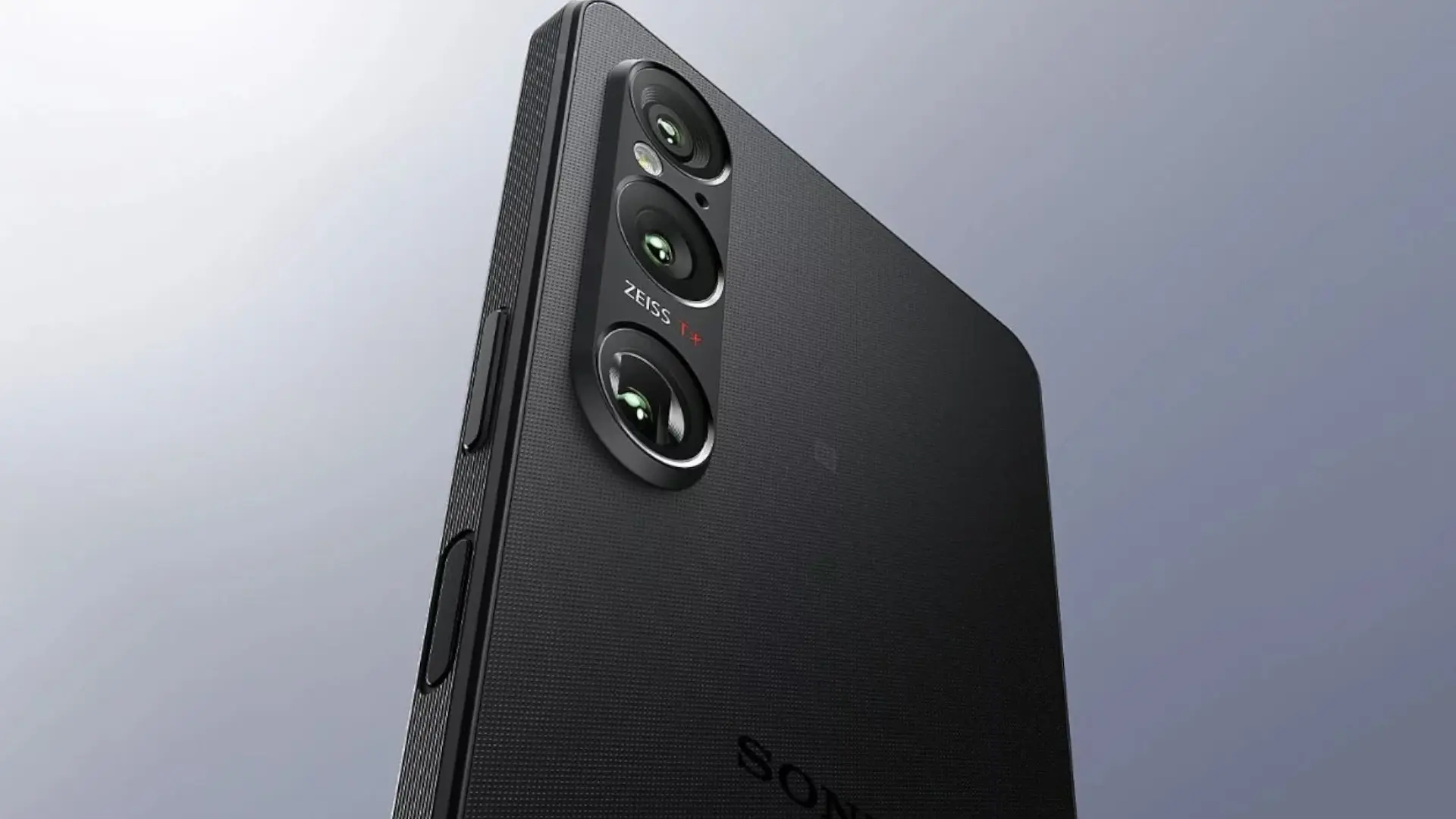

Sony has begun the rollout of Android 16 for him Xperia 1 VIthe most important update that the top of the 2024 range receives after its previous move to Android 15. The package arrives via OTA and, in addition to Google's general improvements in productivity and security, incorporates specific Sony changes in system settings, display, sound, and lock screen customization.
In a first wave, the firmware is reaching European units and adds new options such as «Modes» to facilitate concentration or rest, adjustments of recommended image qualitychanges in side sense and greater sound control depending on the type of application. The configuration menu is also reorganized and the way of Customize clock and lock screen shortcuts.
Key new features of Android 16 on the Xperia 1 VI
Although Android 16 brings basic improvements – more useful notifications, refined multitasking and changes in privacy –, several of its own functions stand out in the Xperia 1 VI. The section «Modes» centralizes profiles such as Do Not Disturb, “Bedtime” or “Driving”, replacing old quick panel accesses with a single button. On the screen, you can activate a profile recommended image and adjust more precisely the white balance. And if you use the lateral gestures, side sense goes to Settings > System > Gestureswith a guide multitask clearer for split screen and floating window.
Another useful change is in sound: it is now possible to define effects such as Dolby Sound, 360 Upmix or DSEE Ultimate by application category (music, video or others), something very practical if you alternate between apps like Spotify and editors or multimedia players. Also added is access to Battery status within Device diagnosticsto quickly consult the status of the component and make decisions about charging or maintenance.
Version, download and update tips
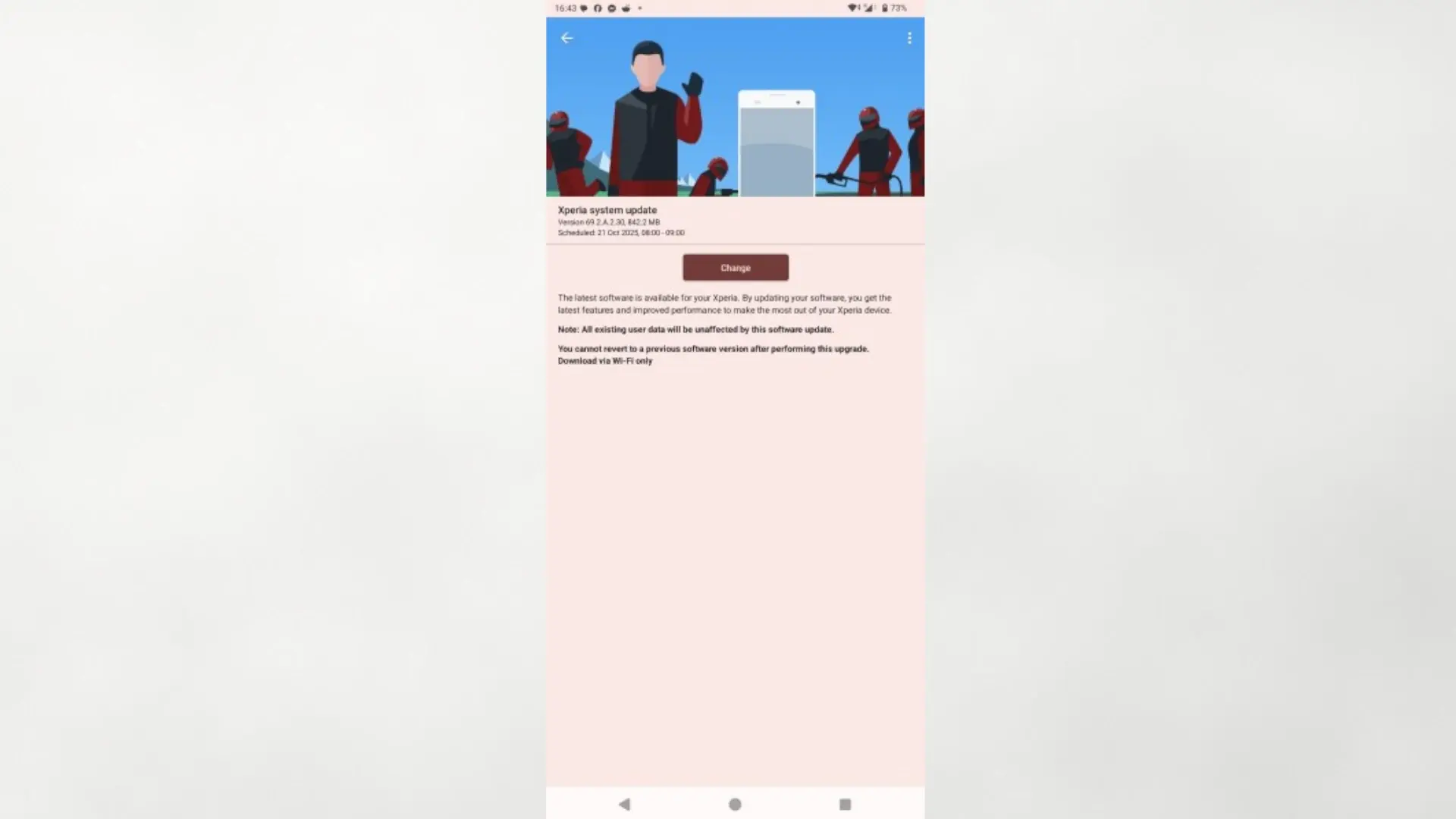
The Android 16 update for the Xperia 1 VI is arriving as firmware 69.2.A.2.30 and his size is around 845 MBso it is advisable to download with Wi-Fi and sufficient battery. To check if you already have it available, go to Settings > About phone > Software update. Before installing, perform a backupfree up some space, and if you use banking or work apps, make sure they are updated to avoid compatibility issues after restarting.
If you don't see the notice yet, it's normal: Sony usually releases its updates in phases depending on region and operator. You can force the search from the menu above or wait for the system to automatically notify you when the deployment reaches your build number.
A push to extend the life of the Xperia 1 VI?
This jump to Android 16 does not change the hardware, but it does reinforce the strengths of the Xperia 1 VI: screen highly configurable, audio with a professional sound profile and a clean experience that improves the organization of system menus and more control over notifications and blocking. If you already have it, our recommendation is to update as soon as possible; and if you were considering keeping it one more cycle, this package helps stretch its useful life with better everyday tools. Have you already received the update and how are you doing with the new “Modes” and the sound adjustment per app? We read you in the comments.