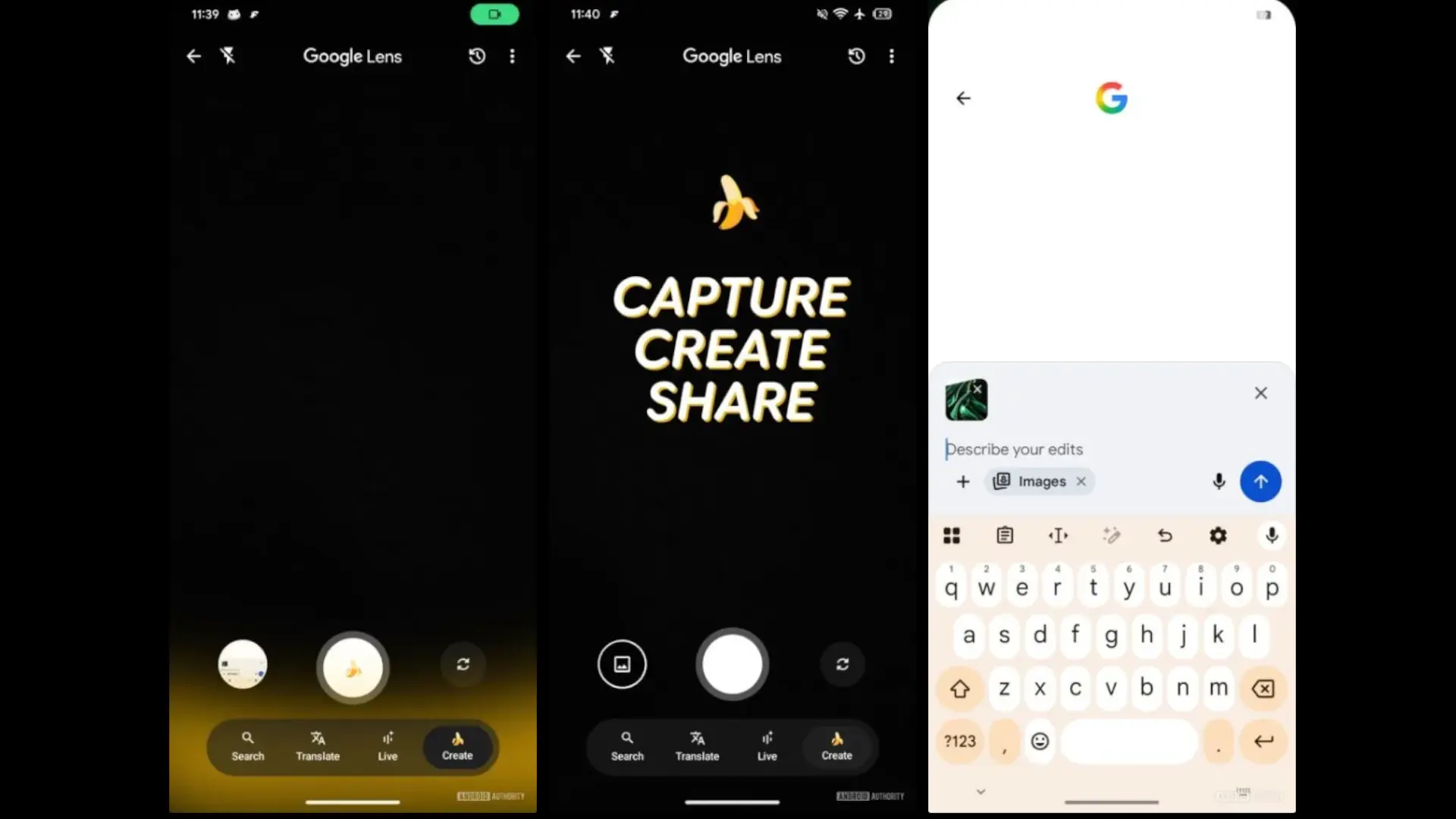

Google takes steps to integrate Nano Bananaits image editor based on AI, Google Lens and Circle to Search. The track comes from an analysis of the APK of the Google app (V16.40.18), where new creation options appear in the LEN interface and references to the same function in the gesture of drawing a circle. If confirmed, the editor would cease to be exclusive to the Search AI mode and become available in more layers of the system.
It should be remembered that we talk about development code: chains exist, part of the interface can already be forced, but There is no official announcement or date. Even so, the bet fits with Google's recent plan to extend its editing model (publicly known as Gemini 2.5 Flash image) to more services. If Nano Banana is integrated into Lens and Circle to Search, editing a photo instantly – or transforming what appears on the screen – could become as usual as translating or searching.
What is Nano Banana and why interests
Nano Banana is the informal name of the Google Deepmind image editing model which already works in the Gemini app and Ai Studio. Allows modify a real photo by text (Change clothes, lighting, background, combine images or apply styles) maintaining the coherence of the scene. Google ensures that the images generated or edited include A synthid water brand Invisible to identify content created by AI, an important point for traceability.
In the Android Authority Teardown you see a “create” tab inside Lens Together with “search” and “translate”, with a welcome screen that invites “capturing, creating and sharing.” Logic would follow the same approach proven in mode Search ai: You describe in natural language what changes you want and the system applies to the captured image or the selections. For Circle to Searchreferences exist but the function seems less mature; Today it does not respond to the user's entrance, which indicates that it is still at an early stage of development.
What can we expect (and what doubts are)
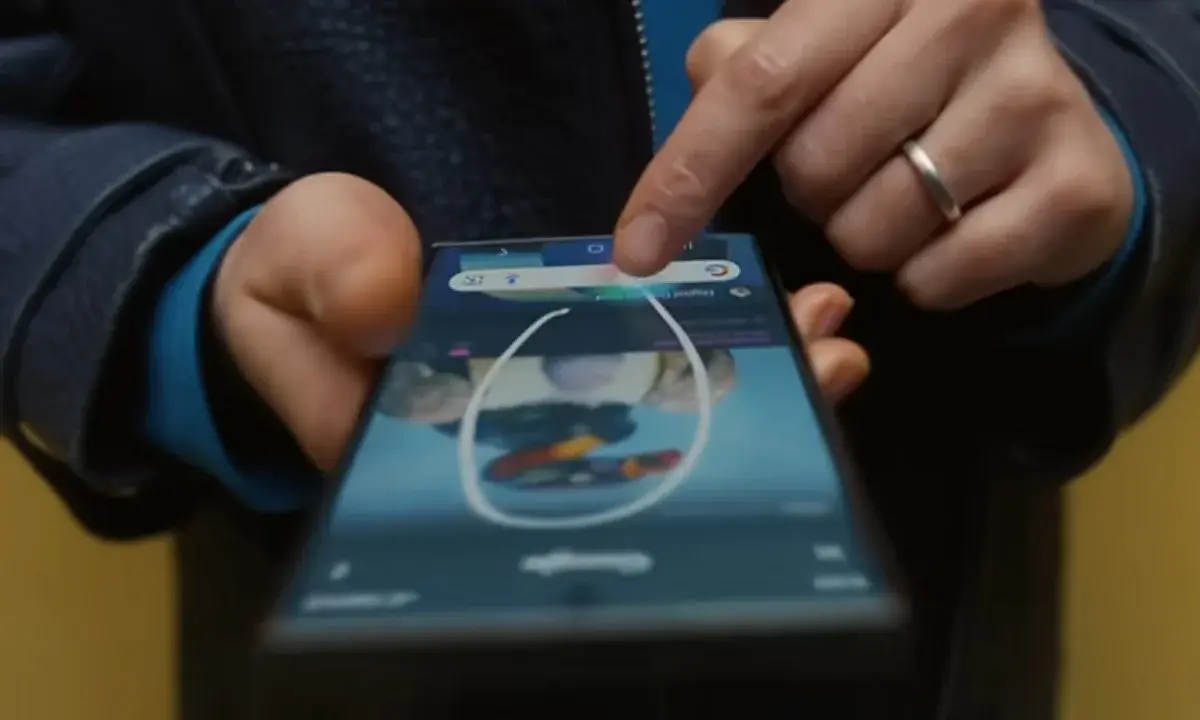
If this deployment materializes, the direct edition from Lens would offer a useful shortcut: open the camera, point and ask for a quick edition without leaving the app. It would also make sense to end up reaching Google Photoswhere previous tests already showed a “create” button. The expansion to different platforms agrees with Google's strategy to offer contextual edition just where the user is: search engine, camera and selection on the screen.
The small print matters. We talk about Functions discovered in an APKthey can do not get to the public or change before launch. In addition, there are unknowns: Compatibility per device (Will Pixel come first? Will a specific NPU demand?), Use limits And if there will be free editions Or everything will go through quotas. It will also be key how it is managed Security and ethics Of the editions, and what role the AI labels play to avoid confusion with real images.
Despite all these unknowns, the truth is that such an interesting innovation in Google Lens had not been seen since the arrival of the Real -time translation. We will see if it manages to be implemented in a practical way for daily use.
A logical step … if Google doesn't raise your foot
The integration of Nano Banana in Lens and Circle to Search sounds coherent and I could simplify the daily edition In Android. But until there is an ad, we talk about Work in Progreso. From my point of view, this Google movement could change not only the way we seek, but also the way we interpret what we see around us, something completely innovative.
Is it useful to edit “what you have in front” from the camera or the circle, or do you prefer to keep these tasks in dedicated apps like Google Photos? We read you in the comments.