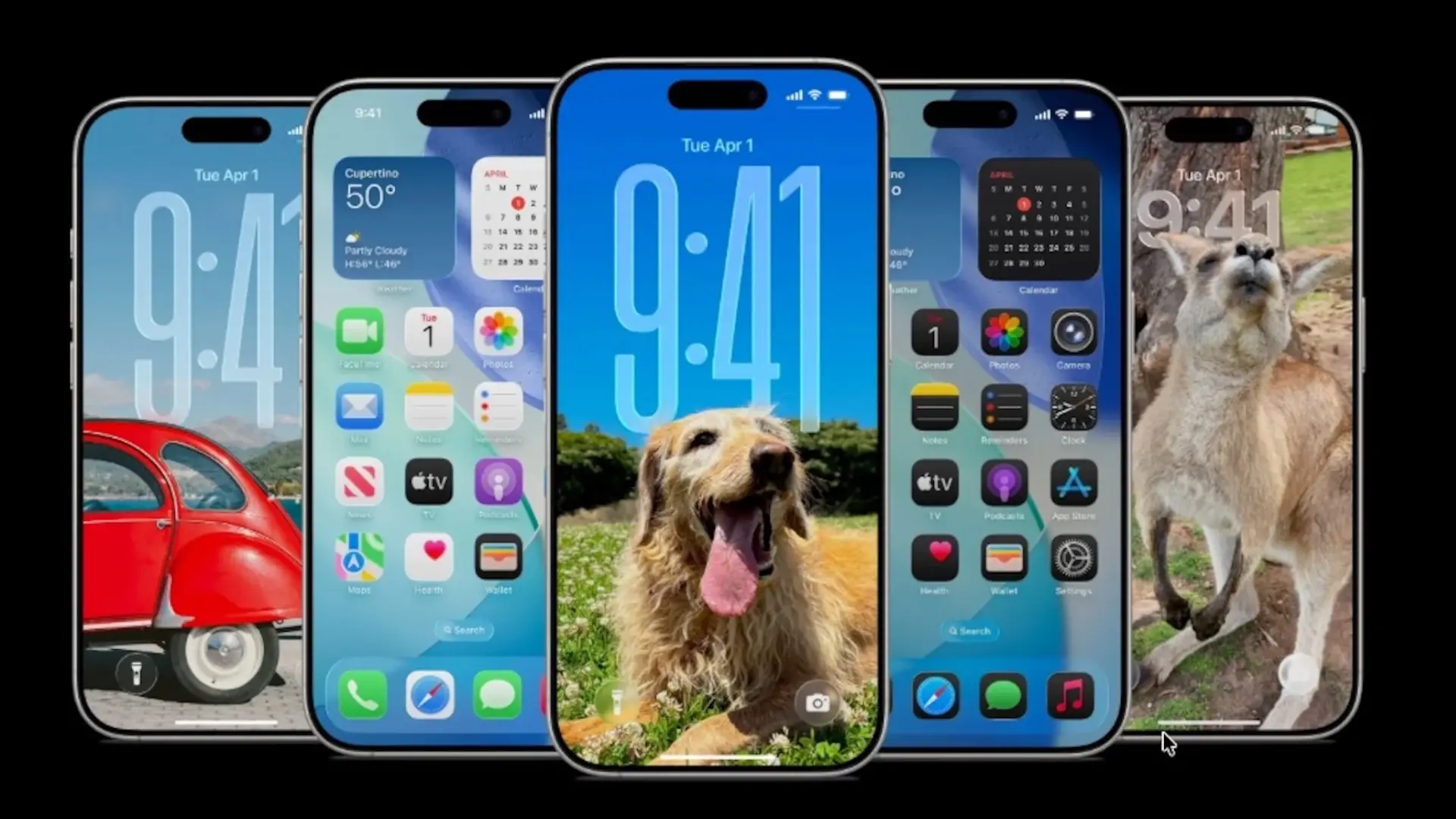
Apple has launched the second beta of iOS 26.1which corrects problems and suggestions reported by users who tried the first one, so it seems that, once it reaches everyone, it will be a very complete version.
Today we will review these new features, although as happened in the previous beta, this may continue to be corrected before the official release for all audiences, so these are things that might not arrive.
iOS 26.1, beta 2: what it brings
It's not an explosive update, but it brings several useful tweaks and visual changes that are noticeable when using the iPhone, at least if you're coming from a previous one.
- Alarms: After complaints from users about the ease of turning it off accidentally, you have to swipe to stop them on the lock screen, although tapping still serves to snooze.
- Automatic security updates: new switch in Settings to download and install security improvements without asking permission.
- Fitness: Now you can create custom workouts (type, duration, calories, effort and start time).
- Visual settings: many headings (Wi-Fi, Bluetooth, General…) become left-aligned instead of centered.
- Screen: The background of the display section in Settings shows the iOS 26 style instead of the old iOS 18 style.
- Photos: When selecting multiple images, the actions (Favorite, Hide, Slideshow) are reorganized and more accessible.
- Accessibility: Display Borders appears, which draws borders on the buttons and replaces “Button Shapes”.
- iPad Slide Over: returns the floating panel to use one app over another; It is activated from the green button and only supports one app in Slide Over.
- External microphones (iPad): option to adjust the input gain when you connect a microphone.
- Liquid Glass: The new effect softens the reflections of the icons, with more natural shine and somewhat darker tones. The result is a more elegant and realistic look, less shiny than previous versions.
- Funds: The cropping prompts automatically disappear when you choose a background, without remaining visible.
- Calendar: reverts the change from the previous beta: events no longer use that solid color background.
As we can see, for both iPhone and iPad we will see subtle changes, but very interesting in the final user experience, so, although we still have a few days left to be able to test iOS 26, we see that it will arrive quite polished, and it can be a great update that improves the performance of both the new iPhone 17 and the previous ones, Well, improvements such as autonomy are not mentioned, but it is noted that the battery lasts longer than in the first versions.
And you, are you one of those who waits for everything to be right, or do you already have your developer beta and are you trying all this? The truth is that I usually can't stand it, and I'm one of the first to download it, especially when I see changes, so I'm going to notice no matter what on my phone. If you do, remember that it may suffer from bugs, and is not recommended for primary phones.