

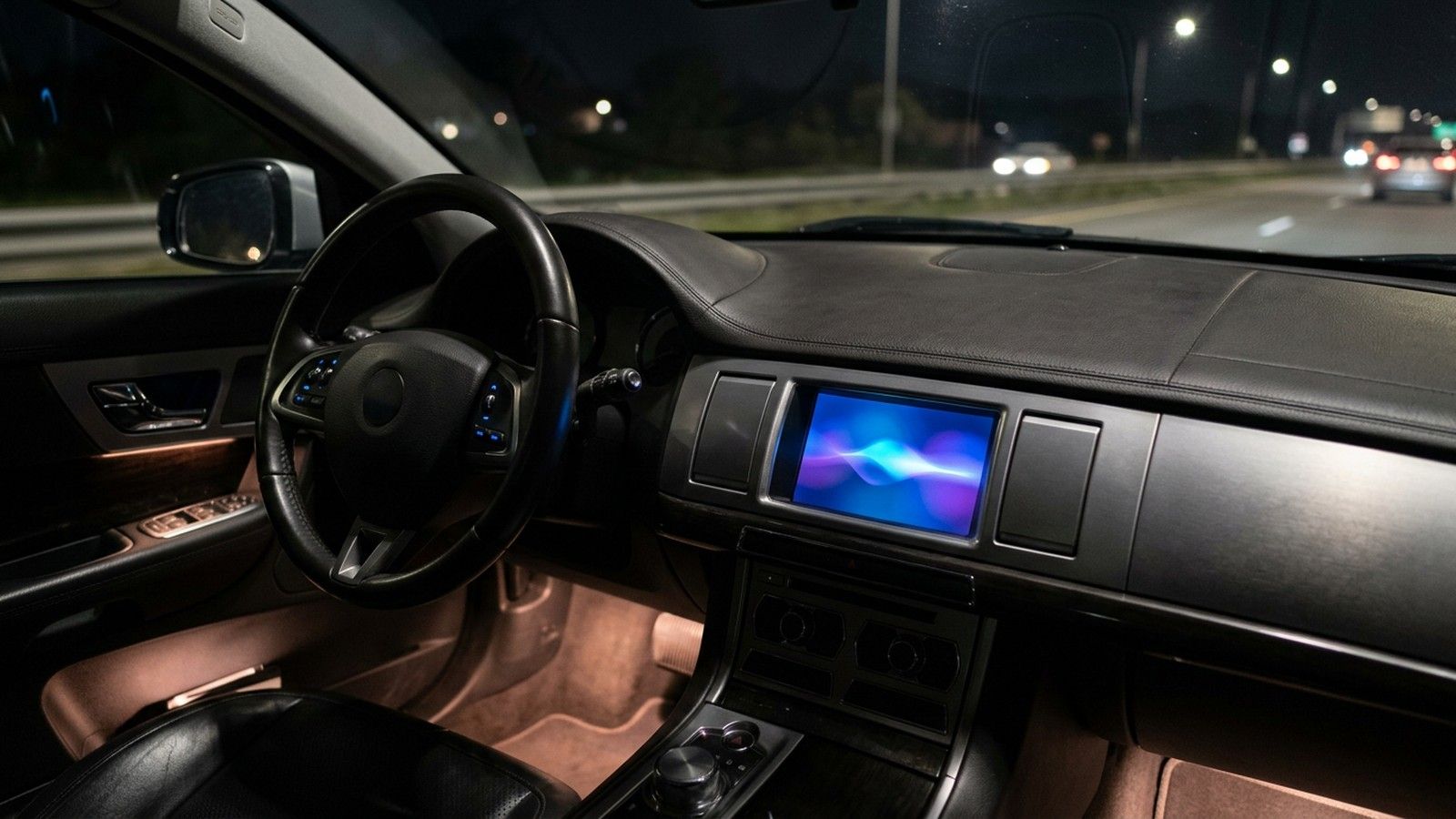

Google has activated Gemini Live in Apple CarPlayso you can now talk to the voice assistant while driving without touching the iPhone. The global and staggered deployment started the November 11 and includes Spainand allows you to summarize emails, review the agenda or prepare a meeting just by asking it out loud.
own Google has confirmed it in your official blogwhere he explains that the idea is to take advantage of that downtime from the daily commute, which for many people is around the hour behind the wheelfor something more productive than choosing the next song. Until now, voice assistants in the car were limited to quick tasks, such as playing music or indicating the way home; Gemini Live arrives with the ambition of holding a complete conversation, without the driver having to look at the screen.
What Gemini Live can do while you drive
Gemini Live works like what Google calls a “conversation partner”– You can ask him to summarize your email, go over what’s on your agenda, or help you rehearse out loud before a meeting, all without taking your hands off the wheel or your eyes off the road.
The application tab in the App Store summarizes its uses with a phrase that makes it clear: “Get ready for your day, catch up on your inbox, find a stop along the way or think out loud, all on Apple CarPlay.” The interesting thing is that the conversation does not remain in the car: since everything is synchronized with the iPhone, when parking you can continue the chat thread exactly where you left it, without repeating what you had already asked the assistant.
Google presents these functions as a natural extension of the use we already make of the assistant on our mobile, and the app for CarPlay is not a reduced version: it maintains the same conversation history and the same context that you manage on the phone during the rest of the day.
How do you activate Gemini Live on iPhone?
For the Gemini icon to appear on the CarPlay screen, you need three easy steps: Update the Gemini app to its latest version on the iPhone, grant access permission to the microphone and, once in the car, touch the Gemini icon on the screen. This integration depends on the independent application of Google Geminidownloadable from the App Store, and not from the general Google app, which does not incorporate this function.
There is a prerequisite that goes more unnoticed: as it has emerged, it is advisable to have used the Gemini Live voice mode at least once on the phone itself before using it for the first time behind the wheel. Once these steps have been completed, by touching the icon you can choose between resuming the last conversation or opening a new one, and the entire subsequent process takes place by voice.
Furthermore, the rollout does not reach all terminals at the same time: Google is rolling it out in stages, so if the icon still does not appear on your screen, it does not mean that something is wrong, but rather that your device has not yet received the update.
The fight over the car’s voice assistant, with Siri involved
Google is not launching this integration by surprise: before arriving at Apple CarPlay, it had already brought Gemini Live to Android Auto cars with Google integrated, so CarPlay closes the circle of the main infotainment systems.
The move has its point because CarPlay is Apple’s territory, and Apple still does not have a conversational assistant at the same level. The company has already made it clear that it plans to strengthen Siri with artificial intelligence in iOS 27but while that update does not arrive, Gemini sneaks into the car through the front door of Apple CarPlay.
Google insists that the design of Gemini Live seeks to reduce distractions, although hands-free does not always equal free attention, and an absorbing conversation with an AI can be as confusing as looking at your phone. It is the same caution that is beginning to be applied to other conversational voice assistants, such as the ChatGPT or Claude voice modes, which also seek to gain a place behind the wheel.
The rollout started on November 11 and is progressing market by market, although the company has not specified when it will reach all compatible iPhones.
Frequently asked questions Yes. It is advisable to have previously tried the Gemini Live voice mode directly on the iPhone, as this makes it easier for the option to be recognized without problems when touching its icon on the car screen.
Yes, conversations automatically sync with the mobile app, so you can pick up the chat exactly where you left off in the car.
No. Gemini opens from its own icon in the CarPlay interface as a standalone app; Siri remains Apple’s default system assistant.
It is available from November 11, 2026, within the global and staggered deployment that Google has been extending to different markets, including Spain.
Do I need to have used Gemini Live before to activate it in CarPlay?
Can I follow the conversation on my iPhone when parking?
Does Gemini in CarPlay replace Siri?
Since when is Gemini Live available on Apple CarPlay in Spain?