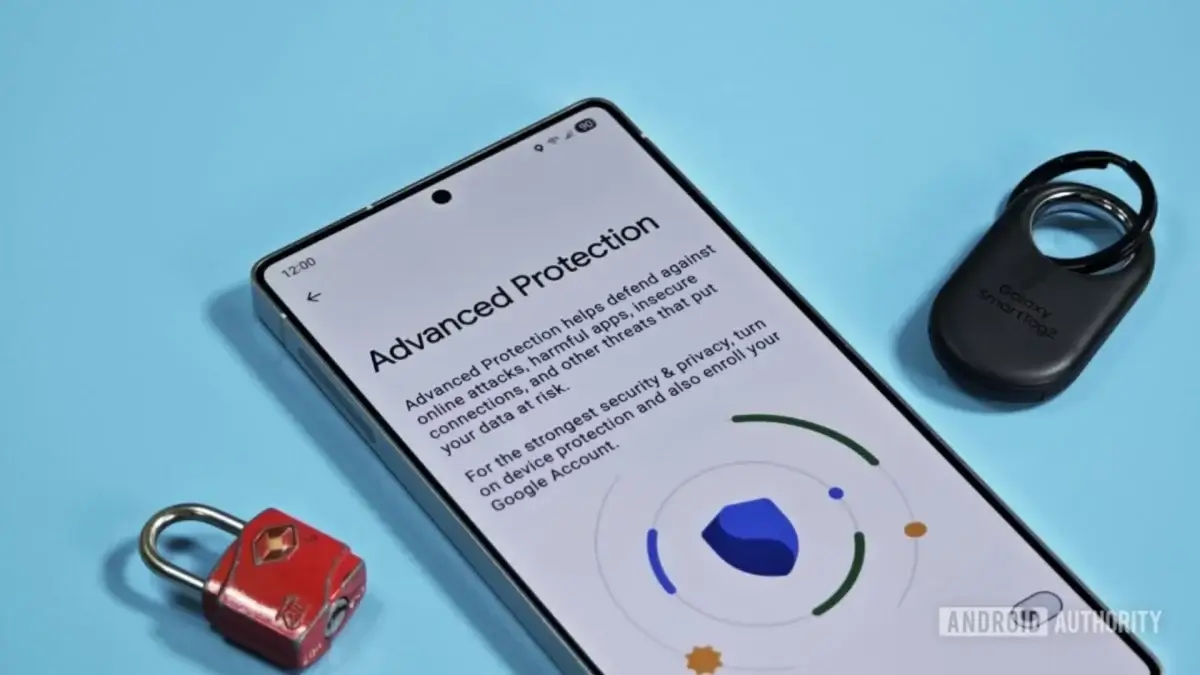

Google is preparing a new setting within Android's Advanced Protection Mode that would disable the WebGPU API in chrome when the user activates this enhanced security mode. The novelty has been discovered by Android Authority through an analysis of the Google Play Services v26.10.31 code, where an option not yet published appears with the text “disable WebGPU to protect against security threats.”
Advanced Protection Mode, introduced with Android 16, is a kind of single switch that activates all of the system's strictest security measures at once. It is designed especially for high-risk profiles: journalists, activists, managers or anyone who may be the target of sophisticated attacks.
WebGPU and its security implications
WebGPU is the API that allows browsers totake advantage of the device's GPU to render complex graphics and run high-performance calculations directly from the browser. It is the successor to WebGL and is active by default in Chrome since version 121 on Android 12 or higher devices with Qualcomm or ARM chips, that is, the vast majority of current mobile phones.
The problem is that this power comes at a price: WebGPU has proven to be vulnerable to exploits which can lead to remote code execution. Although flaws are patched when researchers discover them, the window between when an attacker finds them and when the patch arrives can be long enough to compromise a device. Disabling WebGPU for high-risk users is therefore a logical decision, although it means giving up some web performance.
This measure is in addition to another recent restriction also detected in the same mode: the blocking of the AccessibilityService API for apps that are not certified accessibility tools. The trend points to a progressive hardening of the security layers available for these profiles. For now, the option is not publicly available and it comes from code in development, so its arrival to the end user is not guaranteed.
For those who already pay attention to their security on Android, it may also be useful to review how to manage spam call filtering in the system.