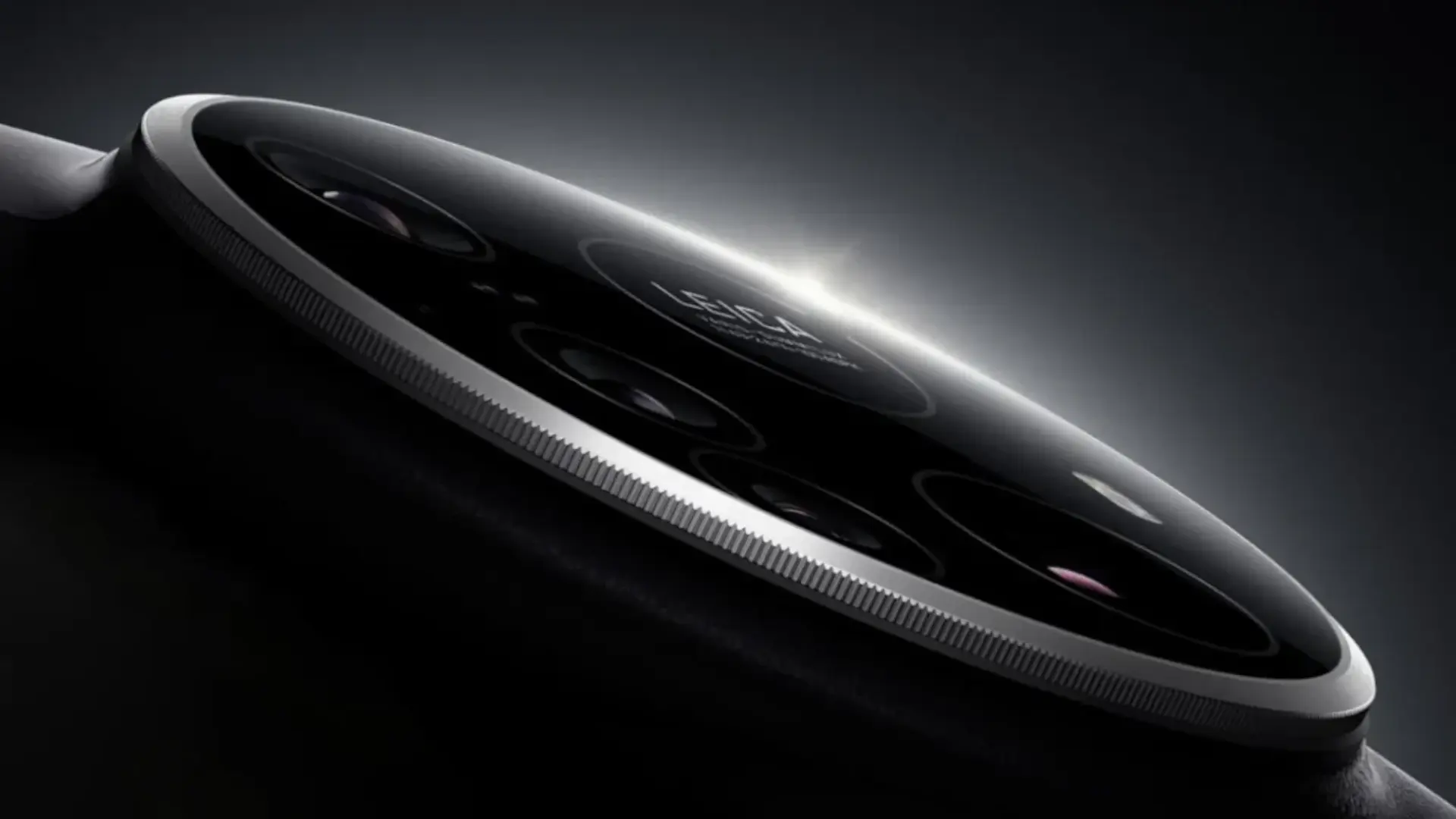

Asus has finally started rolling out the stable update to Android 16 for him ROG Phone 9 and the Zenfone 12 Ultraits two flagships for gaming and photography. The firmware arrives with the version 36.0810.1810.43exceeds 1 GB of download and puts an end to approximately three months of beta testing that has served to polish errors before reaching end users.
Both phones were launched with Android 15 and this is its first major operating system (OS) update, of the two that Asus has officially promised; the second will be Android 17. The company is doing a phased rollout, so it may take days or even weeks for the notification to appear, especially if you live in Europe and have not received the notification yet.
What's new in Android 16 on the ROG Phone 9 and Zenfone 12 Ultra
We are not facing a complete redesign of the interface, but there are several useful improvements for everyday use. The update adjusts gesture navigation and allows you to activate the animation of Predictive Back preview both when gesturing back and holding down the back button, offering a little more context before exiting an app.
A button is also added to skip countdown on screen recordingssomething very useful when you want to quickly capture a mistake or a play, and an option for a long press of the power button to invoke the digital assistant. In the “About phone” menu, it is now possible to copy the IMEI or serial number with a long press, and an annoying no-sound bug on calls with Bluetooth headphones is fixed.
Where Asus's care is most noticeable is in the ROG Phone 9which receives game profiles, configurations Air Trigger and renewed macros within ROG Instant Master for popular titles such as “Genshin Impact”, “Mobile Legends: Bang Bang”, “Arena of Valor” or “Zenless Zone Zero”. These optimizations improve frame rate, haptic feedback, and trigger operation, although some changes may be subtle for many players.
Of course, Asus warns that some third-party apps are not yet fully compatible with Android 16something common in the first weeks of any big update. If you depend on a specific application for work or competitive play, it may be worth it to wait a few days while the first patches and comments from other users arrive.
How to install the update and protect your data

To check if you already have the new firmware available, just go to Settings > System > System updates on the ROG Phone 9 or the Zenfone 12 Ultra. The download exceeds 1 GB, so it is advisable to connect to a stable Wi-Fi network, have at least 50% battery and have several GB free before starting the process, especially if you do not want to be left halfway.
Although it is a stable version, it is very important make a full backup before updating, whether in Google Drive, on a computer, or both. Rolling back to Android 15 requires manual flashing tools and erases everything on the phone. Therefore, it is advisable to spend a few minutes saving photos, chats and games to avoid losses.
Do two big updates in these high-end phones compensate?
With this jump to Android 16Asus fulfills the first part of its promise to offer only two system updates to these top-of-the-range models, leaving Android 17 as the last major version planned. In a market where brands like Google or Samsung already talk about up to seven years of support, Asus' strategy falls somewhat short, but at least this first leap comes soon and with tangible improvements for daily use.
If you already have the ROG Phone 9 or Zenfone 12 Ultra, This update is almost mandatory as soon as you are calm about the issue of backup copies and the compatibility of your applications. What do you think: is it enough for a mobile phone of this level to receive only two major versions of Android, or do you think Asus should approach the longer support policies of its rivals?