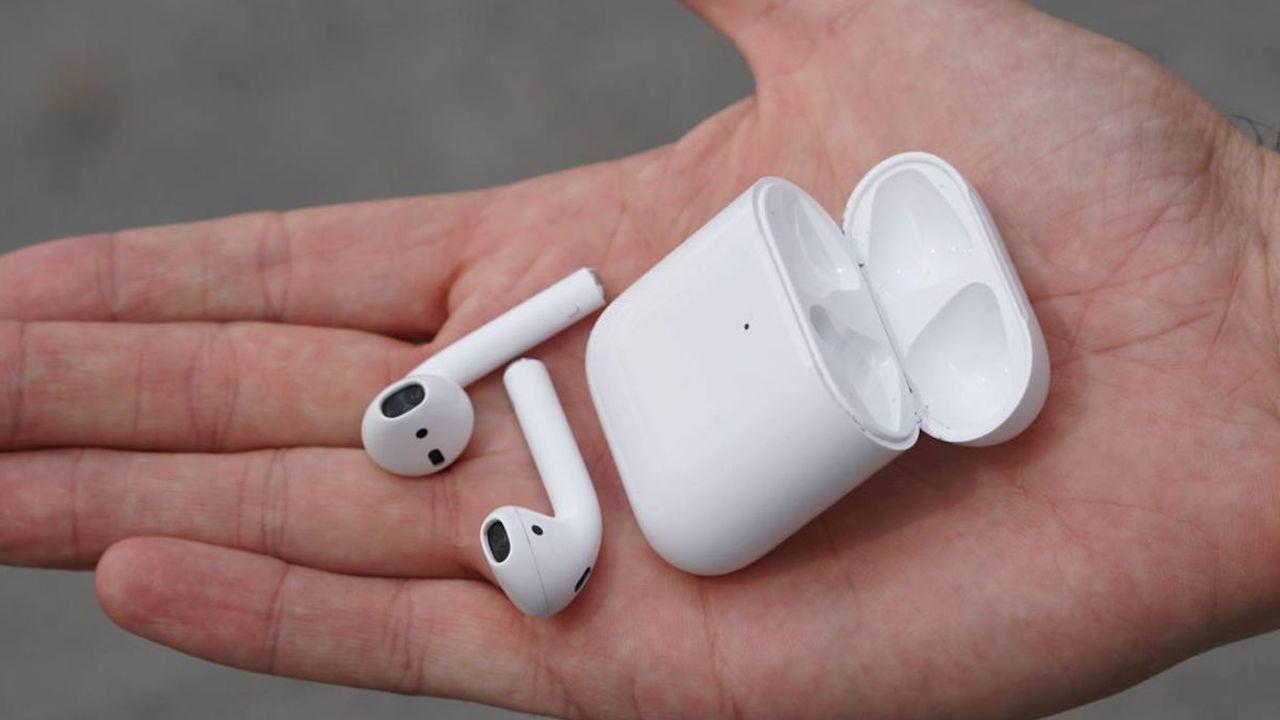
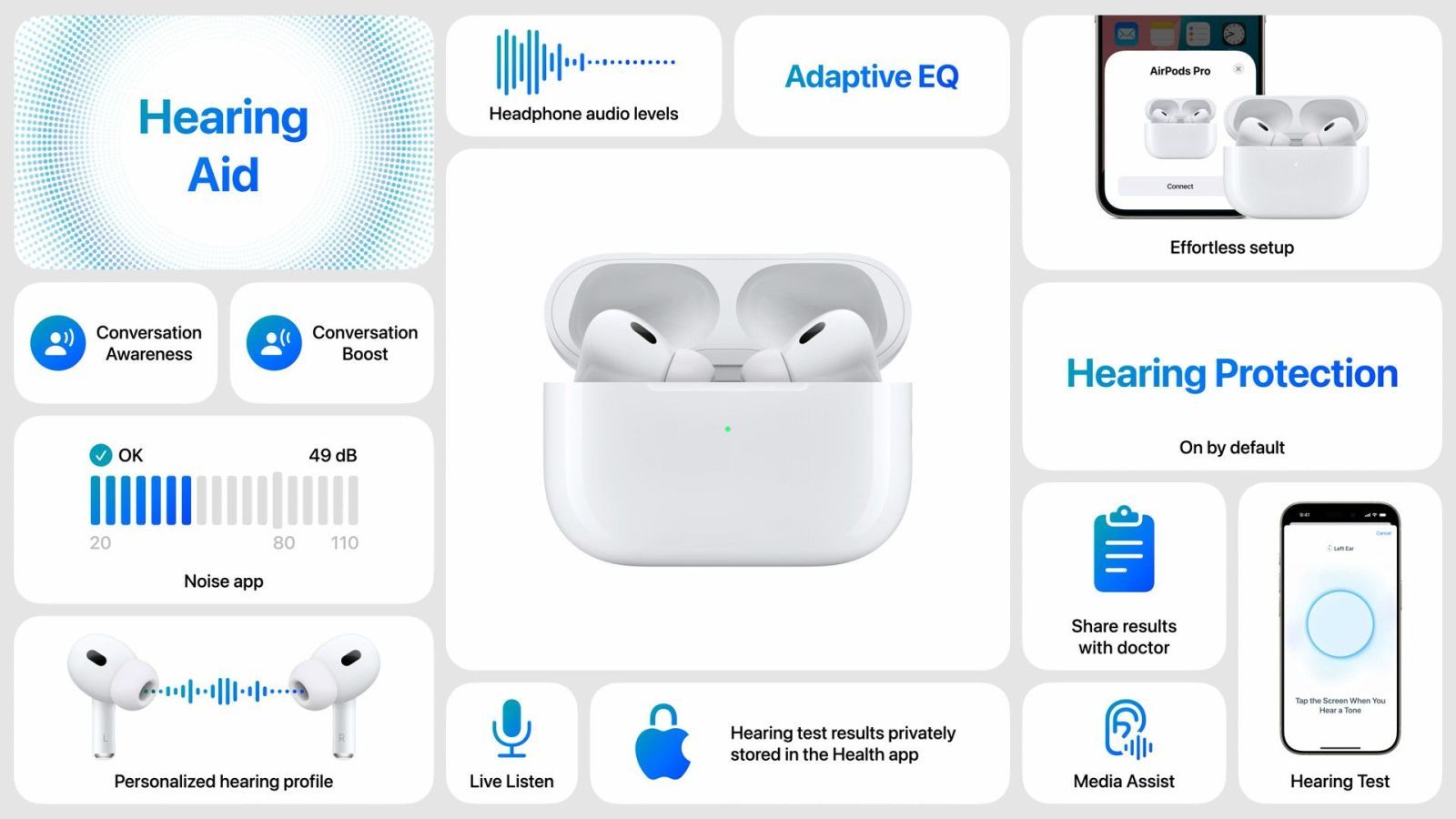
After the exit of last firmware For Max Airpods, we have very new versions in all Apple Airpods models, so it is highly advisable to fix if our headphones are automatically updated to the latest version, or not.
To do this, we will explain the way in which we can verify this, as well as the way, explained by Apple, to be able to update them, in case they are not, because these versions give stability, battery improvement, a higher audio quality, etc., that is, it is important to always have them to the last.
What is the latest firmware version of each airpods
As of May 2025, the latest firmware versions of each Airpods model are the following:
- AirPods Pro 2 with MAGSAFE LOAD CASE (USB-C): 7E93
- AirPods Pro 2 with Magsafe Load Case (Lightning): 7E93
- Airpods Pro 1: 6f21
- Airpods 4: 7e93
- Airpods 4 with active noise cancellation: 7E93
- Airpods 3: 6f21
- Airpods 2: 6f21
- Airpods 1: 6,8,8
- Airpods Max (USB-C): 7e108
- Airpods Max (Lightning): 6f25
How to check the firmware version of your airpods
To check the firmware version of your airpods, you should only do the following:
- Open the configuration application on your iPhone
- Go to the “Bluetooth” menu
- Find your airpods on the device list (they must be connected)
- Touch the “i” next to them
- Look at the “firmware version”
Update the airpod firmware
To update them, as Apple's website explains, we will have to take the following steps:
- Make sure the iPhone, iPad or Mac is updated to the most recent version of iOS, ipados or macOS, and that Bluetooth is activated.
- Make sure the airpods are connected through Bluetooth to the iPhone, iPad or Mac.
- Connect the iPhone, iPad or Mac to a Wi -Fi network.
- Connect the load case to a power supply.
- Place the airpods on the load case and close the lid.
- Keep the lid of the closed load case and the airpods within the iPhone, iPad or Mac Bluetooth reach.
- Wait for at least 30 minutes for the firmware to be updated.
- Open the load case cover to re -connect the airpods to the iPhone, iPad or Mac.
- Check the firmware version again.
This means that, naturally and normal, Airpods should always be updatedsince, at some point, they will be connected to the power supply, although it could be the case that, when we do, we separate ourselves a lot from them, and they never get to synchronize with the iPhone at the same time, so, now that you already know how to do it and how to check it, you can update them to this latest version, and enjoy all their improvements.
And you, are you one of those who look at these things, or do not usually important the topic of updates, letting them be installed when necessary, or, failing that, when you no longer have another option? Leave us a comment with your opinion about it, and if you were already in the latest version, or you had to do something.