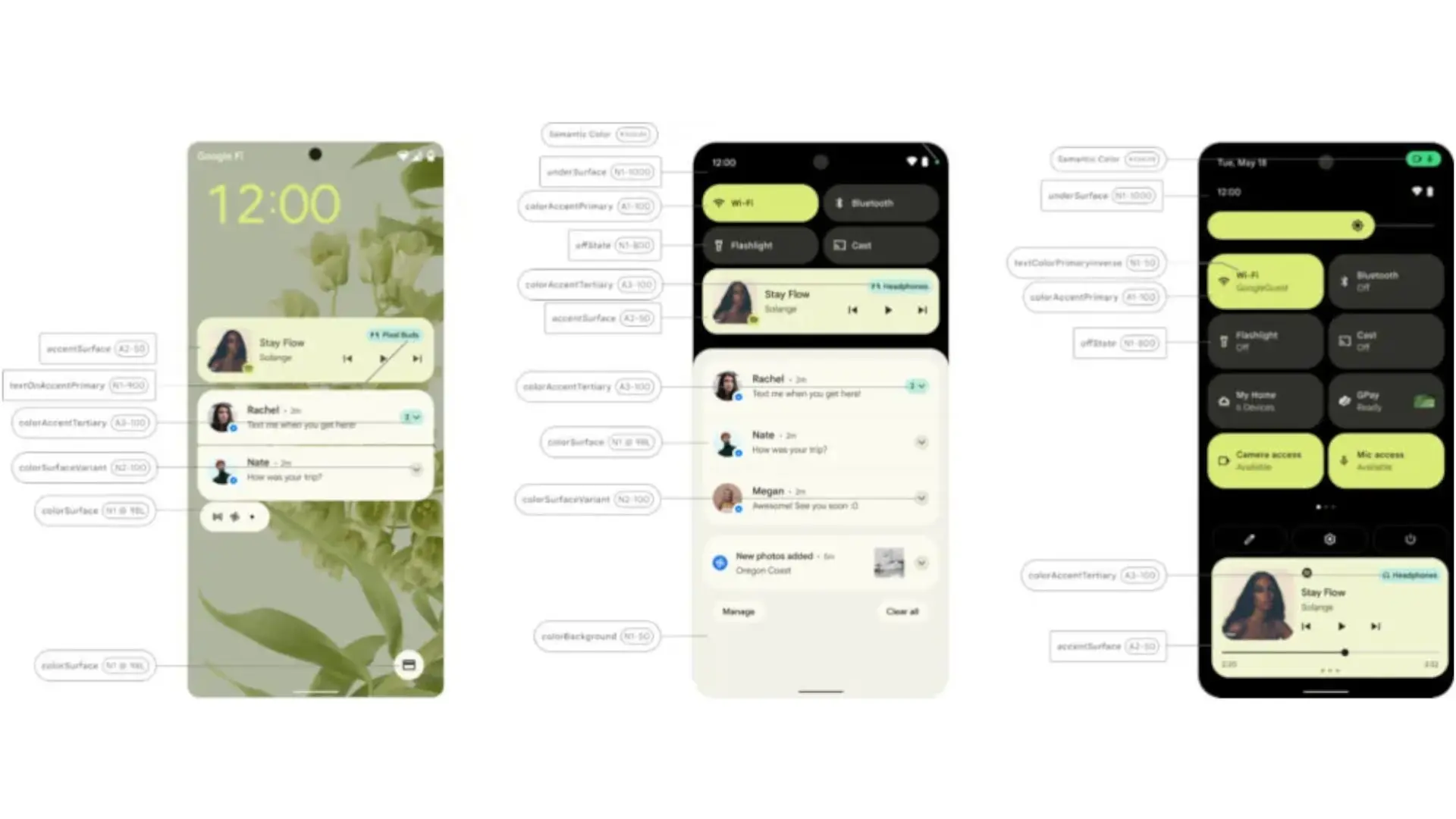

Google is preparing a major leap in Android customization. According to new evidence in Android 16, the company has created a Theme Manager which will allow you to apply theme packs with a single touch, integrating colors, backgrounds and visual settings without having to configure each element separately on Pixel devices. This novelty comes after the aesthetic renewal of Material 3 Expressive and promises a more experience fast and consistent for those who change the appearance of their mobile frequently.
Until now, Pixels offered advanced options such as dynamic color from the wallpaper, but the experience lagged behind brands that have offered theme stores and global customization options for years. Google's new approach modernizes how Android manages and stores theme information, creating a centralized architecture that allows settings to be validated, applied, and stored without the risk of conflicts or crashes. In practice, this opens the door to predefined themes, the so-called “Pixel themes” and allows more detailed control from the “Wallpapers & Style” app.
How it will work: from Material You to ready-to-apply packages
Material You will still be the heart of the system with the extraction of palettes from the background, but Theme Manager adds the missing piece: supports full profiles defined by Google or other authorized applications. In this way it will be possible to activate a comprehensive theme (accent and neutral colors, perhaps icons and sounds) with one touch, without having to go through each setting. Additionally, this technical foundation reduces dependence on the old method that stored all settings in a single block of text, which represents a fragile approach for an increasingly customizable Android.
In parallel, Android 16 has improved the icon consistency with the option of automated iconswhich generates monochrome versions when the developer does not offer them. Added to this is the change in Google Play which forces us to allow icon coloring of the applications, a decision that helps the desktop grid not to be halfway between themed and unpersonalized icons. As a result, a more uniform home screen is achieved, without the need to resort to third-party applications.
What can we expect and when
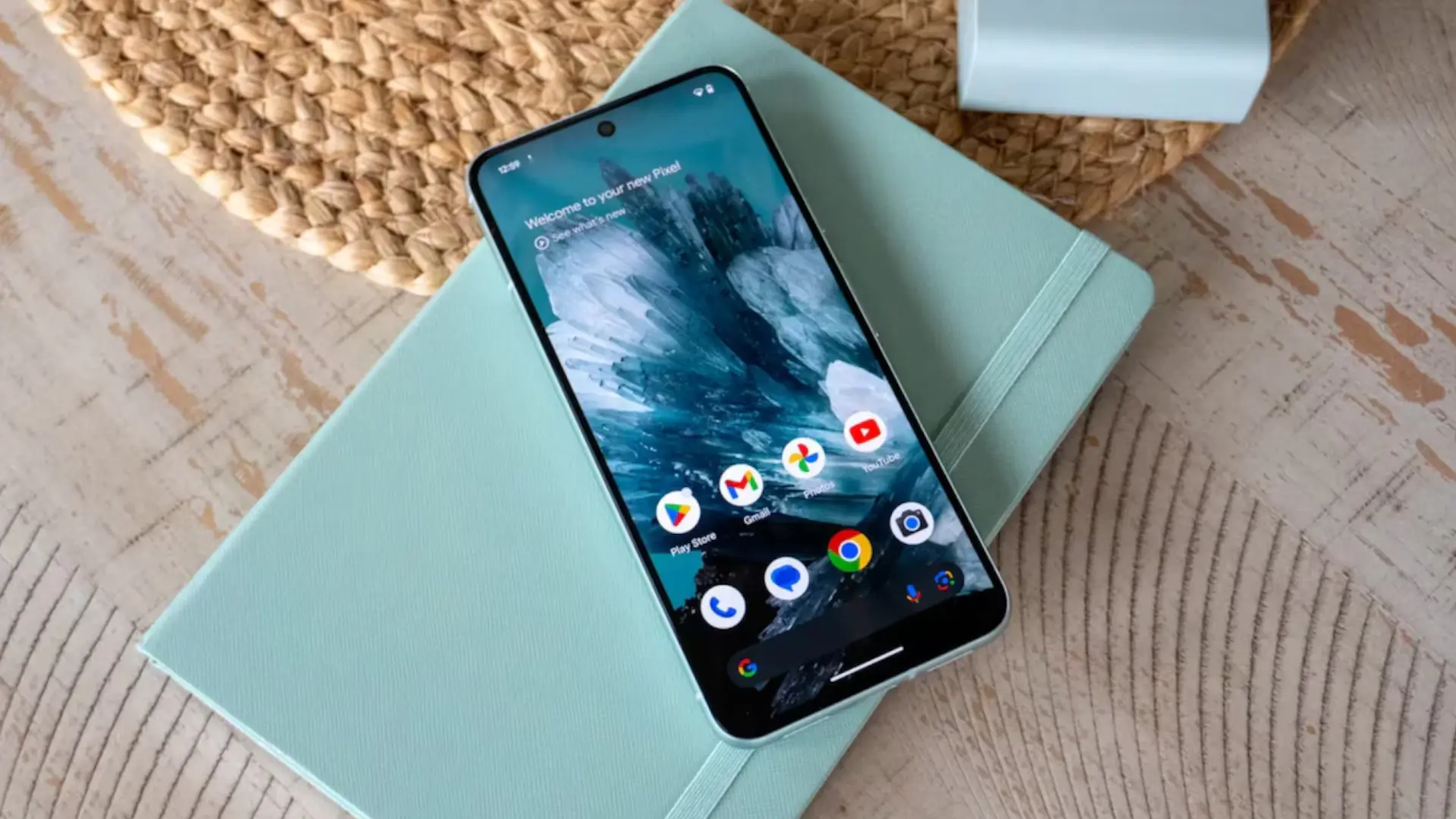
Although Google has not set a firm date, according to reports Everything indicates that the theme packs will debut in a Android 16 (QPR2) update before Android 17. The “Themes” option already appears in the personalization app on Pixel devices, and recent betas suggest that the feature is in an advanced stage. If confirmed, users will be able to quickly switch between styles created by Google – and potentially third parties – to completely modify the look of the mobile in seconds.
For the Android community, this movement matches the Pixel with the comfort that other manufacturers already offer and recovers the spirit more enthusiastic and creative Android: customize much and goodwithout complications.
Will it be the definitive push to customization in the Pixel?
If Google accompanies Theme Manager with good official topics and maintains icon compatibility and forced dark mode in lagging applications, the Pixel could finally become the reference in clean customization within Android. Will you use it daily or do you prefer to customize manually? Tell us your opinion in the comments.