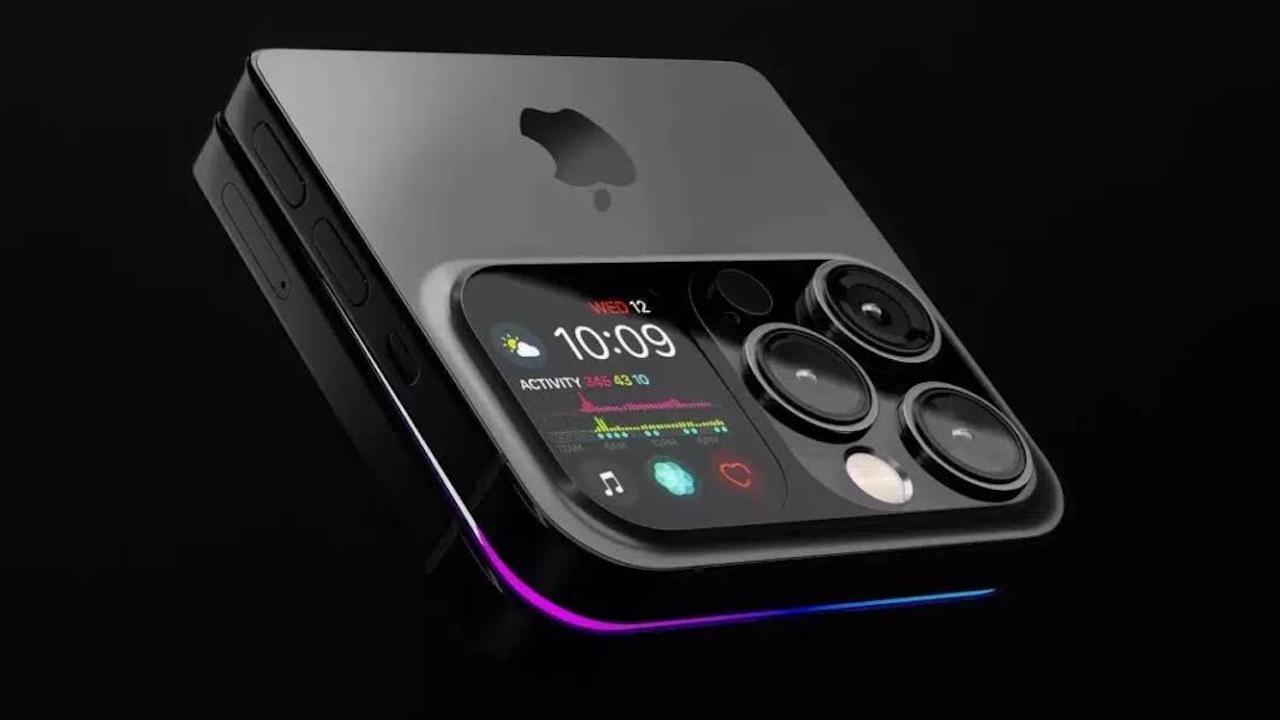
Although the iPhone 17, regardless of the model, comes with sensors of 48 MP cameraand they use that feature to try to sell that their phones are the best in photo and video mode, there is a problem.
And the thing is that, natively, the camera app does not take captures at this size, so we would not be taking advantage of that function, unless we do it manually as we will show you today.
How to activate 48 Mpx in the iPhone camera
As we said, natively, there are 24 megapixels that the camera and app on our iPhone will use to take photos, so if you want to enlarge it or print it in a large format, it may lose quality.
This has an easy solution, and it will take us a few seconds. However, if you don't know, you will think that it comes by default, when it is not. To do this we will have to go to the Settings > Camera > Formats > Activate Resolution Control.
By doing this, and going to the camera again to take a photo, we will see a new icon in the upper left, which will allow us switch between 24 and 48 Mpx formatthus being able to use it as we wish, depending on the photo and the need of the moment, since, it is clear, that an image with more megapixels will take up more, and if we only want it to upload to networks or to the WhatsApp profile, it may be unnecessary to spend storage on it.
Using 48 Mpx also has its advantages if you want crop the photo later without losing quality. For example, if you take a large photo of a landscape and then you only want to show a detail, with 48 Mpx the image will remain sharp, while with 24 Mpx it may look blurry when enlarged (hence the iPhone 17 has a x2 zoom without it being real, since it uses this “trick”).
This is great if you like mobile photography and want to be able to edit or adjust your photos without losing definition. Of course, you have to take into account the light and the type of scene. Photos at 48 Mpx need to process more informationso in places with low light there may be a little more noise or it may take a little longer to capture the image. It is not something serious, but it is useful to know to choose between 24 and 48 Mpx depending on the situation.
Another important thing is that this option only affects photos. Videos are still recorded at the usual resolution, so there is no need to worry. In short, activating 48 Mpx gives you more control and quality for your photos, but It is best to use it only when you really need it.such as to print, cut out or save memories with maximum clarity, since the photo, in low light, may turn out worse, and on top of that it will take up more time.
And you, did you know this? Did you think that iPhones already came with the highest quality from the factory? Leave us a comment with your opinion and if you have already tried it.