



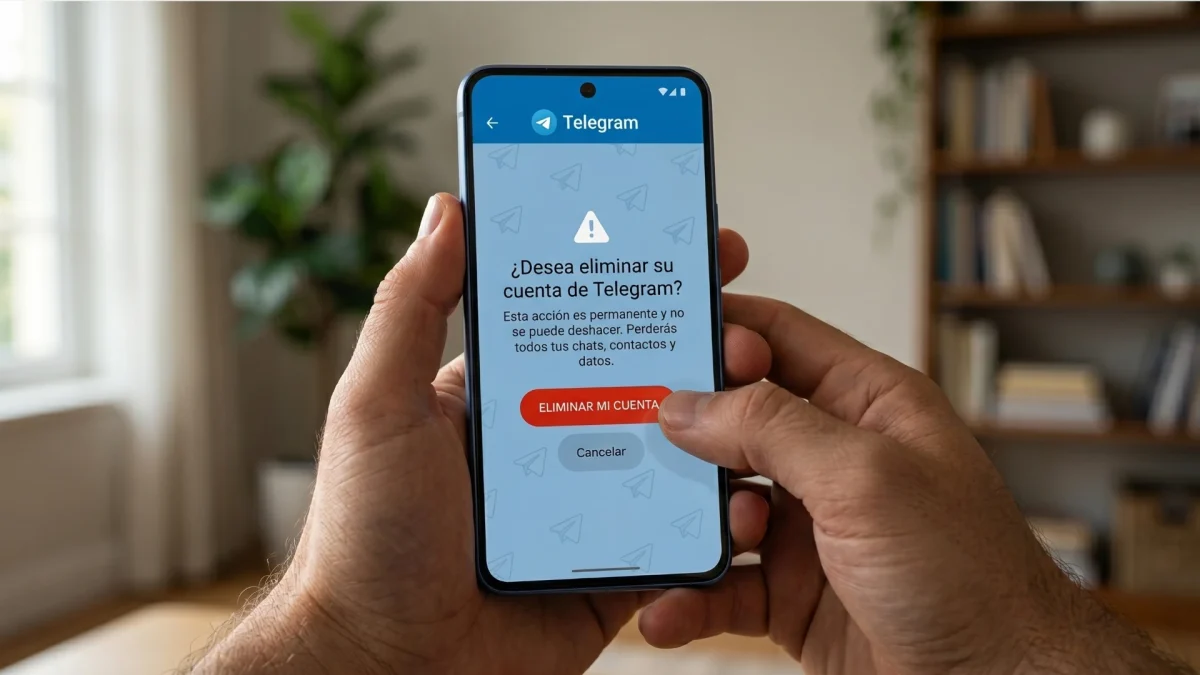

There are a thousand reasons to want to delete a Telegram account. Maybe you're concerned about privacy after the recent scandals with its founder Pavel Durovmaybe you haven't used it for months and you don't want to have data floating around the internet, or you have simply found another application that convinces you more. Whatever the reason, the process has some nuances that are worth knowing before hitting the delete button.
The first thing you have to know is that Telegram does not have a “deactivate account” button in the style of instagram either Facebook. Here there are two options: immediate and permanent deletion, or schedule a self-destruct with a time margin. Let's see both.
Method 1: Delete the account immediately
This is the direct method. No waiting, no grace periods: laccount disappears in a matter of seconds.
To do so, go to the Telegram removal page from any browser (you can also do it from your mobile):
Once there, follow these steps:
- Enter the phone number linked to your account, including the international prefix (for example, +34 if it is a Spanish number).
- Click on Following and you will receive a verification code directly in the Telegram application, not by SMS.
- Enter that code on the website.
- You will see the button Delete My Account. You can optionally indicate the reason why you are leaving, although it is not mandatory.
- Telegram will ask you for a final confirmation. Click on Yes, delete my account and that's it.
The account remains removed immediately. Everything you had, conversations, contacts, files, disappears from Telegram servers without the possibility of recovery. The groups and channels you have created, however, still exist; Telegram automatically assigns admin permissions to another member if you were the only admin.
One thing that not everyone knows: after deleting the account you will have to wait between a few hours and a couple of days before you can create a new one. new account with the same phone number.
Method 2: programmed self-destruction (the option for the undecided)
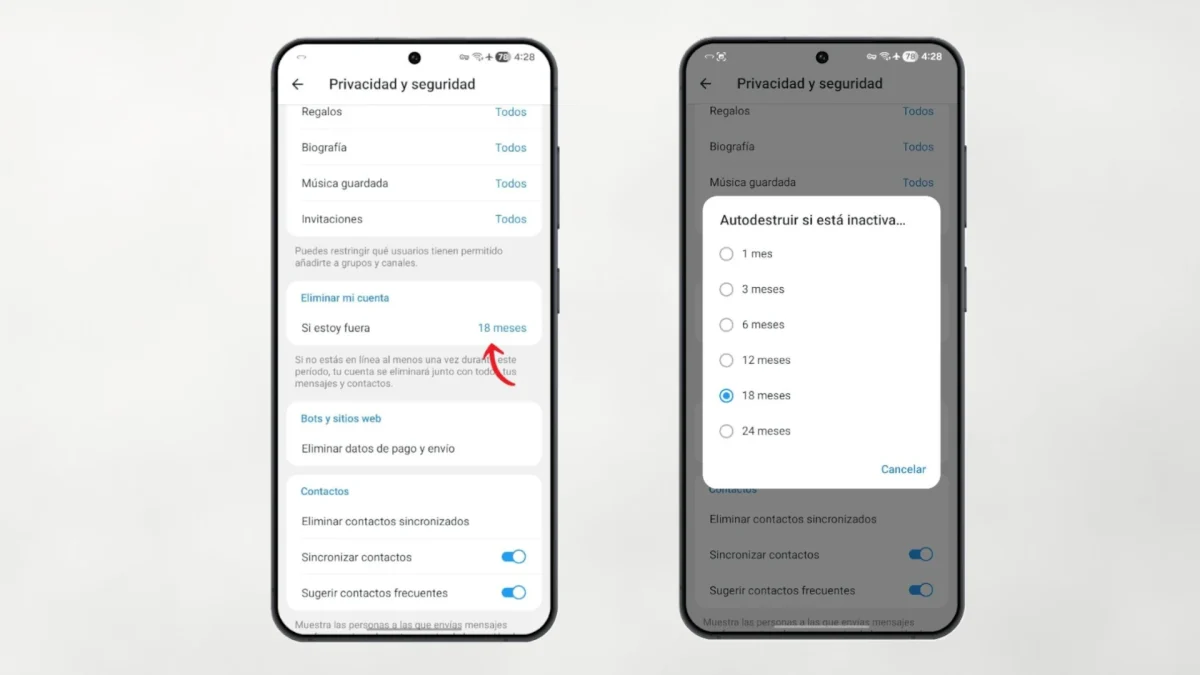
If you are not one hundred percent sure that you want to leave forever, this option gives you some room for maneuver. Telegram has a native feature that delete your account automatically if you don't use it for a certain period.
The steps are these:
- Open the app on your mobile and go to Settings.
- Enter Privacy and security.
- Go down to the section Advanced and click on Delete my account if I'm away.
- Select the downtime you want: 1 month, 3 months, 6 months, 12 months, 18 months or 24 months.
From then on, if you do not open the application even once during that period, the account is automatically deleted. The trick is that if at any time during that time you enter Telegram again, even out of curiosity or by accident, the counter is reset and your account remains the same.
By default, Telegram already has this timer set to 6 months for all new accounts. That is, even if you do nothing, a completely abandoned account ends up disappearing on its own.
What exactly happens when you delete your account

It is important to be clear about what deletion entails:
- All your messages, saved contacts, chat history, photos and shared files disappear permanently.
- The groups and channels you have created They continue to exist with the rest of the members.
- The other person in a private conversation will still see your chat history, although your name will simply appear as “Deleted account”.
- You cannot recover anything if the deletion has already been completed, not even if you register again with the same number.
What if you just want to take a break?
If what you need is to simply get away from Telegram for a while without deleting anything, the simplest option is uninstall the app. The account still exists on the servers, your chats are kept intact and when you want to return you will only have to reinstall it and log in.
Another alternative if what you want is more privacy without going to the extreme of deleting the account is to activate the secret chatswhich use encryption end to end and they leave no logs on Telegram servers.
And if after reading all this you have decided to stay, which we understand perfectly, perhaps what you need is get more out of the application. Telegram has many functions that go unnoticed by most users. If you want to know them, take a look at our guide with the 20 Telegram tricks to get the most out of the app.


