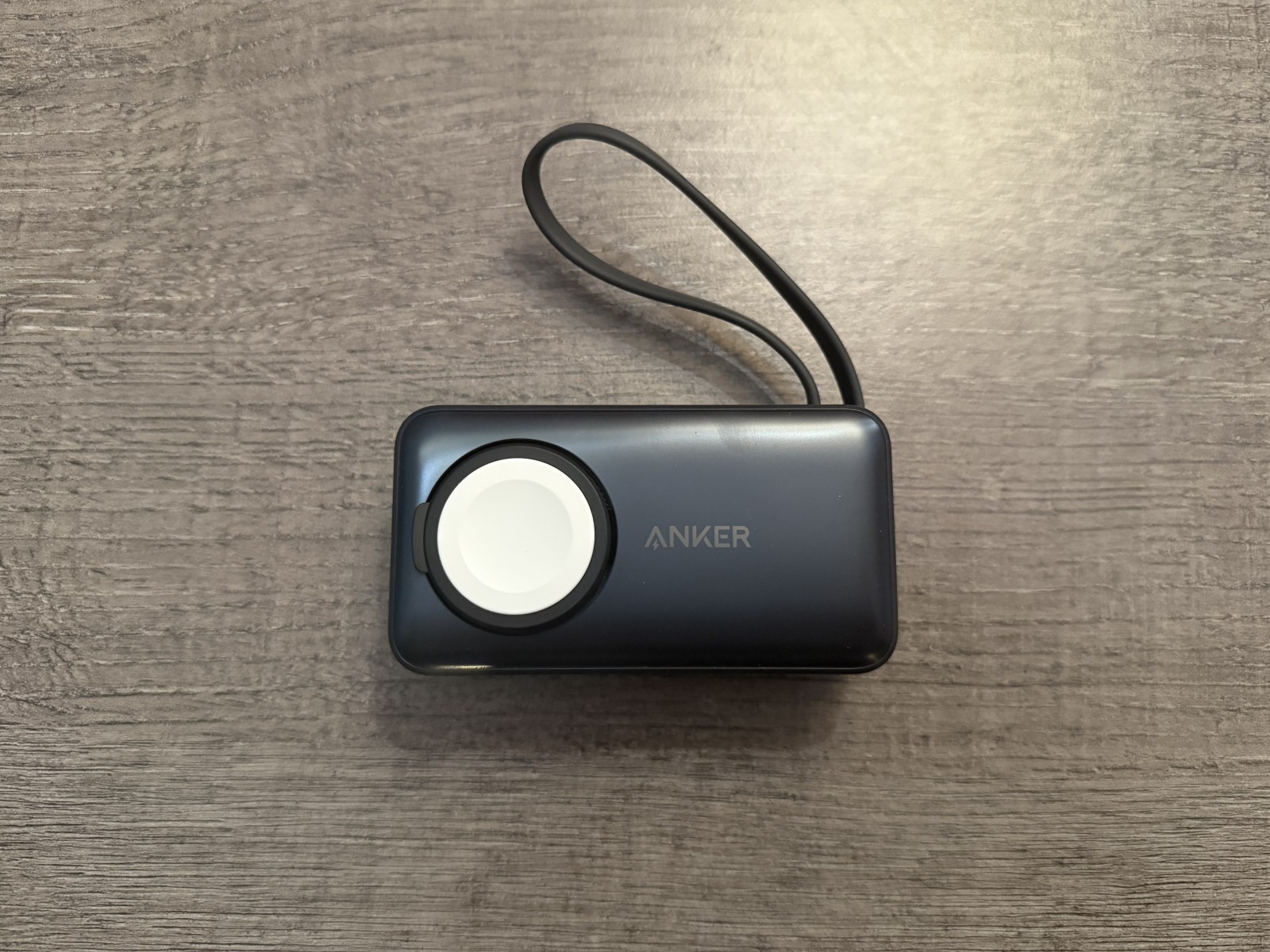
It is frustrating to leave the house with the device fully charged and watch the percentage drop drastically after a few hours. for no obvious reason. Before you decide to take your mobile phone to a specialized technical service or, worse still, make the significant outlay of buying a new device, you should know that the vast majority of these problems have a solution that is in your hands.
Often, the culprit is not irreparable physical wear and tear on the lithium-ion battery, but rather poorly optimized operating system settings, third-party apps that are stuck in the background, or simply bad charging habits. Below we detail the practical and proven steps you should take to recover the real autonomy of your smartphone.
1. A complete system reset
It may seem obvious in the world of technology, but it is the fastest, most effective step and the one we tend to forget most often. Your smartphone is, for all intents and purposes, a pocket computer. As you open, minimize, and close applications throughout the days, a multitude of temporary processes are generated and left in memory. Occasionally, an application may fail when trying to update or synchronize data with a server, entering a continuous loop which makes the processor work at maximum performance without you realizing it.
If you notice unusual power drain, often accompanied by slight overheating on the back of the device, press and hold the power button for about 30 seconds to force a hard reset. This cleans the RAM from the roots and stops any rogue processes instantly.
2. Inspection of energy vampires
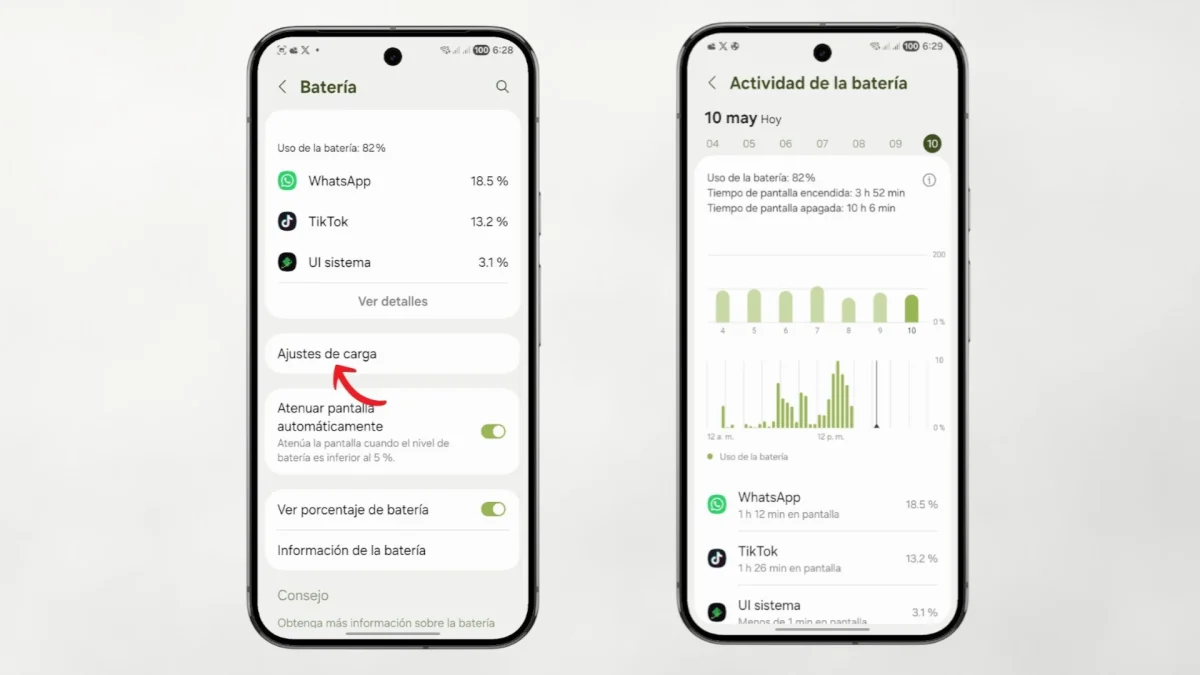
The Android operating system itself offers native tools necessary to audit what exactly each milliamp of your battery is being spent on.
To find out, head to Settings > Battery > Battery usage. In this section you will find a detailed consumption graph. If you notice that an app you've barely used or haven't even opened all day is at the top of the list, you've found the culprit behind your power drain. In this same section, you can select the offending application and severely restrict its use in the background or force their arrest. If it is software that you don't really need, the smartest decision is to proceed to uninstall it.
3. Screen and connections optimization
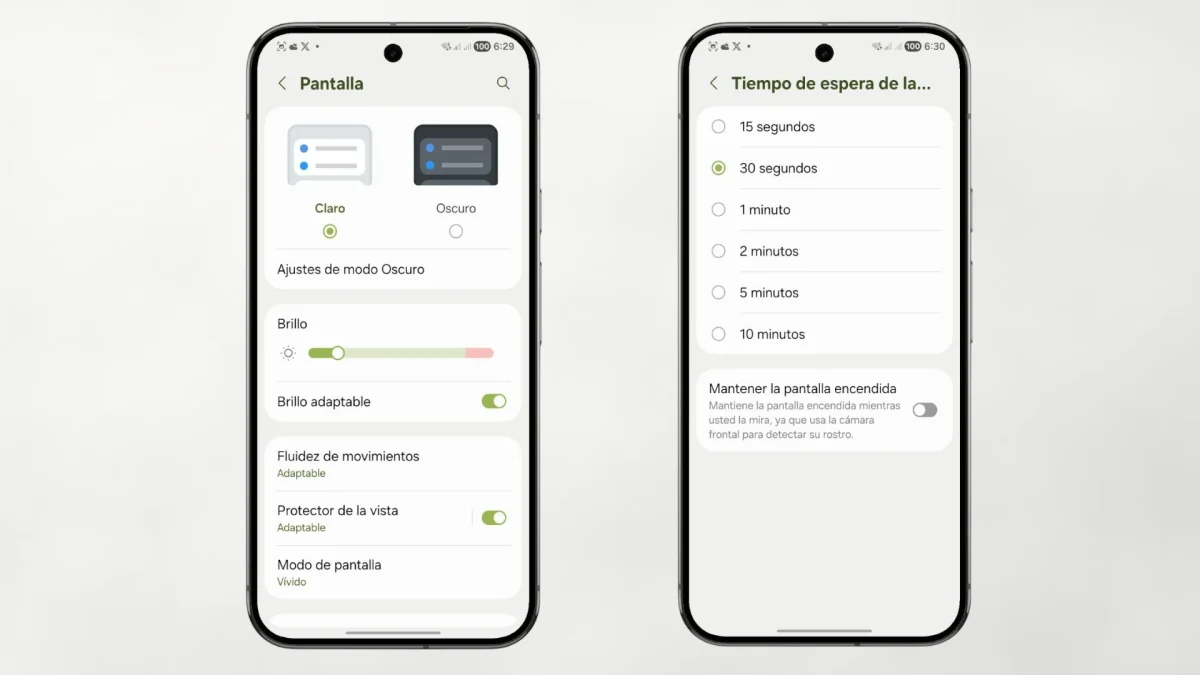
The screen remains the hardware component that demands the most energy resources in any modern mobile device. To minimize its impact without detrimental to your daily user experience, We recommend you apply these settings:
-
Adaptive Brightness: Activate this function to have the phone's brightness sensor adjust the brightness automatically. Keeping the panel illuminated at 100% capacity when indoors or at night is an absolute waste of energy.
-
Screen timeout: Reduce the time it takes for the screen to turn off automatically after you stop touching it. Setting it to 15 or 30 seconds, instead of 2 or 5 minutes, will make a noticeable difference at the end of the day.
-
Connection management: If you travel by underground public transport, take a long road trip or are in a rural area with unstable coverage, your phone's modem will work at maximum power incessantly searching for a signal to anchor to. In these scenarios, activating “Airplane Mode” temporarily will save a vital percentage of battery life.
4. Artificial intelligence applied to your autonomy
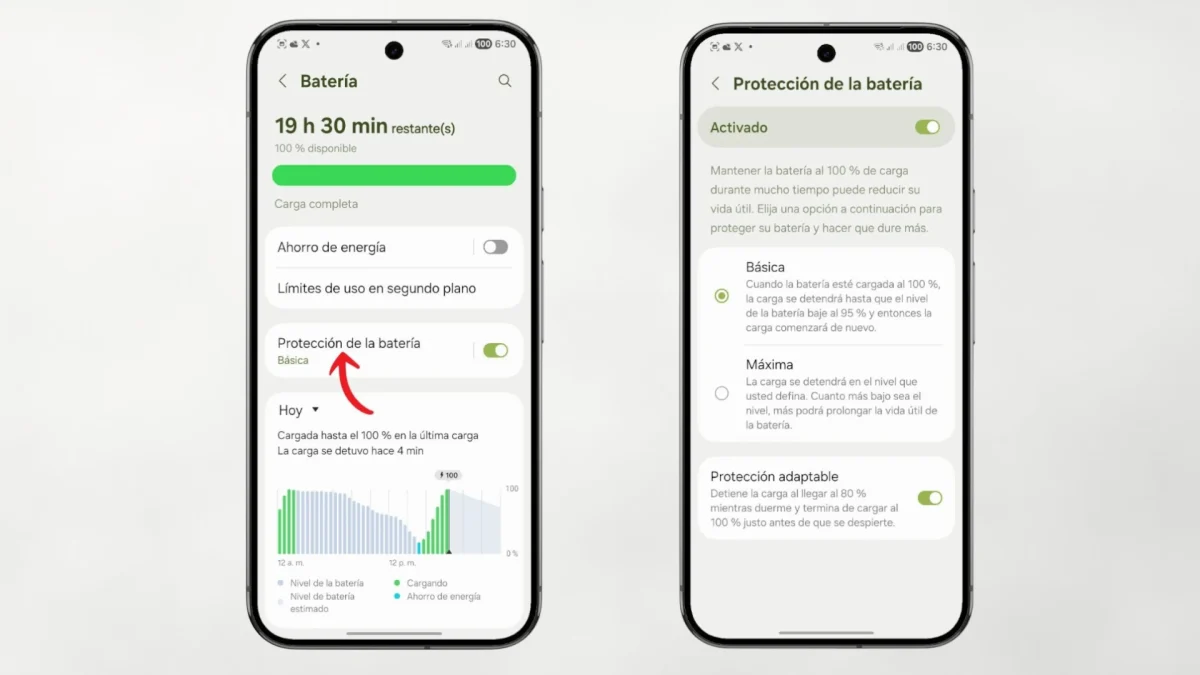
The most recent versions of the Android ecosystem incorporate an excellent feature called «Adaptable Battery». This tool uses machine learning algorithms to silently analyze your daily usage patterns. If you make sure to activate it in the battery menu, the system will learn over the weeks what applications used most frequently and at what specific times of the day.
Using this valuable information, the software will proactively limit the flow of power to those applications that you rarely choose to open. This smart prioritization means that your essential work or communication tools They will always work optimallywhile secondary services will not have the opportunity to exhaust their autonomy.
5. Hardware care and physical maintenance
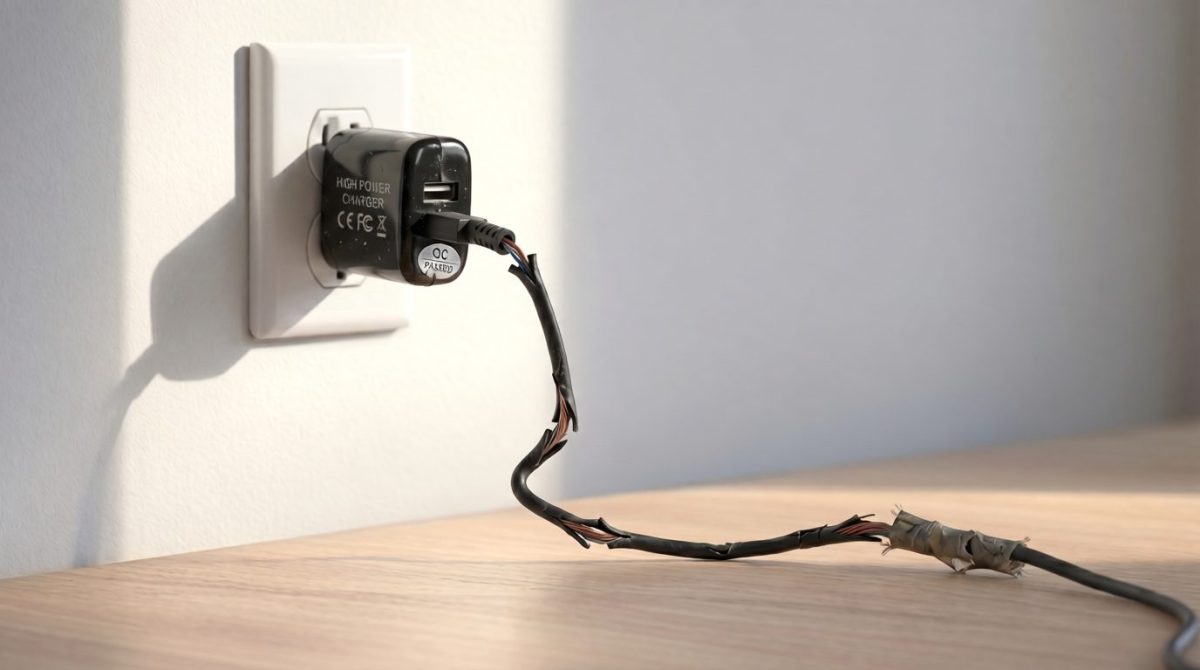
How you charge your device directly dictates the long-term lifespan of the power cell. Use bare wires or chargers of dubious quality that do not respect the voltage and amperage standard of their specific model generates unstable current flow. This produces excess thermal heat, which is the worst and deadliest enemy of internal lithium-ion components.
In addition to recommending that you always use original or certified accessoriesthe physical maintenance of the phone slots is crucial. A dirty USB Type-C port can cause false contacts and intermittent charging that unnecessarily stresses the battery. Just as keeping the charging port free of dust is vital, it is also highly recommended to perform general maintenance on the rest of the terminal's holes; for example, review how to clean the mobile microphone will help you have the device in optimal overall physical conditions, prolonging its useful life and avoiding blockages resulting from the accumulation of dirt.