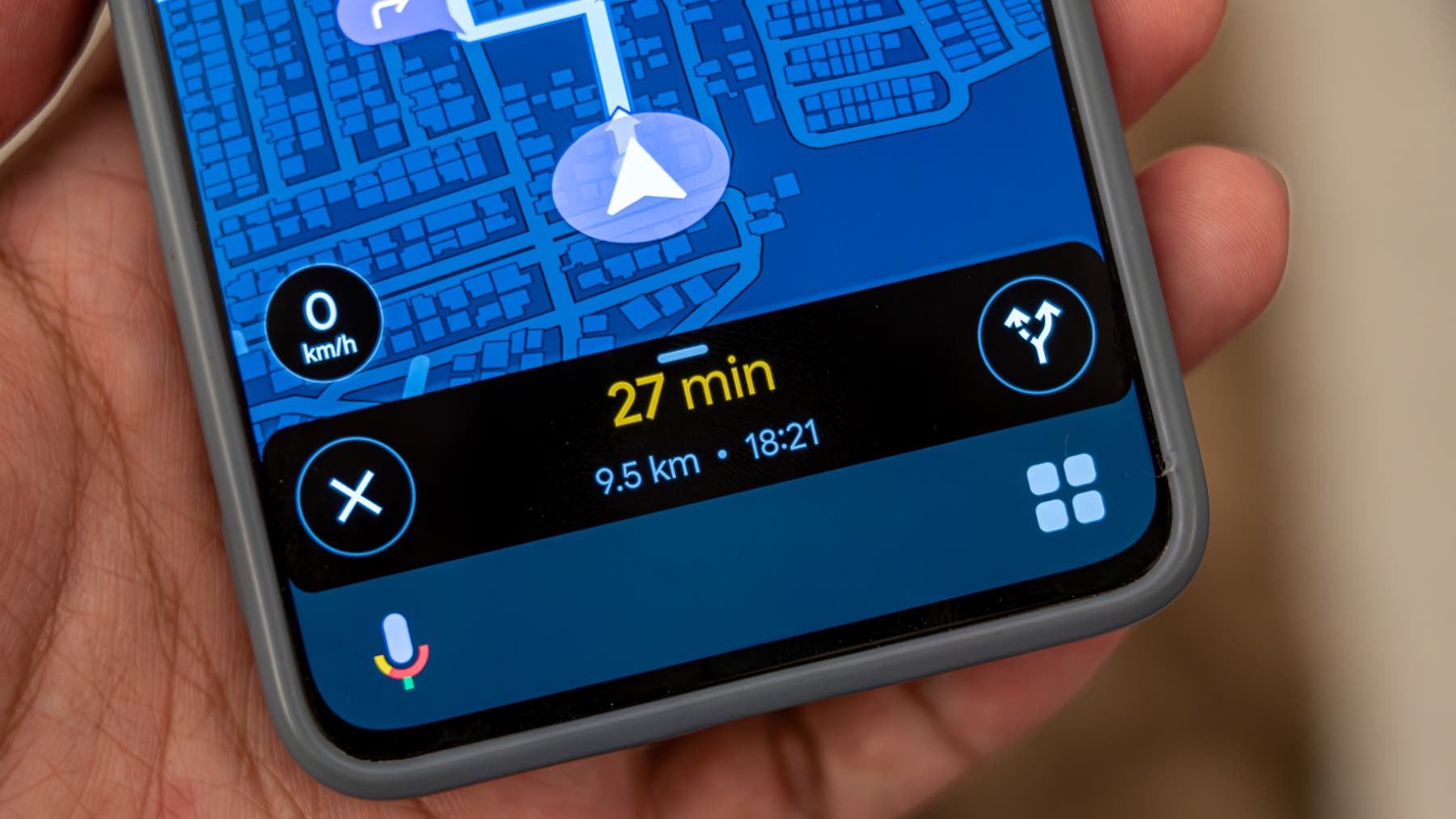

Google is starting to integrate Gemini into the Google Maps navigation interface for Androida change that replaces the classic Google Assistant by tapping the microphone during the route. The novelty, seen in the Maps beta 25.41.03.xaims for more capable and contextual voice control: allows you to ask that avoids tolls or highways, consult the weather forecast on the way or adjust the route without having to navigate through menus.
The test has not been deployed for everyone: for now has been activated in a limited way in the beta and depends on changes on the server side. When it appears, the microphone icon adopts Gemini flash pressing it, a sign that the requests no longer go through the Assistant. The feeling is clear: Google wants its new assistant to take care of critical tasks on the road, with more flexible responses than its predecessor.
Beyond changing icons, what is relevant is what it enables. Gemini can modify route parameters with natural orders (“avoid highways”, “avoid tolls”, “add a stop”) and answer additional queries without leaving the navigation, such as check the weather forecast or ask for points of interest. All of this without touching the screensomething key when driving and a practical improvement over the classic Wizard.
Another useful detail is that Gemini settings in Maps refer to the Gemini app for specific configurations. This suggests a deeper integration with the Google ecosystem: if you have already replaced the default mobile Assistant with Gemini, invocations will also open Gemini using voice commands and system shortcuts during navigation. In short, a more fluid interaction between voice commands and visual response on the screen.
Availability and visible changes: only on Android (for now)

Today, there is no general deployment: we are talking about a function in testing that some users have managed to activate in the Google Maps beta version 25.41.03.x and? could arrive via update and remote activation. Google has not detailed whether there will be parity with iOS and, from what has been seen, Gemini integration into Maps will initially be exclusive to Android. In parallel, Maps continues to refine its design with touches of Material 3 and small button changesbut The big news is this replacement of the Assistant.
What it means for Android and for drivers
If the deployment is confirmed, Maps gains smarter hands-free capabilities and Google accelerates its transition from Assistant to Gemini in key apps. For the user, the improvement is tangible: fewer steps, more context and more natural orders. For Google, it means bringing its generative AI to one of its services with the most real use, just as happened with its own Google Chrome browser. Are you convinced that Gemini replaces the Assistant when you drive, or do you prefer to stick with what is known? We read you in the comments.