


When Apple introduced iOS 18 and macOS Sonoma last year, it debuted an interesting feature that further improves the harmony between a Mac and an iPhone. This feature is called iPhone Mirroring and, as usual, is also available in the new iOS 26 and macOS Tahoe. But European users will have to keep waiting.
During its recent WWDC25 developer conference, Apple made it clear to French tech site Numerama that iPhone Mirroring would not be available in the European Union for now due to ongoing regulatory uncertainty. The Digital Markets Act lays out a number of rules that Apple is keen to avoid, which would prevent the feature from working here without breaking them.
Apple hasn’t provided any further details, but there are several things that could worry them. First, the European Commission could eventually require iPhone mirroring to also be extended to Windows. Second, they could ask for the opposite: allowing Android to mirror on Macs in the same way. Furthermore, launching iPhone Mirroring on macOS could put the system in the spotlight and lead to it being designated as a “gatekeeper,” which would subject it to stricter EU regulations, as is already the case with iOS and iPadOS.
What is iPhone Mirroring, and why is it so interesting?
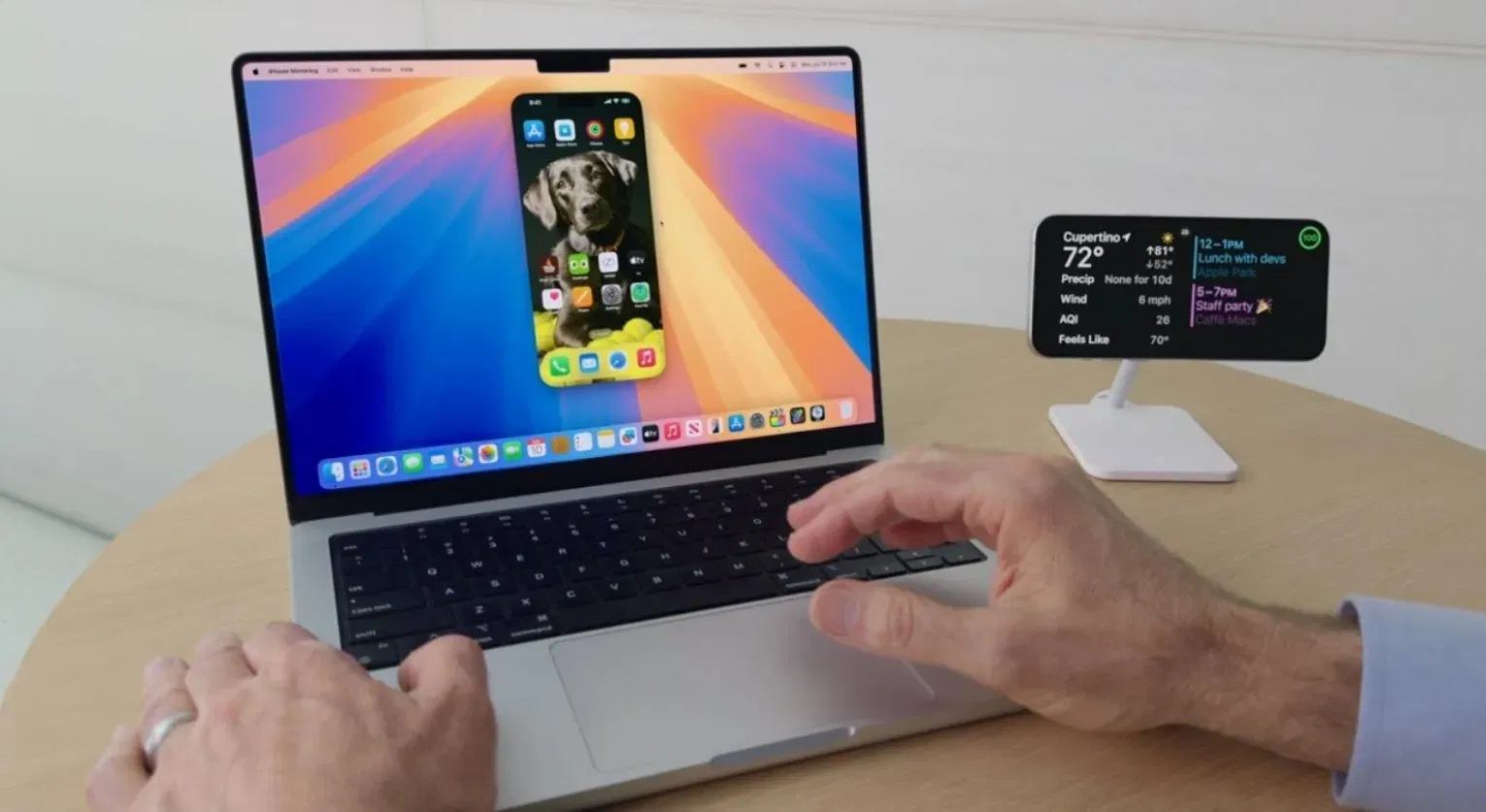
The iPhone Mirroring feature introduced with macOS Sequoia takes iPhone and Mac integration to the next level. It’s no longer just about taking calls or copying and pasting between devices: you can now view and control your iPhone directly from your Mac screen, even if your phone is in another room. It’s ideal for those who want to focus on a single screen while still having full access to their phone.
When enabled, your iPhone screen appears in an interactive window on your Mac. From there, you can use the keyboard, trackpad, or mouse to navigate the system, open apps, or reply to messages just as if you were holding your iPhone. And yes, it works even if your iPhone is locked, as long as both devices are nearby and signed in with the same Apple ID.
It’s a very comprehensive feature that can even save iPhone battery life by allowing you to access it without turning on the screen. These are its main functions:
- View your iPhone screen in real time from your Mac
- Use iPhone apps with your Mac keyboard and trackpad
- Navigate your iPhone without physically unlocking it
- View and manage iPhone notifications from macOS
- Continue tasks between devices without switching screens
This is a tool designed for those who use both devices daily and want a more fluid, seamless, and uninterrupted experience. However, despite being introduced a year ago, this feature isn’t available to European users, even though the app appears on the Mac. The worst part is that we don’t know when we’ll be able to use it; it’s something I would do every day.