

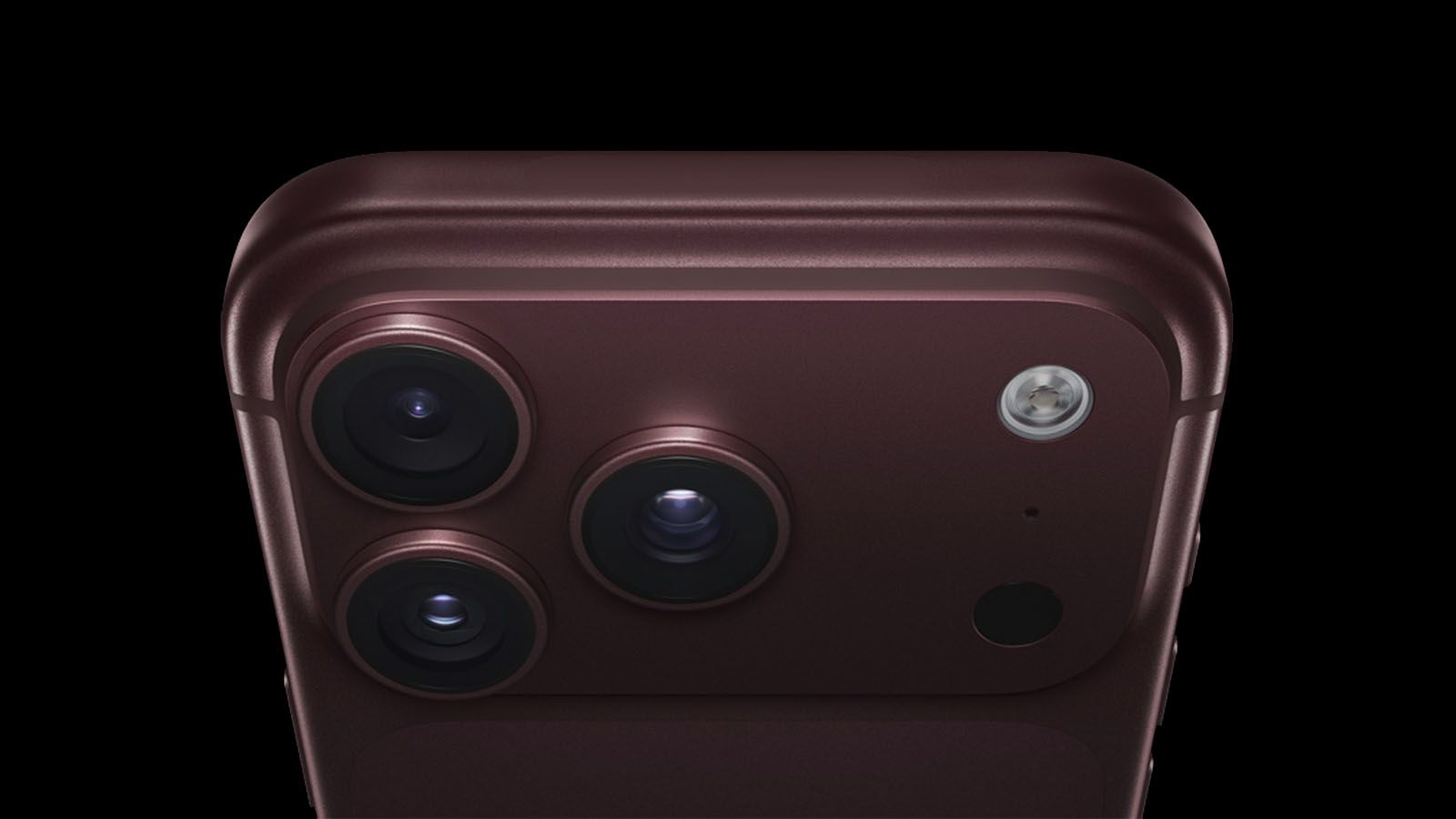

He iPhone 18 Pro and the iPhone 18 Pro Max They have an audio problem that is giving rise to quite a few users: the top speaker, the one you use to talk on the phone, makes clicks and crackles without warning. It is not a widespread failure, but it is frequent enough to fill forums with complaints, and anyone who has tried to change the terminal in the store has come across the same surprise: the new phone sounds the same.
Things get complicated because all this comes just after Apple launched iOS 27.0.1 to fix a Face ID bug that restarted the iPhone when it did not recognize the user, and also to correct color distortion in some photos. That patch doesn’t address the clicking issue, so the noise is still there. Let’s see what is known about the problem, why changing terminals is useless and what you can do while a definitive solution arrives.
What’s wrong with the iPhone 18 Pro and Pro Max speaker?
The failure consists of a short, sudden click or crackle that comes from the top speaker, the same one you use to hear the other person’s voice during a call. It is not a general failure: many owners of the iPhone 18 Pro They haven’t noticed anything unusual about their unit.
The curious thing is that the intensity of the noise varies greatly from one case to another. Some users report a barely perceptible sound, while others describe a clicking sound so sharp that it has physically bothered them when answering a call without expecting it. That lack of pattern is exactly what makes it difficult to find a single explanation.
The problem has been gaining visibility in support forums and social networks as more users install iOS 27.0.1which suggests that it is not a specific case. At the moment there is no official figure of how many terminals are affected, and Apple has not confirmed any specific percentage either.
When the click sounds: from surfing the internet to airplane mode
There is no clear trigger, and that is the most disconcerting thing about it. The noise appears sometimes for no apparent reason and other times during very specific actions with the phone, which points to a problem with the management of audio signals rather than a loose part.
- Browse web pages or open the keyboard in any app.
- Receive a notification or answer a call.
- Turn airplane mode on or off.
- Raise or lower the screen brightness very quickly.
With such a disparate list of triggers, reproducing the bug in a controlled environment is nearly impossible. And the thing is, if the clicking noise always occurred when doing the same thing, it would be much easier for Apple to isolate the problem and release a targeted patch. This reinforces the idea that noise depends on how iOS handles internal audio signals in each situation, not on a specific action that the user can easily avoid.
Software glitch or defective speaker? Why changing the terminal is of no use
The difference between the iOS 27 bug and a speaker broken by humidity
Before assuming that you iPhone 18 Pro suffers from the bug iOS 27confirms that the noise is not a physical fault. The software failure affects only the upper earpiece, but the lower speaker – the one for music, videos and hands-free – can break due to wear and tear. Its symptoms are very low volume, distortion with humming, no sound at all, or an intermittent tone. These problems are not caused by Apple with an update, but rather physical elements such as dust, humidity, sand or impacts, which destroy the membrane.
Everything indicates that the origin is in the software, not in a defective part of the speaker. The clearest clue is that the problem is not limited to the iPhone 18 Pro: it has also appeared on the iPhone 17 basic after installing iOS 27.
If a previous model, with a different speaker, begins to suffer the same clicking noise just after updating, it is logical to think that the operating system is poorly managing the signals it sends to the upper earpiece, and not that Apple has installed a part with factory defects in the new phone.
Faced with a failure like this, the normal thing is to think about going to the Apple Store and asking for an exchange. However, several users who have done so have been disappointed: the replacement phone starts to sound the same as soon as they finish setting it up.
It makes sense if the problem lives in the iOS 27 code and not the hardware. A new terminal with the same operating system installed will behave exactly the same as the previous one, so at the moment changing the unit does not solve anything.
The headphone test to rule out that the board is damaged
If the noise is coming from downstairs, do a home test: play a tone in the settings and connect to wired headphones or Bluetooth. If the audio is heard well through the headphones, the board is healthy and the speaker module is the culprit. If there is no sound through the headphones either, the fault is in the motherboard. Before taking it to the shop, check the lower grille: sometimes a thin layer of lint dulls the volume and a simple cleaning prevents changing the part.
What you can do while Apple does not release the patch
If technical support does not guarantee a silent phone, the most practical thing is to try a couple of tricks that several users say alleviate the problem, although they do not eliminate it completely.
The first is as simple as turning off the iPhone completely and turning it back on: it has worked for some to make the clicking go away for a while, although it may return later. The second involves deactivating voice isolation in the call sound settings, a function designed to filter out ambient noise that seems to have something to do with erratic audio management. Disabling it has reduced the frequency of the clicking for quite a few people, although it doesn’t make it go away completely either. It is advisable to try them separately, since combining them does not guarantee better results according to what the users themselves say.
Neither of the two tricks replace an official update, but they serve to keep you with the phone while it arrives.
What does Apple say and when would a solution arrive?
iOS 27.0.1 focused on fixing the Face ID bug that reset the phone and color distortion in some photos. The speaker clicking is not even mentioned in the update notes, so the bug is still present in the terminals that have already installed it.
At the moment there is no evidence that Apple has publicly commented on this specific problem. There is speculation in the support forums that the solution will arrive in a future minor version, which could be called iOS 27.0.2although there is no confirmed date for its arrival or details on what changes it would include.
Thirty minutes in the workshop to recover the sound
If the bottom speaker is broken, technical services already offer its physical replacement. It is an intervention that is usually carried out in 30 minutes or on the same day, subject to stock. Workshops like Naranja Center Tenerife They serve as an example of a market that already repairs this model with quality spare parts and renewing the sealing. The price requires a free prior diagnosis, since it is not published in the web rates, and repair in independent services offers up to 6 months of warranty.