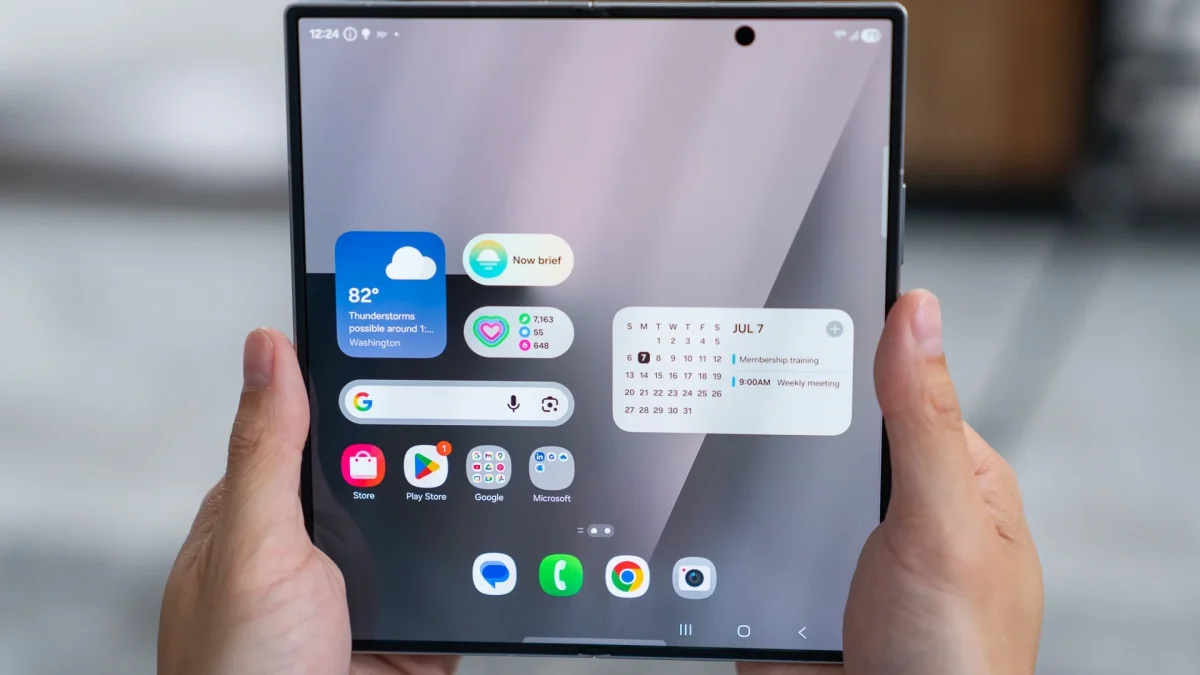
If you have a Samsung Galaxy but not a galaxy book, it is likely that you have been limited in terms of Data synchronizationespecially in applications that we usually use. Over the years, we have seen how the Korean company has strengthened its relationship with Microsoft, but never as now.
One of the most frequent requests by fans was to be able to execute certain apps, such as the popular Samsung Notesin conventional computers. After years of waiting, this will finally be a reality.
Samsung Notes can be used on any PC with Windows
It is normal for Samsung to prioritize his Galaxy Books as part of his ecosystem. This drives brand fans to bet on perfect synchronization between devices, something similar to what happens in the Apple ecosystem. However, Samsung is also aware that closing itself can Assume great limitations.
As you may know, I am a user of a Galaxy A54 and frequently use the Samsung Notes app, but unfortunately I do not have a brand computer. Until now, to use Samsung Notes in my laptop, I had to resort to unconventional methods. That will no longer be necessary.
You just have to enter the Microsoft Store and download the official Samsung Notes application. It will also be necessary to install Samsung Accountsince this app is key to logging and synchronizing the notes of your mobile.
This improvement will definitely facilitate the transfer of important information between devices, Without so many complications. It is one of the most interesting novelties that every Samsung user will know how to thank.
In case Samsung Notes still does not work properly on your PC with Windows, do not worry: the function is likely to enable completely in the next few days.