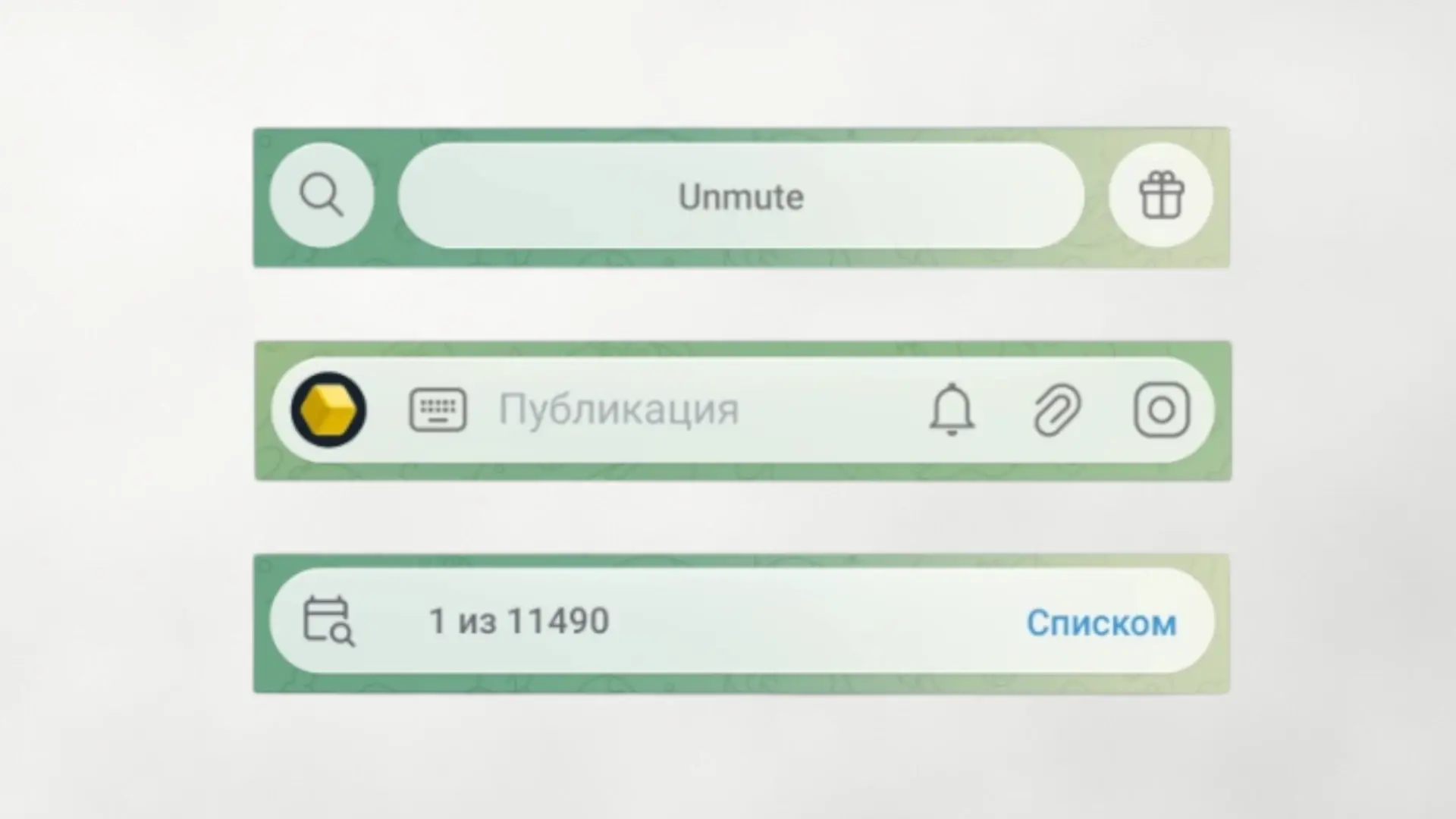

Telegram has started implementing a 'Liquid Glass' effect in its Android app in beta version. It's not a complete redesign, but rather a subtle visual layer that appears in elements like the text input bar and emoji, GIF and sticker panelswith transparencies and blurs reminiscent of iOS 26. In the first screenshots, the result provides depth and continuity to the interface, without breaking with the classic navigation of the app.
The move comes weeks after Telegram introduced Liquid Glass on iPhone and it is the first step to bring that visual language to Android. For now, the changes are discreet and coexist with “flat” components; In fact, part of the beta community shows divided opinions: there are those who celebrate the more fluid finish and those who prefer to maintain a more sober aesthetic. In any case, we are talking about a test that could be expanded or adjusted in future compilations.
What exactly changes in Android
In the current beta version, the effects of transparency with refraction They apply to specific areas: the writing field, the sticker/emoji selector and certain menu sheets, especially in the gallery and sliding panels. The rest of the interface—chat lists, headers, and settings—remains largely the same. This “partial” approach fits with a progressive rollout: Telegram is gradually modifying UI modules without compromising stability or performance on mid-range mobiles.
Beyond the aesthetic, this type of effects helps to differentiate layers and hierarchies– When you open the gallery or sticker keyboard, the background stays visible thanks to the blur, making it easy to go back intuitively. There are no new camera or editing features tied to Liquid Glass for now; We talk, above all, about visual consistency.
Availability and how to test it
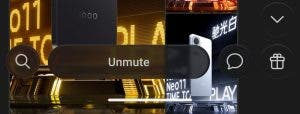
The effect is reaching Telegram for Android in beta latest. If you already participate in the program, the update should activate it automatically; Otherwise, you can wait for it to reach the stable version when Telegram decides to extend it. This effect is already applied in iOS to the bottom bar, keyboard and stickers panel; The expectation is that Android will follow a phased deployment until more screens of the app are covered.
As always in a beta, there can be last minute changes and fine adjustments of sharpness, opacity or performance depending on the device. If you notice extra battery consumption or jerks when opening the gallery, it is normal for Telegram to modify parameters in future builds to balance fluency and aesthetics.
A first step towards a more careful interface
The developers constantly incorporate new features, such as when the possibility of stream content directly from the appwithout depending on external tools. And although this time we see a small change, the arrival of Liquid Glass to Android indicates that Telegram wants to maintain a modern and consistent appearance between platforms. By extending it to headers, tabs, and settings, the app could present a more uniform look without sacrificing clarity. Are you convinced by this transparent finish or do you prefer the usual classic interface? We read you in the comments.