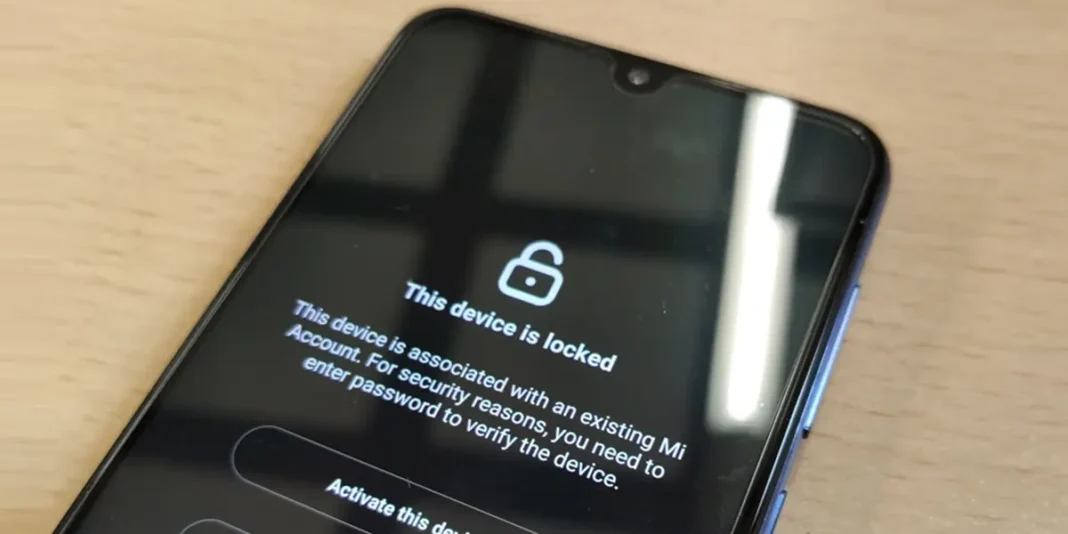

The “This device is locked” message, which also appears as “This device is locked,” is one of the errors that most scares Xiaomi users. It can be very frustrating, especially if it appears for no apparent reason. It’s a security barrier to prevent unauthorized access to your device, but it can sometimes be triggered by mistake. To unlock your Xiaomi, you can follow several methods, such as resetting your Mi account, using specific unlocking tools, or even contacting Xiaomi support.
Don’t know where to start to remove “This device is locked” on your Xiaomi? In the following lines, I’ll guide you step-by-step through the most effective solutions to eliminate this message and regain access to your device. So don’t worry, it won’t cost you anything to solve this problem.
What does “This device is locked” mean on Xiaomi?

On all MIUI and HyperOS phones and tablets (Xiaomi, Redmi, and POCO), the message “This device is locked” may appear, which means the device is locked at the system level. This means you won’t be able to unlock it using traditional unlocking methods (fingerprint, PIN, etc.). Instead, you’ll need to follow a more complicated procedure to unlock it and be able to use it.
Below the “This device is locked” message, the reason for the lock is usually listed. The reason is usually explained in English, even if the error title is in Spanish. But don’t worry, here are the most common causes:
- The device is linked to another Mi account.
- A custom ROM was installed without proper authorization.
- The device is not officially supported in the region you are located in.
- The device was unexpectedly reset.
Fortunately, whatever the cause, there is a solution to remove “This device is locked” on Xiaomi.
How to remove “This device is locked” on Xiaomi
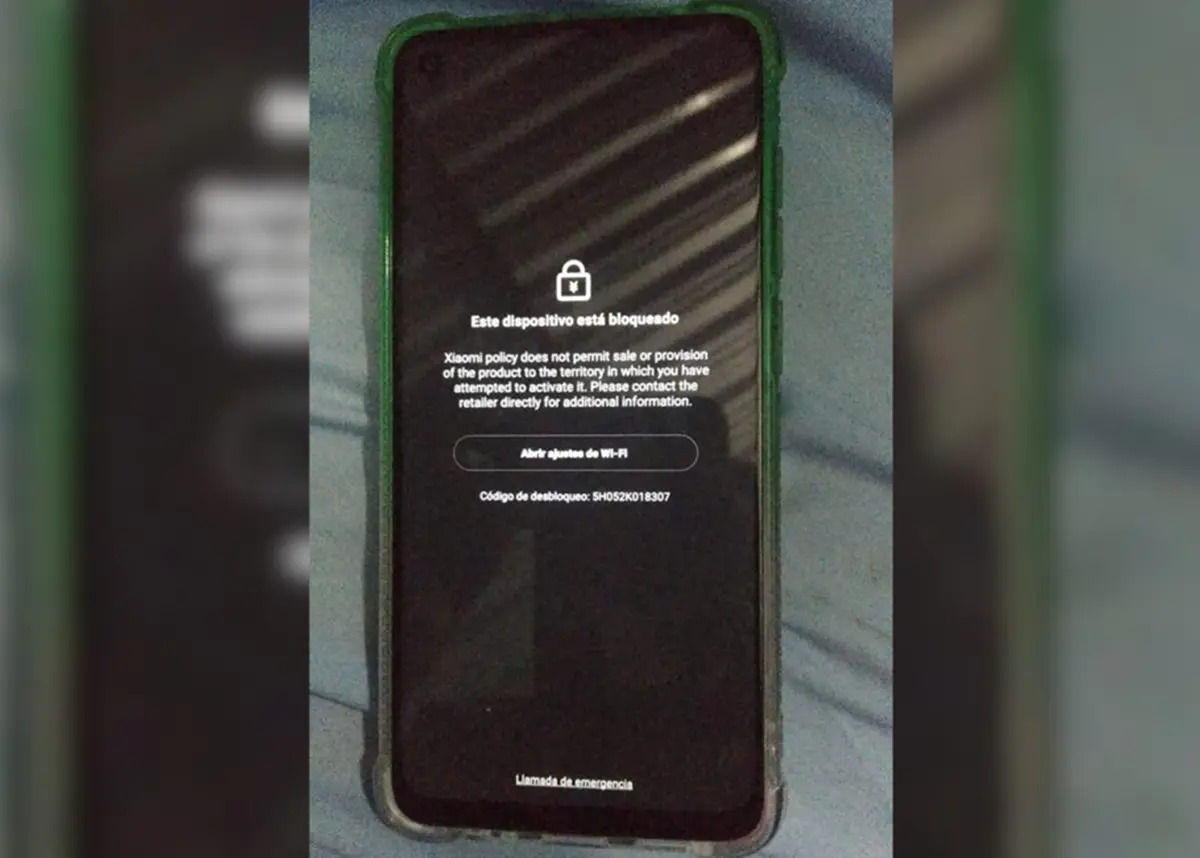
The solution depends on why the “This device is locked” message appeared on your Xiaomi. We’ll show you all the ways to remove “This device is locked” depending on the cause.
If you don’t know the reason
- Turn off your device.
- Remove the SIM card from your Xiaomi and reinsert it into the tray, making sure it is firmly seated.
- Turn on the device normally.
- Unlock your device as usual, using your PIN, password, or fingerprint.
If the device is linked to a Mi account
- Press the Activate this device option.
- Enter your Mi account email and password. If you don’t remember it, tap “Forgot password?” and follow the steps.
- If your device is associated with your Mi account, it will be unlocked after doing this.
- If the above didn’t work, tap Open Wi-Fi settings and log in to your Wi-Fi as usual. If everything is OK, you’ll receive a code to unlock your device.
If the device says it is not compatible with your region
- Set up a VPN on your Wi-Fi based on a country where you know mobile is available.
- Restart the device.
- Tap Open Wi-Fi settings.
- Connect to Wi-Fi as usual. The device should recognize that you’re in a supported region and unlock.
If none of the above worked
- Go to the official Xiaomi website and select the country you are in (if it doesn’t appear, choose “Global”).
- Click on Help or Support.
- Contact Xiaomi customer service via live chat, email, or phone.
- Explain your problem, mentioning all the details on why you are unable to unlock your Xiaomi phone.
- Technical support will provide you with specific instructions to resolve the “This device is locked” error, if possible.
If it was not unlocked even with the help of technical service
- Turn off your Xiaomi.
- Turn it on and, while booting, press the Volume Up + Power buttons simultaneously. Keep holding them until you enter recovery mode.
- This way you will enter recovery mode.
- Navigate the menu using the volume buttons and select Wipe data by pressing the power button.
- Confirm and wait for it to fully reboot. From now on, set it up as a new one.