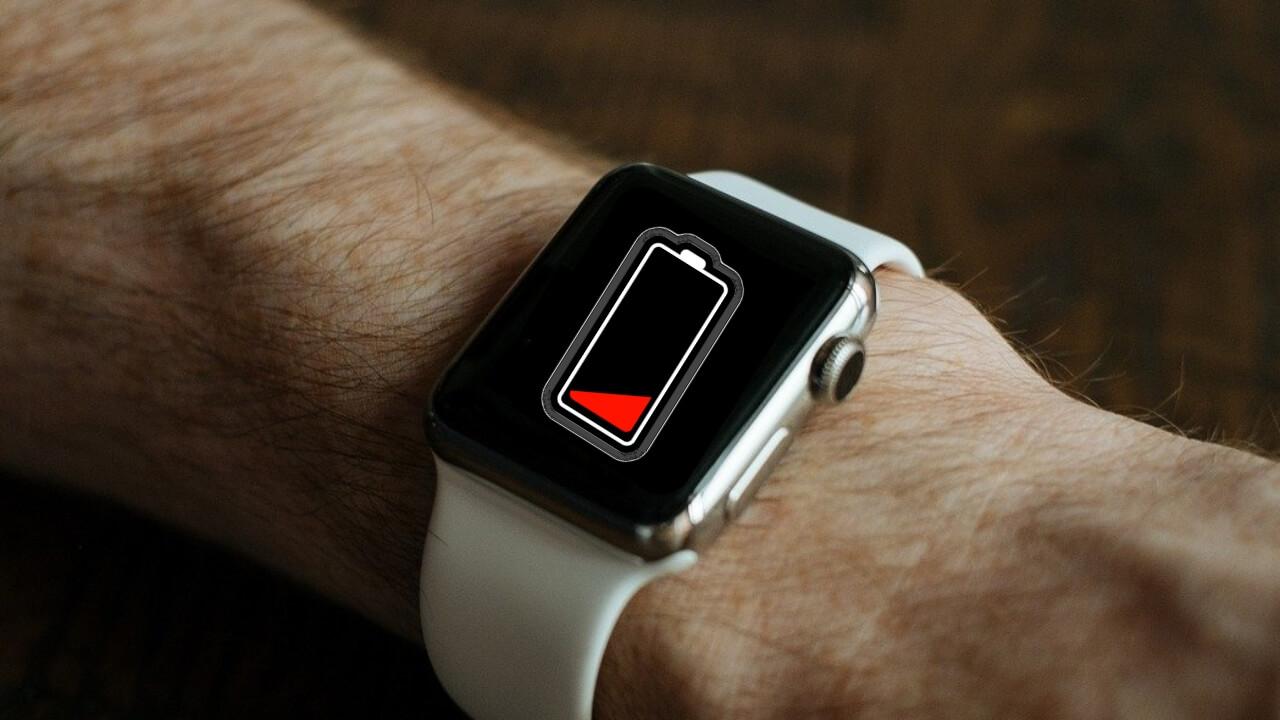

If you have a Apple Watchsurely one of the biggest drawbacks that you have noticed is the batterybecause sometimes, especially when we are far from home, we see how it doesn’t reach us at the end of the day, at least when we haven’t gotten 100% out of it.
One of the options it offers us, both when reaching 10% and by activating it manually, is battery saving, through a low consumption mode, but what does activating it affect? We are going to see everything that limits this mode, and so, if you have to put it, you know what it will do.
Apple Watch Low Power Mode
It is likely that, if you use this device to measure your health, many of the limitations activated by low power mode do not interest you, and you would prefer to run out of battery rather than choose this function, so we are going to see a list that Apple summarizes for us about them.
When activating low power mode will be deactivated as follows:
- Always on screen
- Double tap gesture
- Daylight exposure time
- Notifications about irregular rhythm heart rate, high heart rate and low heart rate
- Heart rate measurements in the background
- Blood oxygen measurements in the background
- Training start reminder
If the iPhone is not nearbyit will also do it with:
- Wi-Fi and mobile connections
- Incoming phone calls and notifications
In addition, will affect the following functions:
- Making a phone call may take longer
- Background app updates occur less frequently
- Complications are updated less frequently
- Live activities are updated less frequently
- Siri may take longer to process a request
- Some animations and scrolling may appear less fluid
How much does the battery life increase?
Well, although it is not exact data, Apple explains that the low consumption mode can double its duration, so if an 18-hour Apple Watch Series had this mode activated all the time, we could reach 36 hours. , something that happens in the Ultra, who boast of power reach 60 hours in this way.

This does not mean that if you charged your watch every day, now it is every two days, since for that you would have to always have the saving mode active, and not have the screen active, measure the heart rate, or for everything to go slower It is absurd if you have an Apple Watch, and this should only be used in cases of necessity, otherwise it will be better to go for a different brand.
And you, are you one of those who uses this mode permanently, sometimes, or like me?, who even though you know you won’t get home to charge it, prefers it to turn off with all the functions, rather than having half of them and that it lasts longer, since if it doesn’t register my keystrokes, or it doesn’t synchronize well with the phone, it’s of no use to me to be able to see the time or receive a WhatsApp if I have the iPhone at hand.