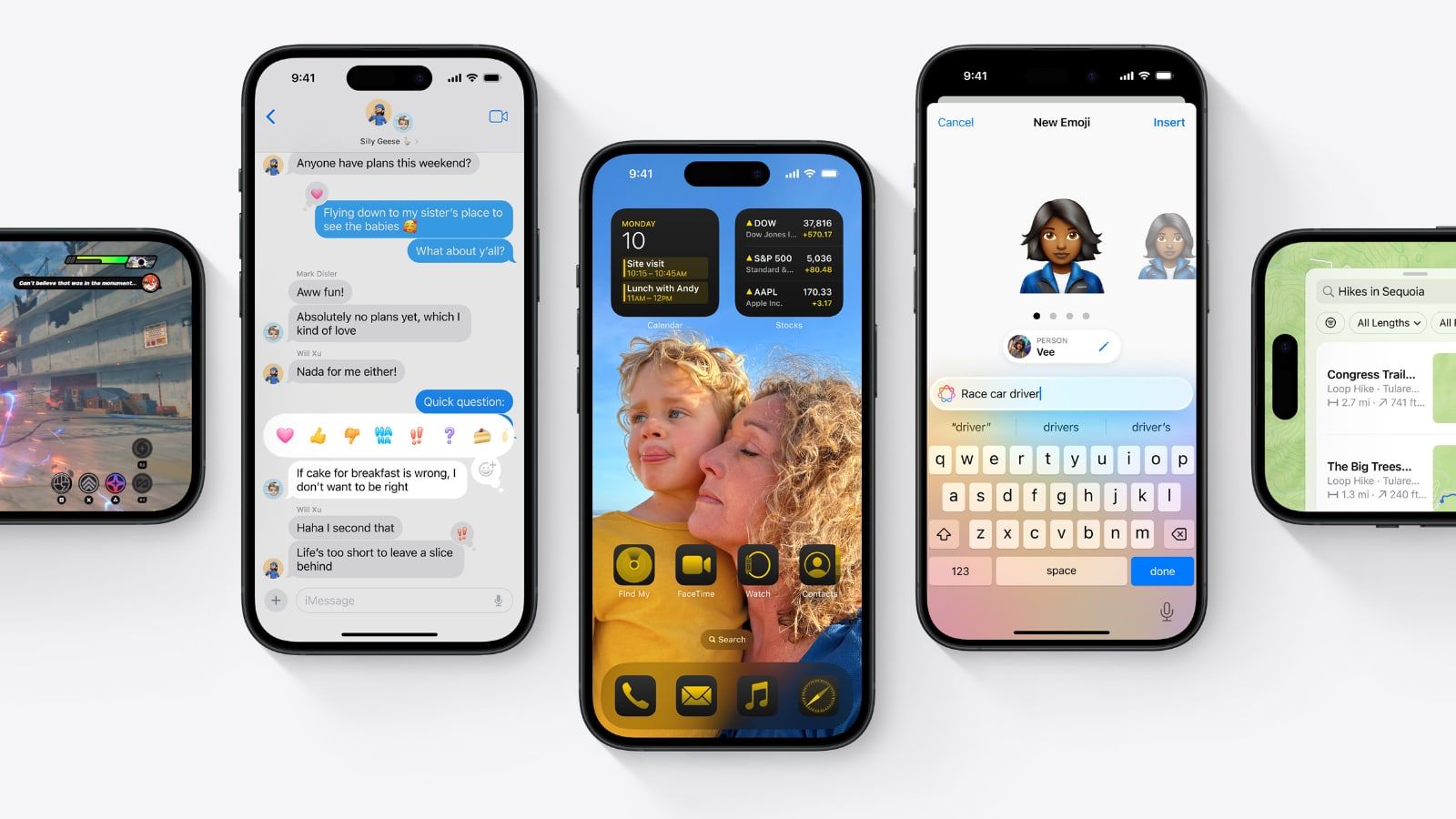
Below, we delve into the two most recommended options for iPhone users.
NordVPN
It is one of the undisputed leaders in the VPN market and is the most recommended option for those looking for the maximum speed without sacrificing even the slightest safety. The NordVPN app is fully optimized for iPhone and offers the exclusive NordLynx protocol, capable of delivering ultra-fast connection speeds, ideal for 4K streaming or wireless online gaming. lag.
Pros and cons
- Pros: Market-leading speeds (NordLynx protocol), massive server network, robust security features (Double VPN, Threat Protection), audited zero-logs policy.
- Cons: The app can be a little more complex for absolute beginners compared to other options.
Servers
It has a massive network of more than 8,000 servers worldwide in more than 165 locations.
Privacy Features
Its zero-logs policy guarantees maximum user privacy. Furthermore, the encryption of Double VPN (which routes your traffic through two VPN servers) adds an extra layer of anonymity that's hard to match.
Additional Features
NordVPN has a Threat Protection which blocks malware, trackers and annoying ads before they reach the device. Other features like Double VPN encrypt traffic twice and turn your iPhone into a completely secure device. This together with the fact that you can protect up to 10 devices with a single accountso you can also use NordVPN on your iPad or Mac without any problems.
| Model | We highlight | Price |
 NordVPN |
Get up to 75% discount and 3 months free |
*Prices updated at the time of publishing or reviewing this article. They may vary over time.
surfshark

Another one that has earned its place at the top among Apple users is Surfshark, whose star feature is that it offers Unlimited simultaneous connections to your VPN. So you can include all the Apple devices you have in one subscription. The iPhone app is modern, clean, and easy to use. It is one of the fastest VPNs today and a perfect option to obtain streaming catalogs anywhere in the world.
Pros and cons
- Pros: Unlimited simultaneous connections (best value for subscription), very clean and easy to use interface, great for unblocking streaming, very competitive price.
- Cons: Speeds may vary more than NordVPN depending on the server selected.
Servers
Surfshark offers a robust network of more than 3,200 servers in 100 countries.
Privacy Features
In addition to advanced data encryption and a no-logs policy, Surfshark uses RAM-only servers, meaning any data is automatically deleted on each reboot, ensuring that no long-term information is stored.
Additional Features
Surfshark includes the Surfshark One security packagewhich adds antivirus, data breach alerts, and a private search engine. Its CleanWeb feature effectively blocks ads, trackers, and phishing. With its incredible value for money and the benefit of unlimited devices, Surfshark is the perfect option for families or users with multiple Apple devices.
| Model | We highlight | Price |
|
Surfshark VPN |
From only 1.99 euros and a 3-month gift |
*Prices updated at the time of publishing or reviewing this article. They may vary over time.
What is a VPN
VPN is the acronym for Virtual Private Network, also known as Virtual Private Network in Spanish. It is a concept that, at first glance, may seem very technical, but whose operation is very easy to understand with an example: when you use the Internet at home, your iPhone connects to the home WiFi. From there, the connection is made through the Internet Service Provider (ISP) to the website you are searching for. During this journey, the ISP can see all the activity and on a public network attackers have the ability to intercept the information.

A VPN creates a secure, encrypted connection between your iPhone and a serveroperated by the VPN provider, which can be located anywhere in the world. What you do in a way is camouflage your device's connection and hide the IP address of your connection, providing a 'new' digital identity and protecting your location by using the server's location. This while encrypting all Internet connection and activity for any threat or cybercriminal.
Why do you need a VPN on your iPhone?
Generally, Apple users have the belief that their system is the most secure and they do not need any additional protection tools. It is true that iOS has excellent security against any type of malware, but A VPN is not in charge of protecting your iPhone, but your connection.
Apple's native security features can't prevent a hacker from intercepting your card data when you make a purchase while connected to public WiFi. In the same way, an iPhone does not prevent your operator from recording each of the pages visited from the device.
In fact, Apple includes native support for VPNs directly in iOS, iPadOS and macOS, a configuration that you can modify from the settings. However, the easiest way is to download the official app of any VPN provider, log in with your details and press a button to activate the secure connection.