You probably have ever heard the word Airdropand it is a Tool that Apple devices haveso if you have one or you are thinking of acquiring it and you do not know how it works, today we are going to see everything about it so that you learn more from the apple ecosystem.
It is a widely used function, especially when you discover it and you have more than one Apple device, since you can send and receive files between them with such ease that once you use an operating system like Android or Windows, you will miss it much and you will not know what to do.
What is Airdrop
Airdrop is the name by which the Apple tool is known, wirelessly, send and receive all kinds of files between devices Have this function. That is, you can send an uncompressed photo, at maximum quality, between two iPhone, or even between your phone and your Mac, since they are not necessary to be from the same account, although in this case the other person will have to accept the shipment.
The best thing about this system is its speed, as it uses different methods for the shipment to be very fast, although it is a video of hundreds of MB. Something similar to Bluetooth shipments that were performed in the past, but more advanced and quickly, without having to climb anything to the cloud or use external apps for it.
What devices are compatible with Airdrop?
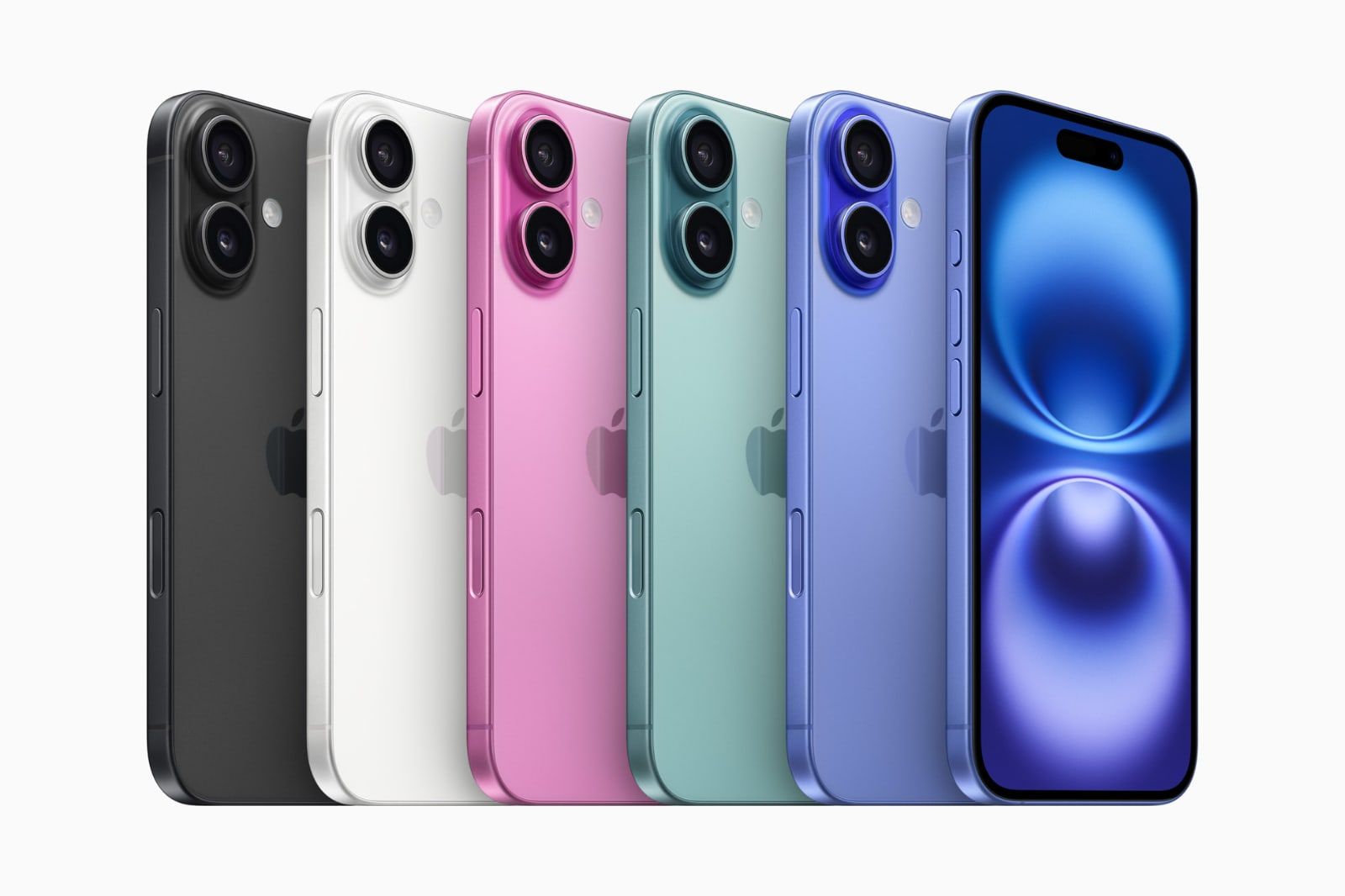
Airdrop is available on the following Apple devices:
- iPhone and iPad: Models with iOS 7 or posterior.
- Mac: 2012 models onwards with yosemite or posterior macOS.
- iPod Touch: Models compatible with iOS 7 or higher.
How does Airdrop?
Step 1: Bluetooth detection
It all starts when the device that will send the file looks for other nearby devices using low consumption bluetooth (Bluetooth LE). This allows you to find possible receptors without spending a lot of battery.
Depending on the Airdrop configuration (such as “only contacts” or “all”), only the devices that are available and ready to receive files will appear. Formerly, it could be permanently enabled. Now, if it is not a contact, you will have to select all and will last 15 minutes only.
Step 2: Wi-Fi connection
Once the device to which you want to send the file is detected, both connect with each other through Wi-Fi. It is not necessary to be connected to the Internet or the same network, a direct and safe connection is created between them, despite being involved in a cave, for example.
Step 3: Security and verification
Before the transfer begins, the connection between the two devices is verified and it is ensured that everything is encrypted. This protects the information during shipping, since it will use waves that will go through that Wi -Fi network created for this process. If the “only contacts” option is activated, the system proves that the devices are known (for example, comparing contact data).
Step 4: Archive
The issuer chooses what he wants to share and select the receiving device. At that time, the other user receives a notification to accept or reject the file. If you accept, the file is quickly transferred by Wi-Fi and is saved in the corresponding app (such as photos, files or contacts). If you use the same Icloud account, and they are your own devices, you will not even ask you, and you can do it more quickly.

Airdrop Advantages and Disadvantages
Here we can see a series of advantages and disadvantages of this method, which, if we have Apple devices, will be ideal.
| Pros | Cons |
|---|---|
| Quick and cable transfer. | It only works between Apple devices. |
| It does not require Internet connection. | The devices must be physically close (less than 10 m). |
| Files without loss of quality. | There is no advanced control over the destination folder in some cases. |
| Security thanks to end -to -end encryption. | You can fail if Bluetooth or Wi-Fi are deactivated. |
| Direct integration into the system (you do not need extra apps). | There is no support to share with Android or Windows. |
Airdrop future
Apple continues to improve Airdrop with each version of its operating systems. In iOS 17, for example, Namedrop was introduced, an Airdrop based function that allows you to share contacts just by bringing two iPhones. In addition, more and more Apple apps make up functions that allow you to share directly using Airdrop.

Their speed and performance make us think it is difficult to improve the system, but who knows, they can surprise us with some extra or new function. What is clear is that there will be no Airdrop 2.0, since it is an almost perfect tool with respect to what we need, so, unless they open the field to other operating systems, there is not much to expect from the future of it.