
It's probably happened to you before: you have dozens of tabs open on your phone and, when trying to clean them, your finger slides too quickly and you end up deleting exactly the one you wanted to save. It is a classic problem with touch navigation that Google has decided to solve. Starting with version 144, Chrome for Android incorporates one of the most requested features of its desktop version: the fixed eyelashes.
This novelty comes to put order in the usual lack of control of our browsers. The idea is not only to avoid accidental closures, but also to give priority to those pages that we consult daily – such as email, calendar or your primary media – always keeping them accessible. Although it had already been seen in testing phases, widespread deployment begins now, integrating visually with the system interface.
How tab pinning works on your mobile
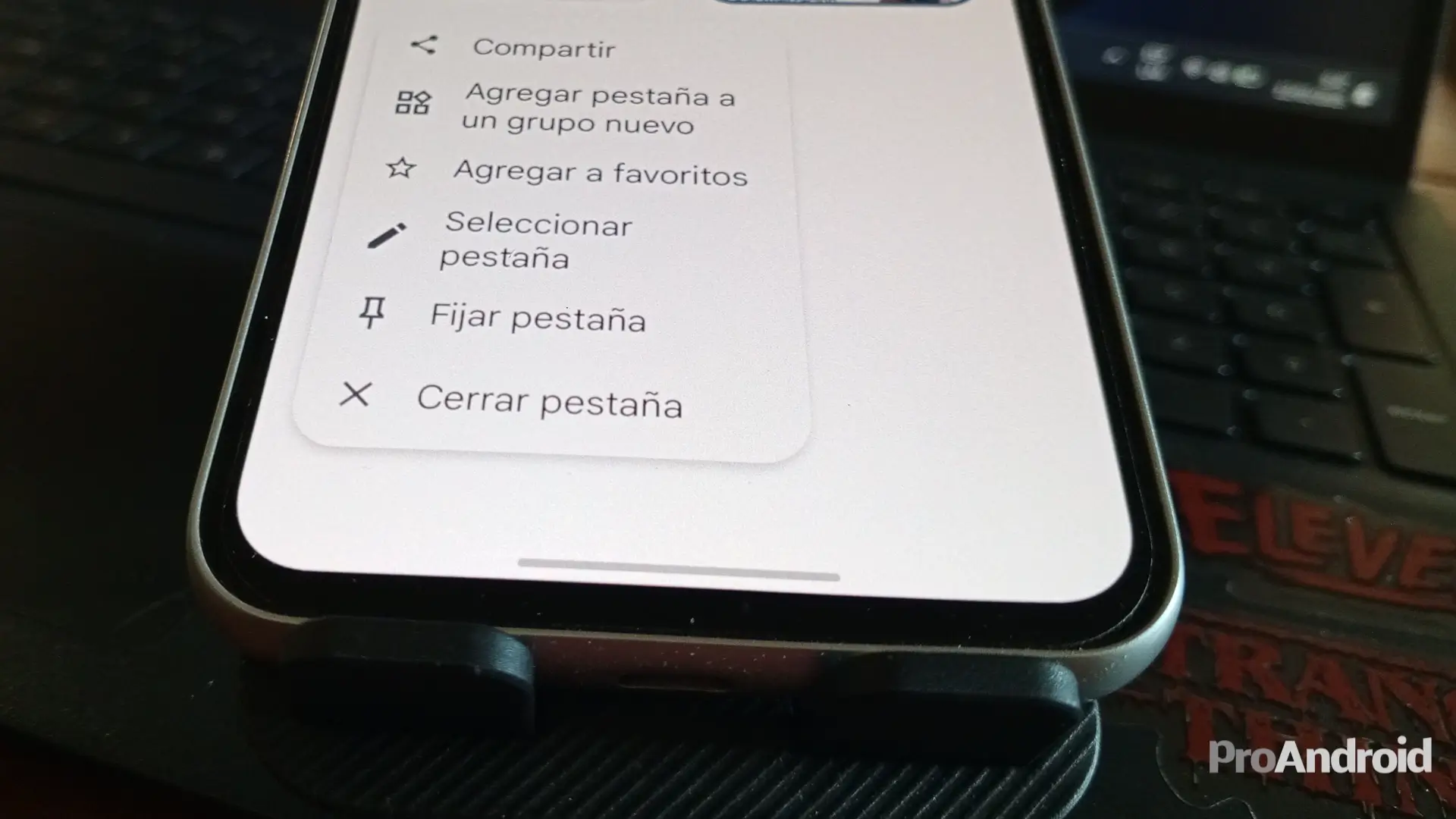
The mechanism is very intuitive and feels natural in the current grid view. To pin a website, you just have to go to the tab selector and make a long press about the card you are interested in. In the menu that appears, select the new “Pin Tab” option. By doing so, the tab will automatically move to the top of your list and the “X” icon will disappear, replaced by a pushpin. Additionally, these tabs cannot be closed by sliding to the sides, adding an extra layer of security.
Google has taken care of the details: if you have many tabs and do scroll downwards, the fixed ones are kept in a new docked carousel at the top, allowing you to jump to them quickly. It's a notable usability improvement; Honestly, such an interesting and practical novelty has not arrived in the interface since the AI Mode in Chrome It will arrive to establish itself in the app and change the way we search.
What websites are you going to leave permanently fixed on your mobile from now on?