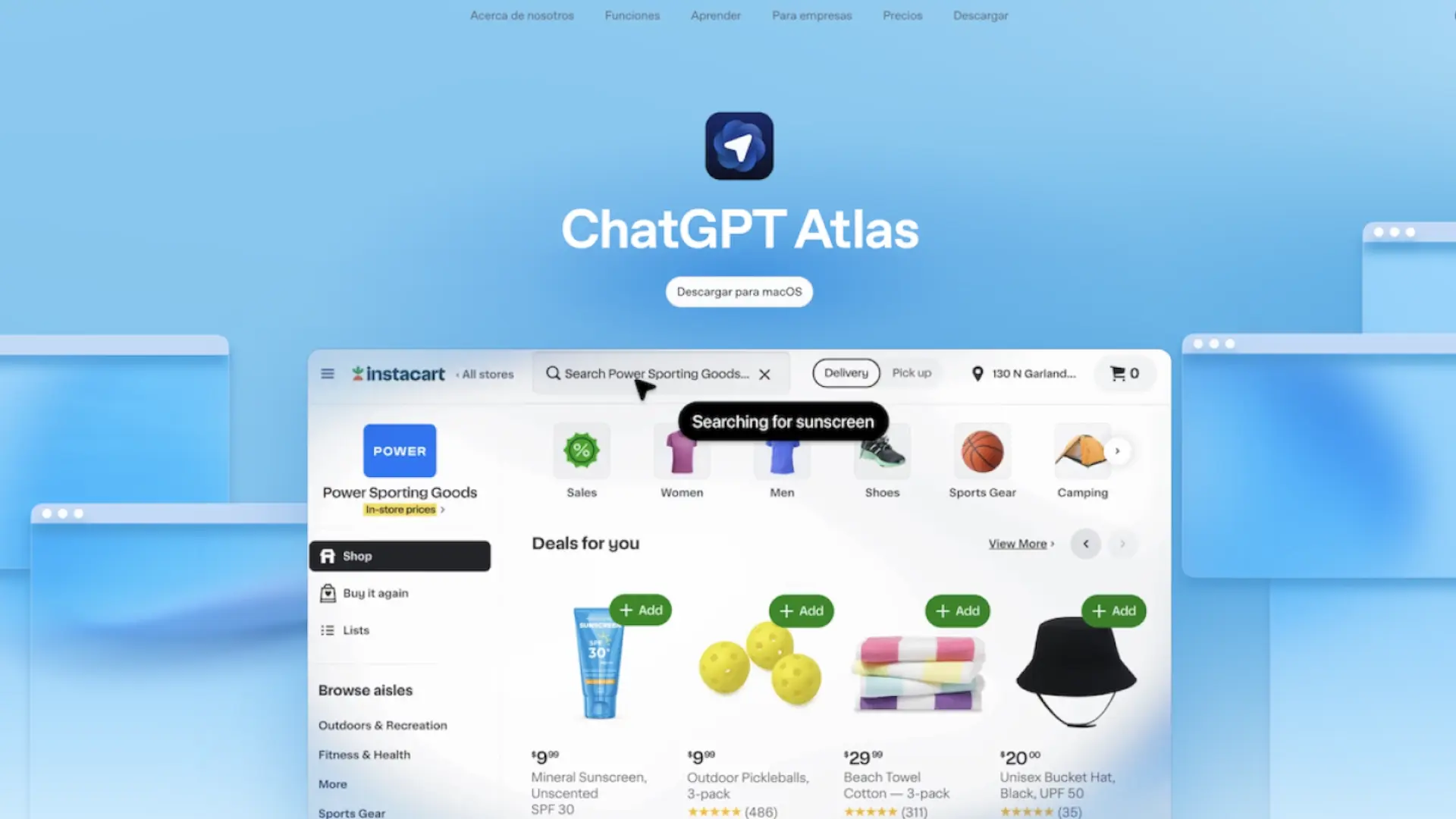

OpenAI just presented ChatGPT Atlasa browser with the assistant integrated into each tab to summarize pages, compare products or automate tasks without jumping between applications. An ambitious bet that rethinks both the way we search on the web and the way we work from the browser.
For now, Atlas is available for macOSand is expected to be available soon on Windows, iOS and Android. The key is its sidebar with ChatGPT and a “agent mode” capable of acting on your behalf (for example, doing an extensive search or filling out forms), always with the user's consent. OpenAI also boasts a memory system that preserves context between websites and offers more useful responses, with privacy controls to activate or delete that intelligent history.
What is ChatGPT Atlas and why it matters
OpenAI maintains that artificial intelligence allows the browser to be redesigned from its foundations: Atlas integrates ChatGPT into the interface itself to turn it into a persistent assistant. You are not limited to “reading” pages: you can summarize long articles, extract key data, create comparison lists either explain graphs without leaving the tab. The idea is to reduce friction and save us that going back and forth between tabs that we all suffer when we research or buy online.
Another notable novelty is the so-called agent mode. Here, the assistant can navigate, click and take actions inside the page to complete small tasks. OpenAI presents it as a function in the testing phase and with visible controls (allow or deny each step), an approach similar to what other platforms are already testing, but with ChatGPT as the core of the flow.
Key features: Sidebar, memory and privacy controls

The sidebar Atlas is always just a touch away to contextualize what you see: you can request a summary, translate, generate a table with specifications or request quick comparisons between products. The memoirs they keep preferences and context so that the assistant “remembers” what you were researching and does not start from scratch in each tab.
OpenAI promises clear controls: you can deactivate memoriesdelete specific elements or work in non-registration mode. There are also indicators when the agent acts, so you always know what they're doing and why. These are important details in an environment where privacy and the authorship of the contents They are at the center of the debate.
Availability and the challenge of measuring yourself with Chrome
Atlas starts in macOS and will arrive “soon” Windows, iOS and Android. The challenge is huge: Google Chrome dominates the market and the habits of millions are difficult to change. In its favor, Atlas offers immediate productivity for those who already use ChatGPT daily and are looking for fewer lashes and more results.
In the short term, the big question is whether agent mode and integrated memory add value without compromising trust. If OpenAI gets it right transparency controls and performance, Atlas can become the go-to browser for tasks, not just pages.
Is it time to change browsers?
OpenAI's movements continue to surprise noticeably, from the integration by ChatGPT on Spotifynow we see the launch of a new search engine, which has high potential. In short, if you live between comparisons, PDF files and technical sheets, Atlas promises fewer clicks and more context. If you prioritize extensions and ecosystem, you may still be comfortable in your usual browser. Are you tempted to try a browser with AI integrated into every corner or are you still not seeing the change? We read you in the comments.