
The Realme UI 7.0 (Realme's own user interface), based on Android 16continues to expand its early access beta program. After starting a few weeks ago in the most powerful models, the brand begins to bring the update to the mid-range, especially highlighting the Realme 14The Realme 14 Pro and the Realme Narzo 80 Proin addition to the already mentioned Realme P3.
This decision follows the company's official roadmap, which plans to incorporate a large part of its catalog into the Realme UI 7.0 beta between the end of 2025 and the beginning of 2026. However, in this fourth phase there was no official announcement. The expansion was known thanks to users and specialized media, who detected a new Android 16 based firmware for these mid-range models.
More mid-range phones join the Realme UI 7.0 beta
Realme launched early access at the end of October with the GT 7 Pro, the first device to test the new layer before the launch of the GT 8 Pro, which will include it natively. At the beginning of November, the Realme GT 7, Realme GT 7 Dream Edition and Realme GT 7Twhile a few days later it was the turn of the Realme GT 6 and Realme GT 6Talways in limited and staggered waves.
The important leap now comes with the fourth round, finally focused on the mid-range. He Realme P3 the first mid-range model to receive Realme UI 7.0and, according to the latest builds detected, versions such as:
- Realme 14T: RMX5078_16.0.0.200
- Realme 14 Pro: RMX5056_16.0.0.205
- Realme Narzo 80 Pro: RMX5033_16.0.0.205
All of them labeled as trial software based on Android 16.
This is how you can sign up for the beta program on your Realme
If you have one of these compatible phones and want to try the new layer before anyone else, you will have to sign up for the Realme UI 7.0 beta program from the phone settings. First of all, it is advisable to update to the latest stable version available, make a full backup, have at least 40% battery and reserve several free gigabytes of storage, because the update package takes up a lot of space and is downloaded via OTA (over-the-air update).
The process is simple, although somewhat difficult to find. You must first activate the developer options by going to Settings > About device > Version and tapping the build number seven times in a row. Then go back to About device, tap the Realme UI 7.0open the three-dot menu, enter «Beta program» and choose “Early Access”. There you can send your application and, if there are places, you will receive the update in a few days.
Remember that this is a beta version, so it is normal to find errors, higher battery consumption or applications that do not work as they should. It is not the best idea to install it on your main phone, no matter how much you would like to see the new design as soon as possible, and you can always go back to Realme UI 6 using the reversion packages to the stable firmware that the brand itself publishes in its community.
The main new features of Realme UI 7.0 that you can now try
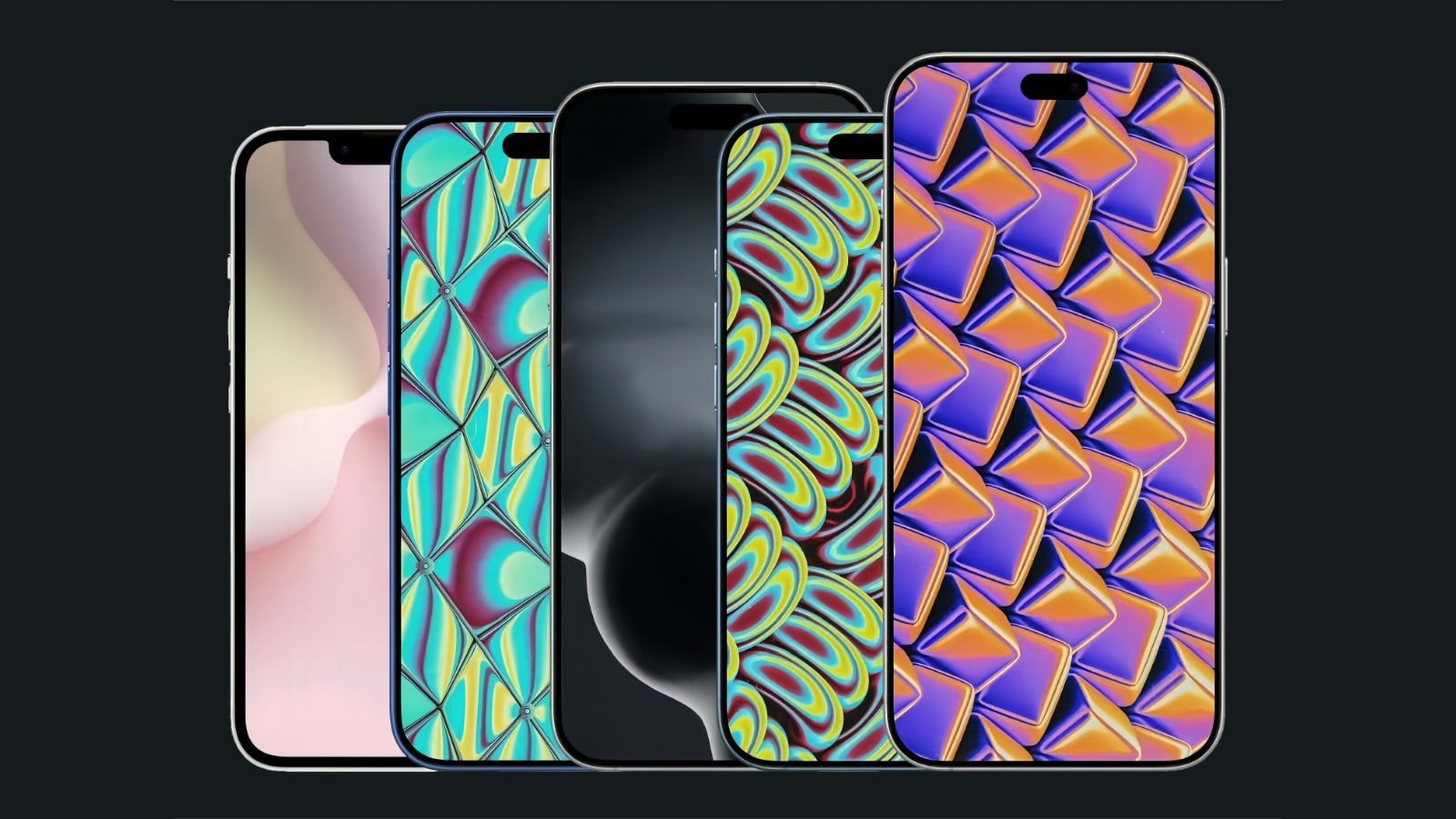
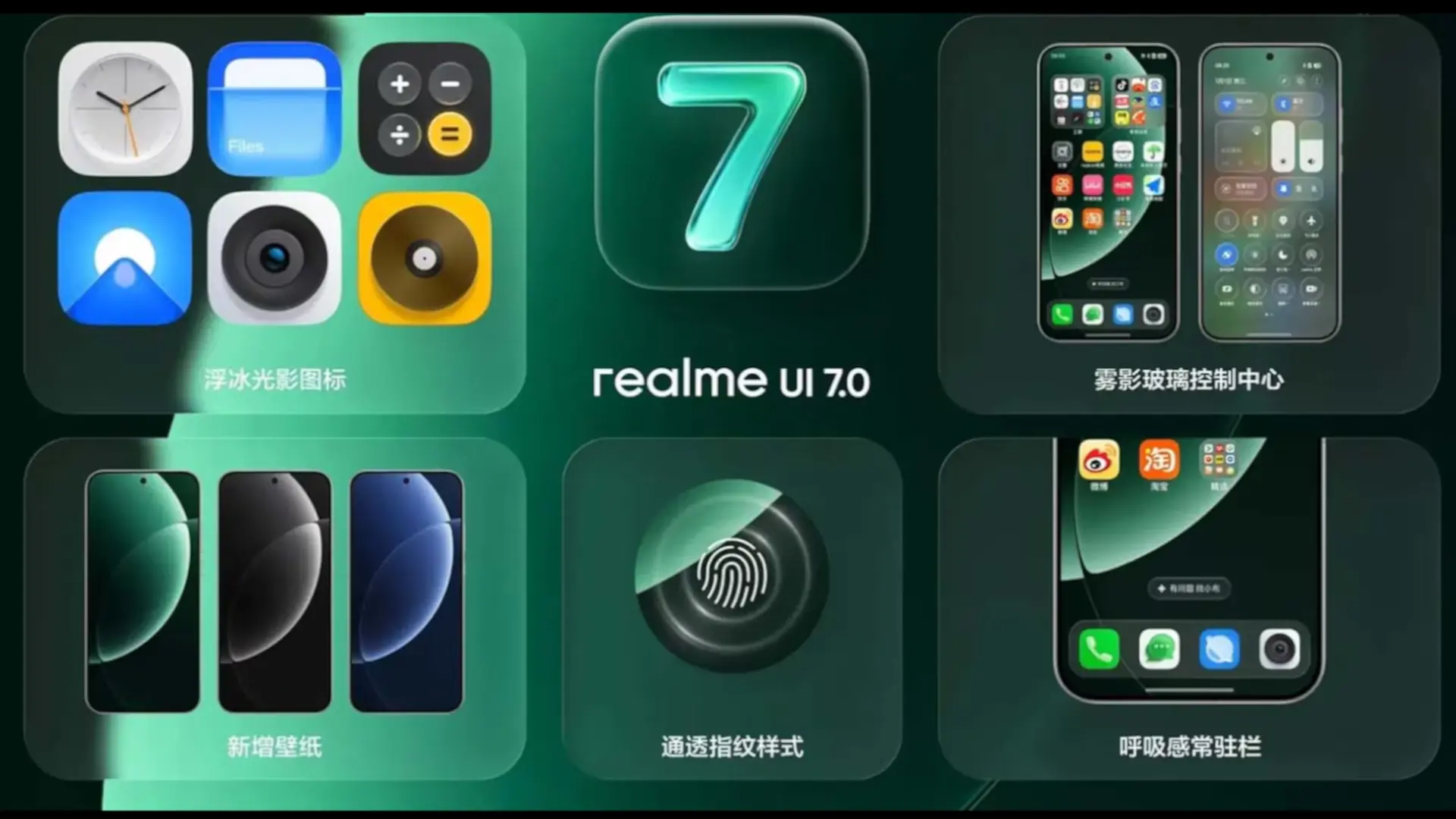
As for news, Realme UI 7.0 opts for a “Light Glass” look with transparencies and reflections reminiscent of glass, new icons called «Ice Cube Icons» and a «Misty Glass Control Center» with blurred background. Also arriving is an improved multitasking side panel, new themes «Flux Theme 2.0» with always-on displays with panoramic design and a performance engine that promises smoother animations and faster response when opening apps and scrolling through the system.
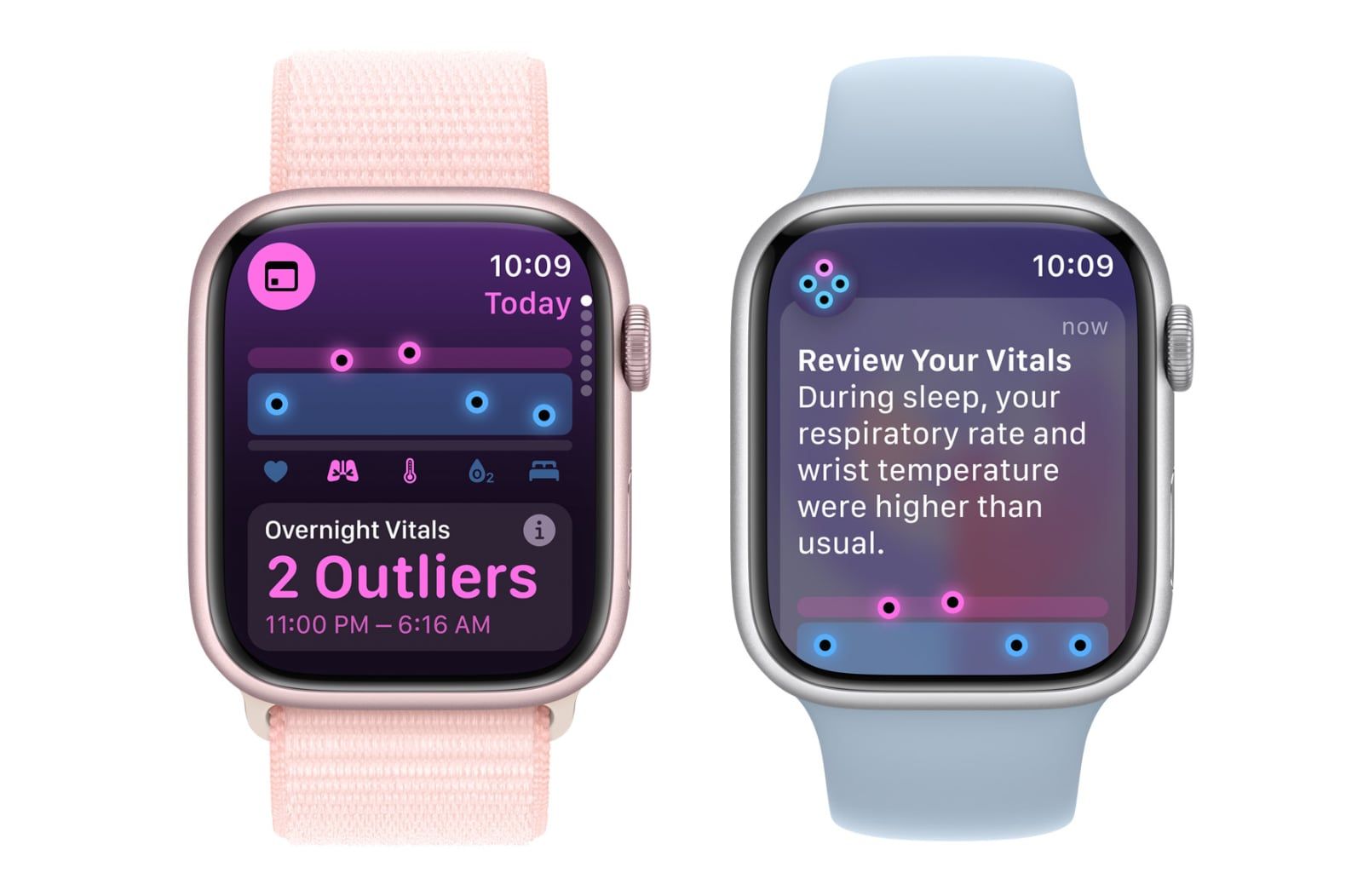
The list continues with artificial intelligence (AI) functions, such as «AI Notify Brief»which groups notifications into summaries by time slots; «AI Framing Master» to help you frame your photos better or “AI Gaming Coach” to optimize games. In addition, the layer reinforces the connection with other devices, allowing you to link with an iPhone or an Apple Watch to see calls, messages and health data on your Realme mobile. On paper it sounds very good, but we will have to see if the brand refines the experience in these betas and, above all, how the stable version arrives in Europe. Would you dare to install the beta of Realme UI 7.0 on your Realme or do you prefer to wait for the final update?